Free risograph effect, with real separations
To give a photo a risograph look for free, open it in Mote Web below, already set to the Chroma mode and the blue and fluorescent pink duo, or in Mote, the free Windows app. Mote is a free Windows app that splits the image into ink layers, as for a real riso, and exports those layers for the printer.
Chroma knows 78 named Riso inks and 42 official ink combinations, plus 348 harmonies from Sanzo Wada’s Dictionary of Color Combinations. Each layer can be shifted, scaled or rotated: the imperfect registration is what gives riso its charm.
Examples
Renders made in Mote. Hover an image for the 1:1 loupe.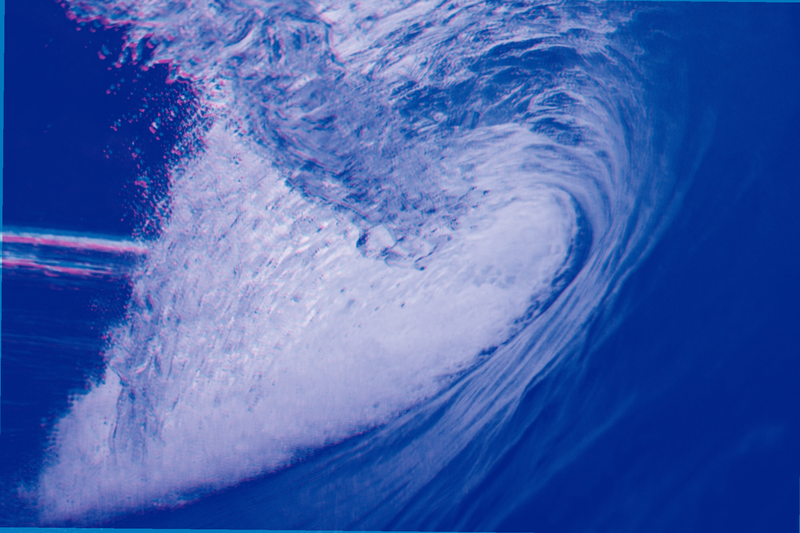
Chroma · Classic Riso · layer 2 shifted 5 px
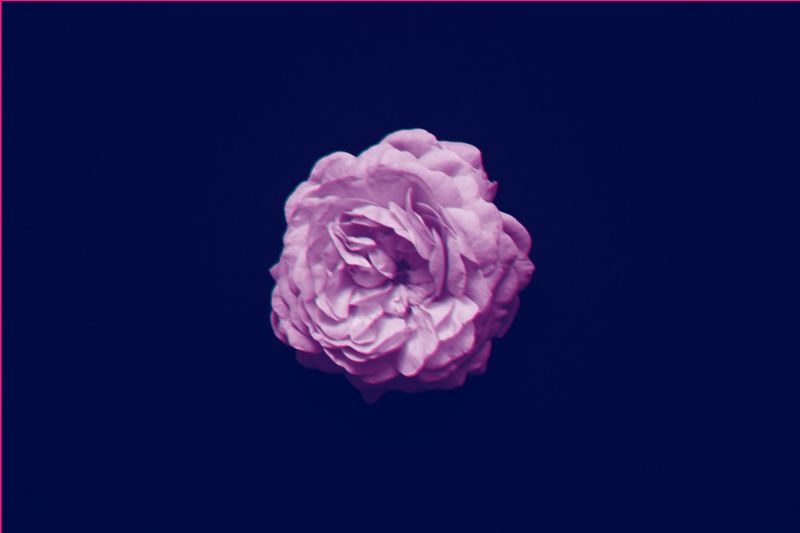
Chroma · Riso · Fluorescent Pink + Teal
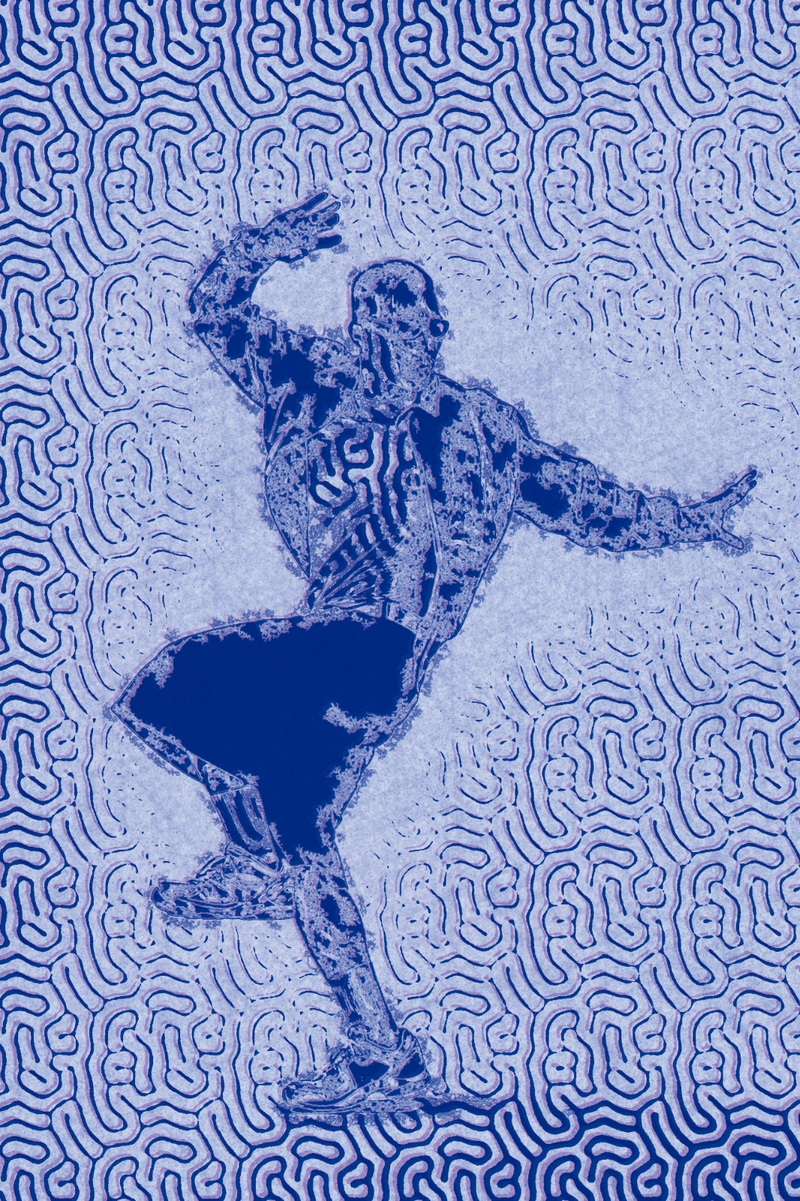
Chroma · Classic riso
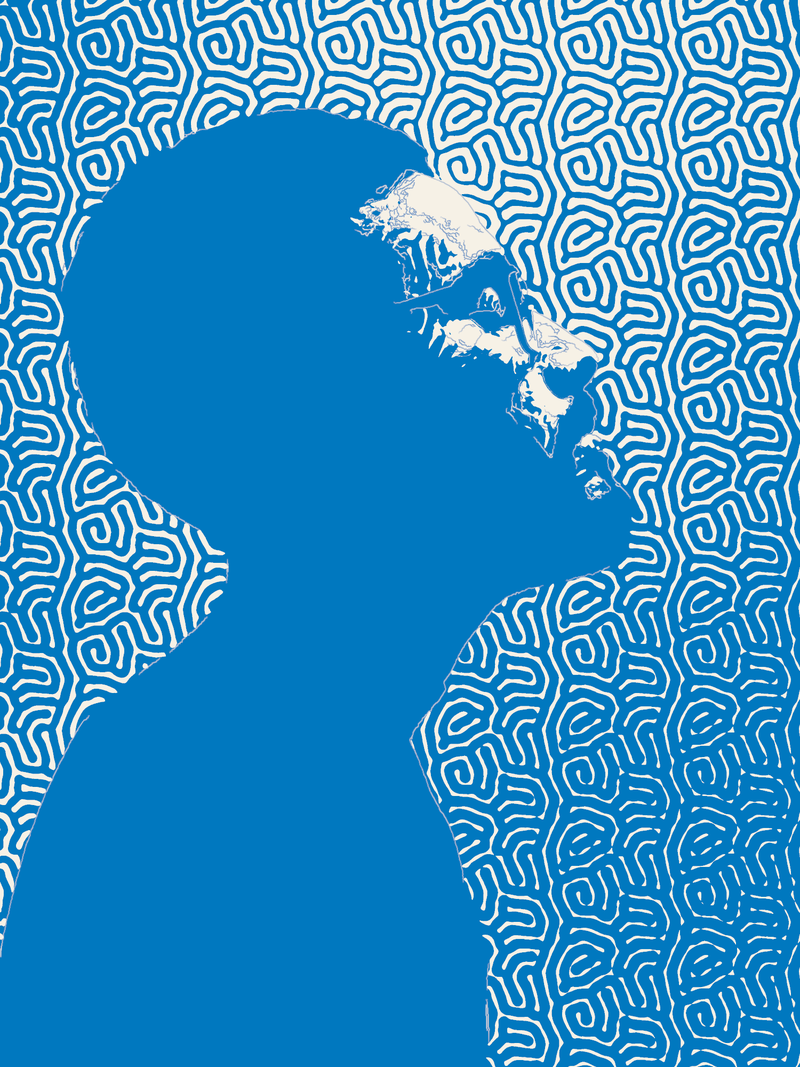
Spora · Mazes · Riso blue on paper
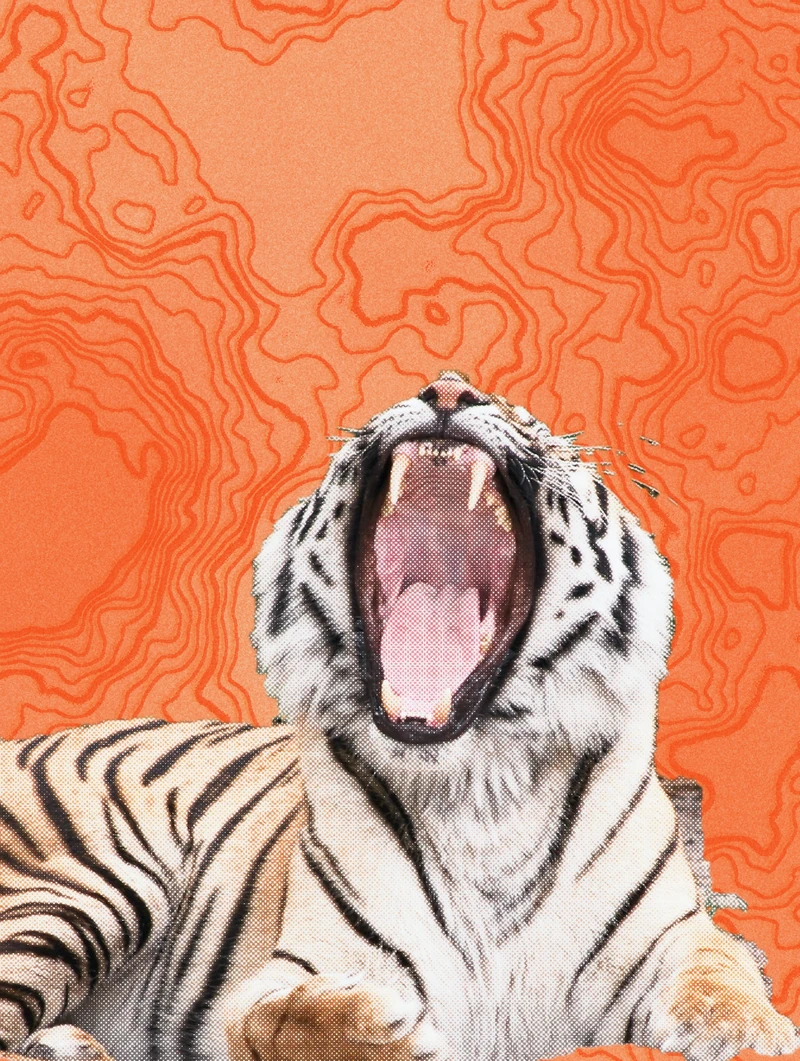
Prisma · Contour lines and two offset risographs
One colour, one pass, one drum.
The risograph is a Japanese duplicator launched by Riso Kagaku in the 1980s for schools and offices. It cuts a stencil (the master) and pushes ink through it, one colour per pass. Print studios and zine makers adopted it for its very saturated soy-based inks, including a fluorescent pink and yellow that no office printer can match.
A riso print shows three things: bright inks that overlap transparently, an irregular grain, and layers slightly out of register, because the paper never goes through in exactly the same place twice. Chroma reproduces the first two through separation and ink choice, the third through each layer’s position. For grain, Prisma’s Risograph effect adds the soy grain and two misregistered passes.
How to do it in Mote, in three steps.
- 01Open your photo in Chroma. Multilayer mode: the image is split into layers, one per ink.
- 02Pick the inks. An official Riso combination (Fluorescent Pink + Teal, Blue + Yellow…) or a Wada harmony. Set each layer’s coverage, then shift one by a few pixels.
- 03Export the image or the layers. A PNG for screens, or “Separate”: one image per layer to take to the riso studio, which makes one master per ink.
- Inks
- 78 Riso inks · 42 official combinations
- Palettes
- 456, incl. 348 Wada harmonies
- Coverage
- 0 → 100
- Position
- x · y · scale · rotation
- Export
- PNG · CMYK TIFF · one image per layer
In your browser, nothing to install.
Mote Web opens on Chroma, “Classic riso” palette (blue and fluorescent pink) on cream paper. The “Layer offset” slider moves the registration.
Open in Mote Web →Questions
- What is risography?
- A stencil printing technique, one colour at a time, on a Riso duplicator. It is loved for its fluorescent inks, its grain and its slight misregistration.
- How do I fake a riso without a printer?
- Split the image into two or three Riso inks in Chroma, shift one layer by 3 to 6 pixels, then add grain with Prisma’s Risograph or Paper effect.
- How do I prepare a file for a riso studio?
- The studio expects one greyscale image per ink. Chroma’s “Separate” button writes exactly one image per layer into a folder. Ask the studio which inks it has and what resolution it wants before exporting.
- Which ink colours exist?
- Chroma has 78, with their official names: Blue, Fluorescent Pink, Yellow, Teal, Red, Black and many more. Each studio only owns some of them.
- Why shift the layers?
- Because a real riso is never perfectly registered. A slight shift of a few pixels makes the image believable; a big one becomes a graphic effect of its own.
Related effects
- 06Free duotone effect
Two inks, and the whole picture. - 01Free halftone effect: turn a photo into dots
A photo turned into dots, like a newspaper or a comic. - 05Stippling generator with SVG export
Thousands of dots placed one by one, as SVG or PDF. - 07VHS and glitch effects, free and watermark-free
Tape, CRT screen, corrupted file, in real time. - M04See the mode Chroma
Split the image into ink layers, pick the inks, nudge them. Riso, CMYK, duotone. - M06See the mode Prisma
Real-time effects stacked like layers. Glass, VHS, bleeding ink, paper. - M01See the mode Spora
Screens that grow by themselves: reaction-diffusion, spirals, fingerprints. No dot ever lands in the same place twice.