VHS and glitch effects, free and watermark-free
To give a photo a VHS or glitch look for free, open it in Mote, the free Windows app, and send it to Prisma, the effects lab. Mote is a free Windows app whose Prisma mode stacks effects computed in real time on the graphics card: VHS, glitch, CRT screen, film grain, pixel sorting.
These effects move: noise, dropouts, jumping lines. Prisma records that animation as an MP4 or WebM video, with no watermark. To be clear: they apply to a still image, not yet to an existing video; to screen a video, use Kinema.
In Mote : Prisma
Examples
Examples from the same family of Prisma effects (screens, signal, film): LED panel, RGB waves, neon, burnt film.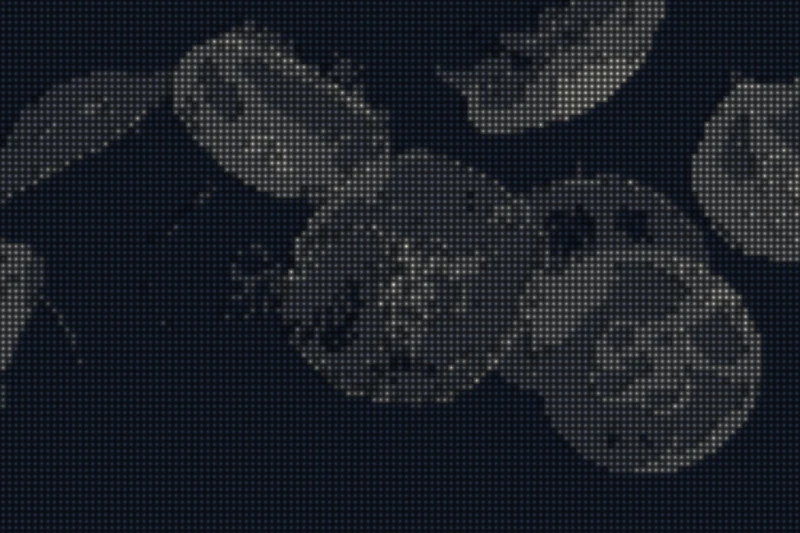
Prisma · Paper cut, then LED panel
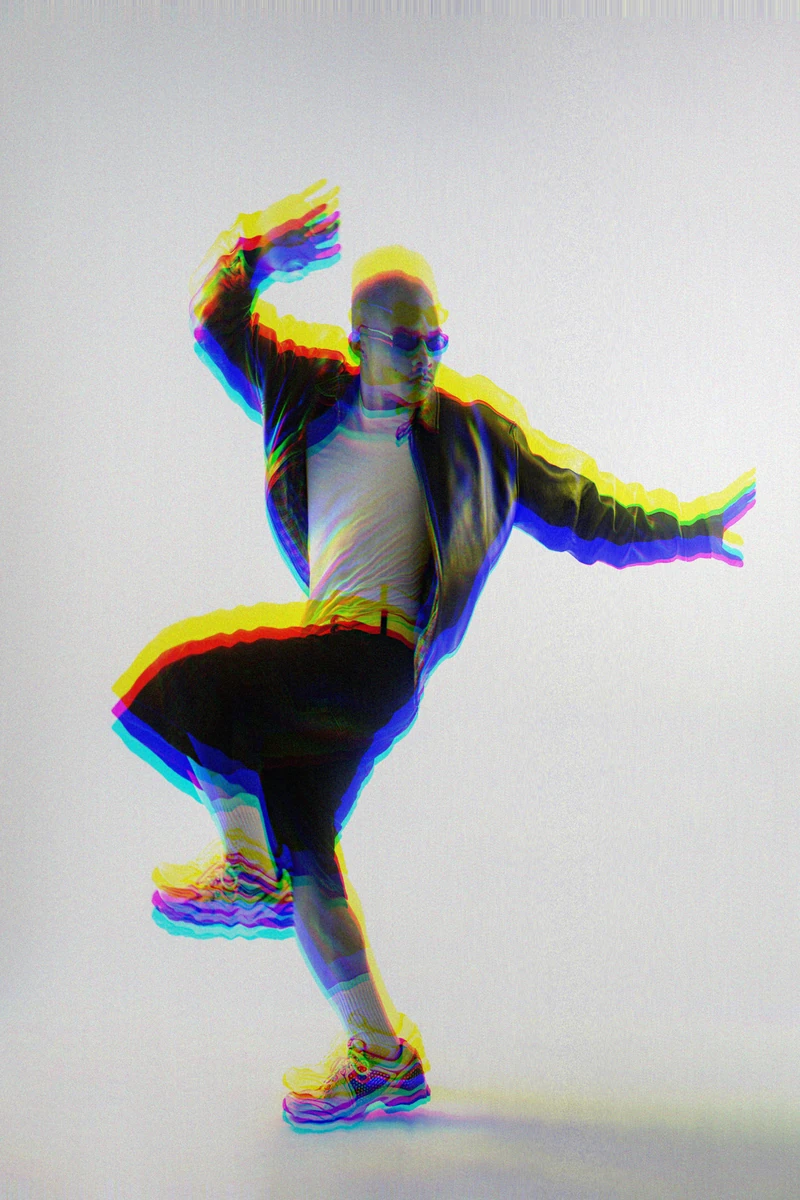
Prisma · RGB waves
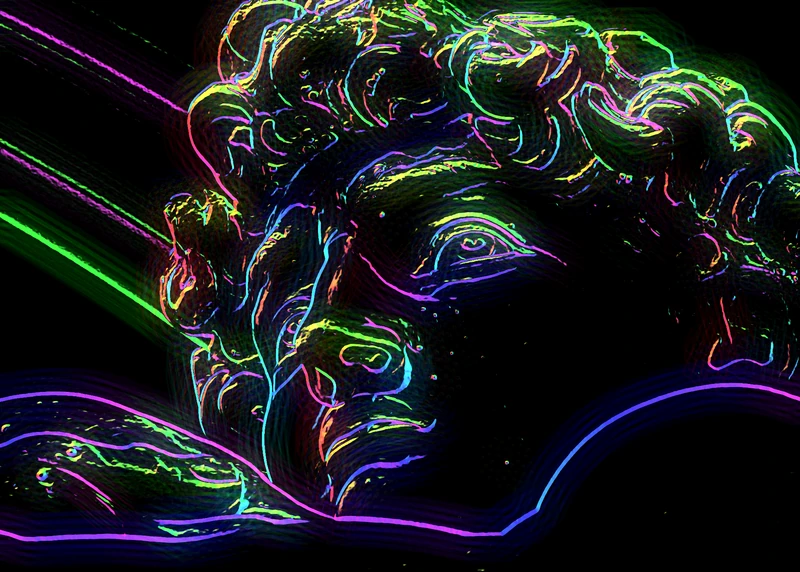
Prisma · Neon · edges and glow
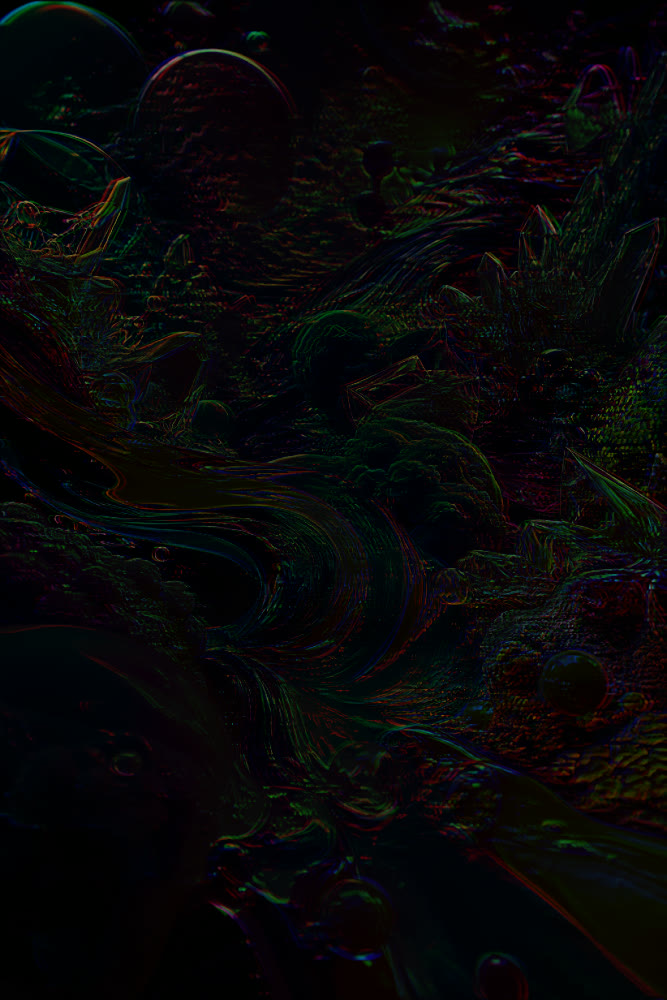
Prisma · Burnt film and RGB waves · animated
Machine faults, turned into a style.
The VHS look borrows the faults of video tape: colours bleeding past the edges, bands of noise at the bottom of the frame, lines shifting when the VCR loses tracking. Glitch imitates a damaged digital file: displaced blocks, red, green and blue channels pulled apart, pixels smeared into streaks.
In Prisma each fault is a separate effect, with its own settings, blend mode (17 to choose from), opacity and zone. So you can dose it: light VHS over the whole image, glitch only in one band, a CRT screen on top for scan lines. And since Prisma takes the output of the other modes, a Puncta screen or a Glypha ASCII render can go “on TV” too.
How to do it in Mote, in three steps.
- 01Open your photo and send it to Prisma. It opens in a screening mode; send the original or the render to Prisma.
- 02Stack the effects. VHS, Glitch, CRT screen, Pixel sort, Film grain: add them, tune each one, reorder them. Ctrl+K then “vhs” finds them too.
- 03Export the image or the video. Image at 1× to 4× as PNG, WebP or JPEG; or an MP4 or WebM video of the animation, up to 1920 px on the long side.
- Effects
- VHS · Glitch · CRT screen · Pixel sort · 35 mm film
- Blend
- 17 modes
- Zone
- rectangle · ellipse · gradients
- Image export
- 1× → 4× · PNG · WebP · JPEG
- Video export
- MP4 · WebM, up to 1920 px
Not in Mote Web.
VHS and glitch live in Prisma, which is not in Mote Web: you need the app. Mote Web offers screens and ASCII; in the app, Glypha also has a glitch animation for characters.
Download for Windows ↓Questions
- How do I give a photo a VHS look?
- In Prisma, add the VHS effect, then optionally CRT screen and Film grain. Lower the intensity: believable VHS is subtle.
- And on an existing video?
- Not yet. Prisma works on a still image and exports its animation as video. Kinema, the video mode, applies Spora, Puncta and Linea screens and Glypha ASCII to a video, but not Prisma’s effects.
- No watermark, really?
- Yes. Mote is free and adds nothing to exported images or videos.
- CRT or VHS effect?
- VHS imitates the tape (bleeding colours, noise, dropouts); CRT imitates the screen (scan lines, RGB mask, curved glass). The two combine.
- Can I combine it with a screen?
- Yes: make the screen in Puncta or Spora, send the render to Prisma, then add VHS or glitch on top.
Related effects
- 08Fluted glass effect
The image behind ribbed glass, in real time. - 09Print effects on video
Halftone, ASCII, stippling and dithering on video, frame by frame. - 02Turn any image into ASCII art
An image or a video rebuilt from characters. - 04Free risograph effect, with real separations
Riso inks, misregistration, and real layers for the print shop. - M06See the mode Prisma
Real-time effects stacked like layers. Glass, VHS, bleeding ink, paper.