Free duotone effect
To make a duotone photo for free, open it in Mote Web below, already set to two inks (teal and coral), or in Mote, the free Windows app. Mote is a free Windows app that makes duotones in two ways: by splitting the image into two ink layers (Chroma), or by screening it in one ink on coloured paper (Spora, Puncta).
With Chroma, each ink is a layer you can recolour, dose and export separately: the file is ready for two-colour printing. With Spora and Puncta, the duotone sits on top of a screen: gold on night, riso blue on cream, red on white.
Examples
Renders made in Mote. Hover an image for the 1:1 loupe.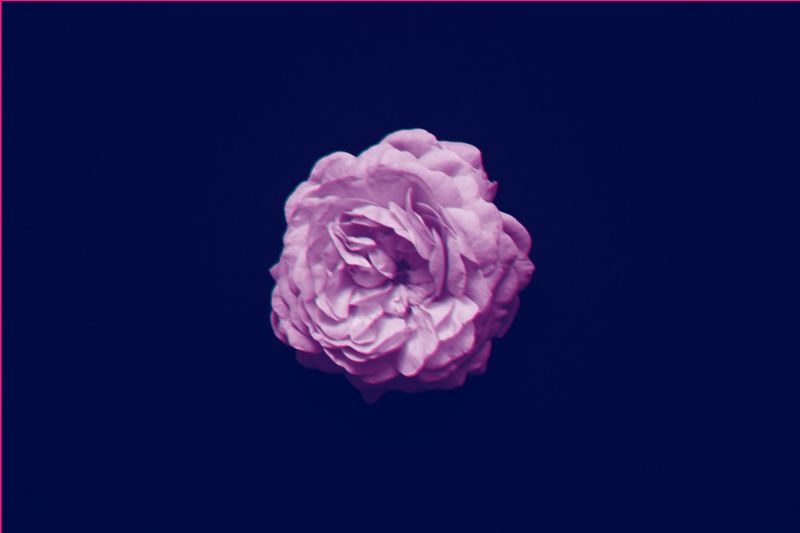
Chroma · Riso · Fluorescent Pink + Teal
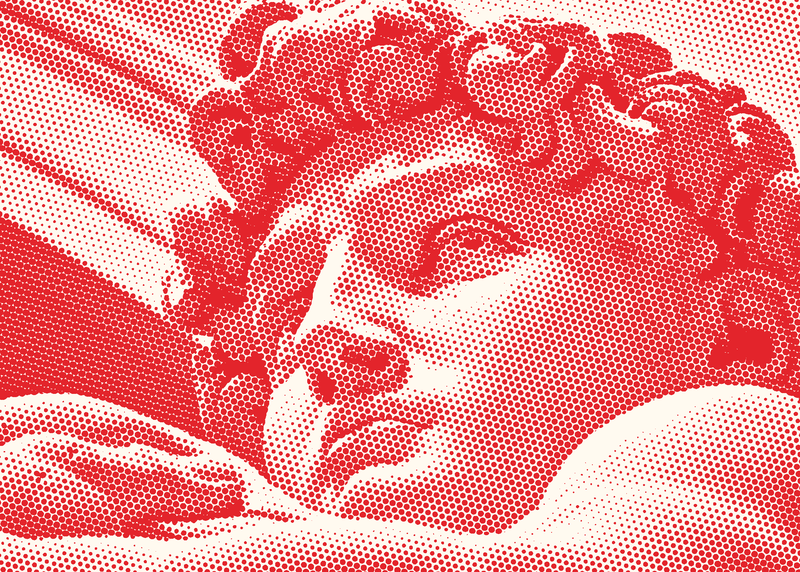
Puncta · Red Ben-Day · duotone
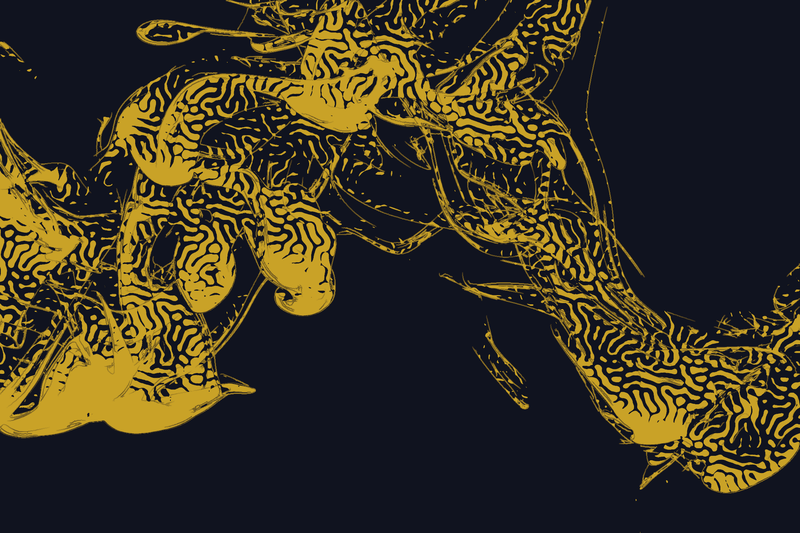
Spora · Gold on night
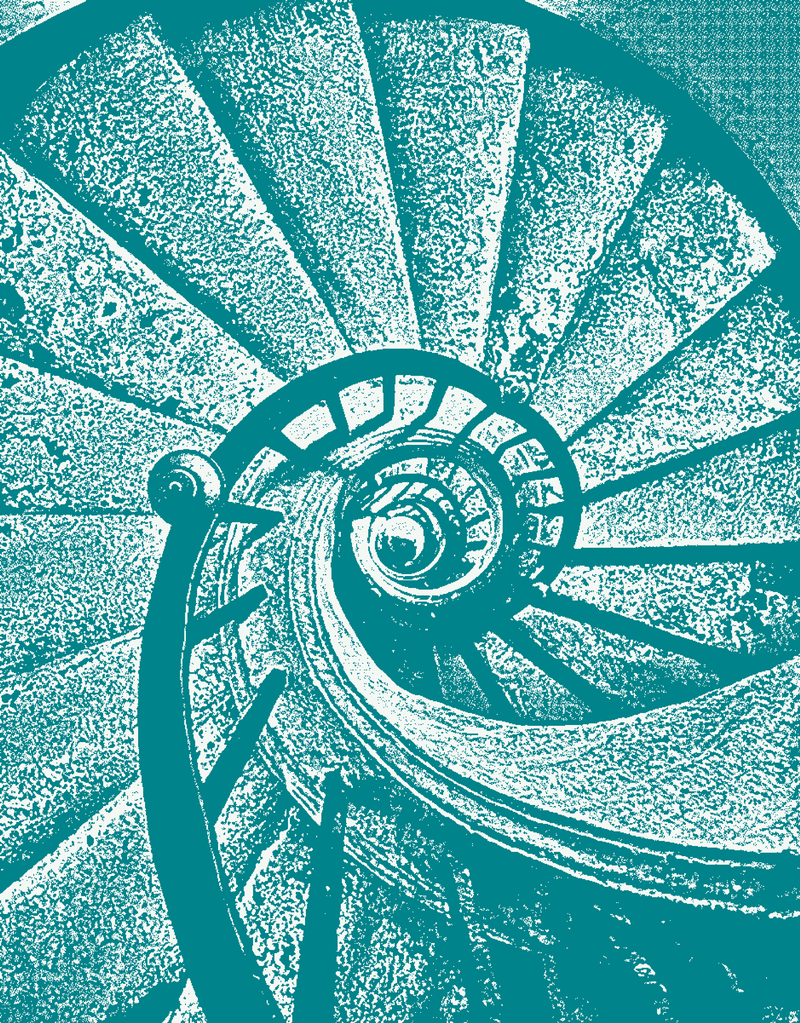
Puncta · Bitmap · one teal ink
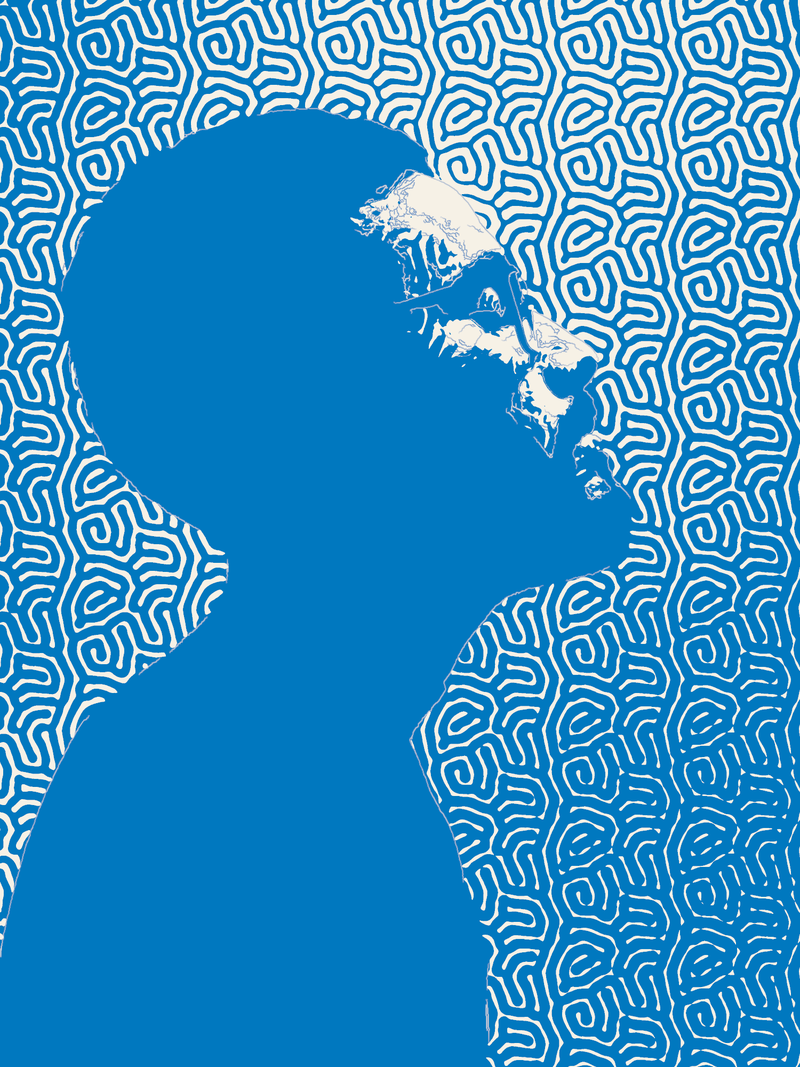
Spora · Mazes · Riso blue on paper
A picture pulled in two colours.
In printing, a duotone prints a photo with two inks instead of one: often black plus a colour, to deepen the shadows and tint the greys. Photography books have used it for a long time. In digital design the word mostly means the bold version: shadows in one colour, highlights in another, as in Spotify’s campaigns in the mid-2010s.
The secret of a good duotone is the difference in value between the two inks: a dark ink for shadows, a light one for highlights. Two colours of the same value, like a mid red and a mid green, make a flat image. Chroma’s riso palettes are already built on that contrast.
How to do it in Mote, in three steps.
- 01Open your photo. In Chroma for two ink layers, or in Puncta and Spora for a duotone screen.
- 02Pick the two colours. A two-ink palette (Classic riso, Teal + coral…), two Riso inks from the swatch book, or your own colours. Set each one’s coverage.
- 03Export. A PNG or JPEG for the web; one image per layer for the printer.
- Colours
- two-ink palettes · 78 Riso inks · any colour
- Coverage
- 0 → 100
- Offset
- x · y · rotation
- Screen
- none (Chroma) or Spora, Puncta in duotone
In your browser, nothing to install.
Mote Web opens on Chroma, “Teal + coral” palette on cream paper. Set the offset to zero for a clean duotone, or try “Classic riso”.
Open in Mote Web →Questions
- Duotone or two-colour?
- In French print jargon it’s “bichromie”; in English, duotone. Both mean an image printed or rendered with two inks.
- How do I choose two colours?
- One dark and one light, contrasting in value. Navy and yellow, burgundy and pink, forest green and cream almost always work.
- How do I prepare a duotone for print?
- In Chroma, export one image per layer: the printer or riso studio pulls each layer in its ink. For conventional offset, ask the printer what format it expects.
- What about three colours, or CMYK?
- Chroma also has three- and four-ink palettes (70s poster, Bauhaus) and a real CMYK mode, exportable as CMYK TIFF.
Related effects
- 04Free risograph effect, with real separations
Riso inks, misregistration, and real layers for the print shop. - 01Free halftone effect: turn a photo into dots
A photo turned into dots, like a newspaper or a comic. - 03Free dithering effect for photos and video
Pixel dithering: Floyd-Steinberg, Atkinson, Bayer. - 05Stippling generator with SVG export
Thousands of dots placed one by one, as SVG or PDF. - M04See the mode Chroma
Split the image into ink layers, pick the inks, nudge them. Riso, CMYK, duotone. - M02See the mode Puncta
The printer’s screen in every form: offset dot, Ben-Day, engraving, error diffusion, Bayer, noise. - M01See the mode Spora
Screens that grow by themselves: reaction-diffusion, spirals, fingerprints. No dot ever lands in the same place twice.