Free halftone effect: turn a photo into dots
To make a halftone for free, open your photo in Mote Web below (nothing to install) or in Mote, the free Windows app, and pick the Puncta mode. Mote is a free Windows app that turns photos and videos into print screens: the magazine offset dot, comic-book Ben-Day dots, engraving lines.
Puncta offers 120 screen styles. Lineature goes from 0.1 to 600 lpi, the angle is set to the degree, and the render can be black and white, two inks, CMYK or RGB. The result exports as a full-size PNG, or as an MP4 video through Kinema.
Examples
Renders made in Mote. Hover an image for the 1:1 loupe.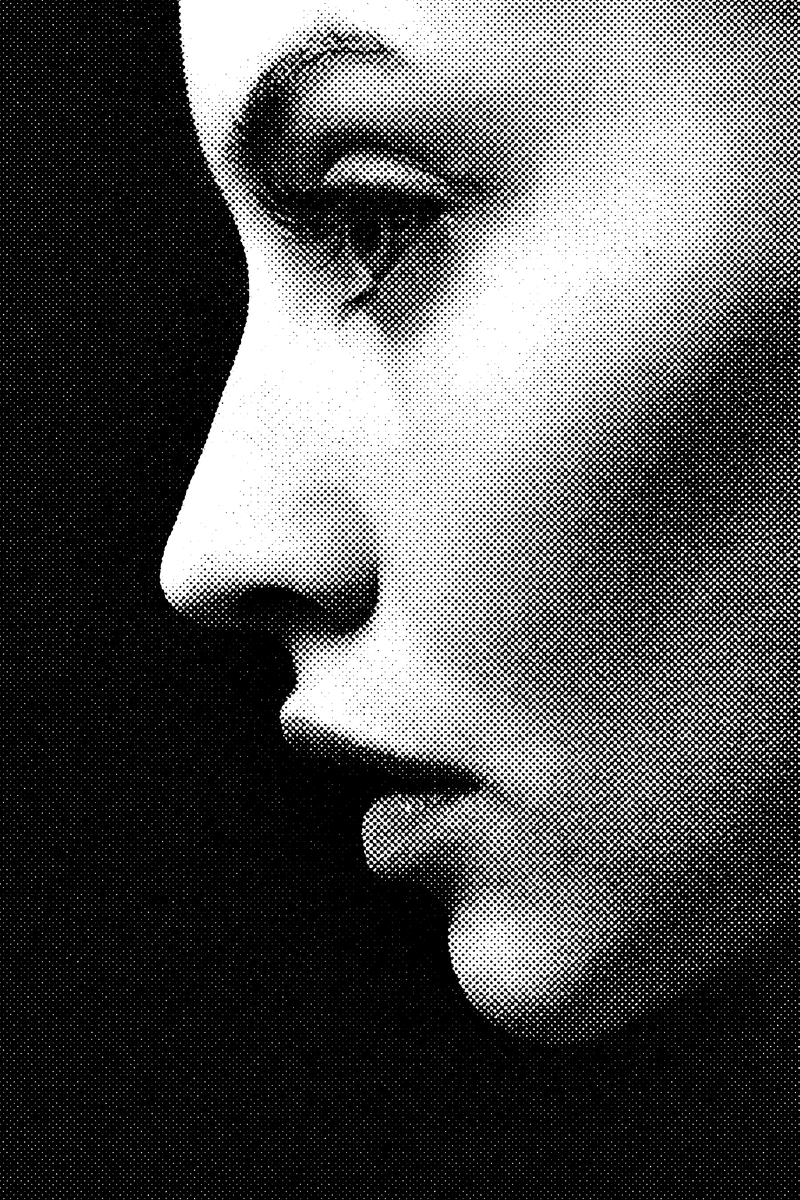
Puncta · AM · Euclidean dot · 45°
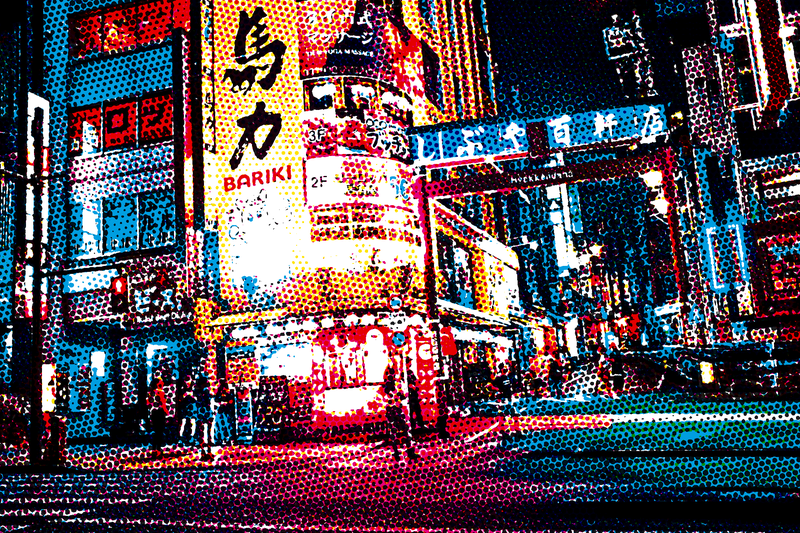
Puncta · CMYK Ben-Day
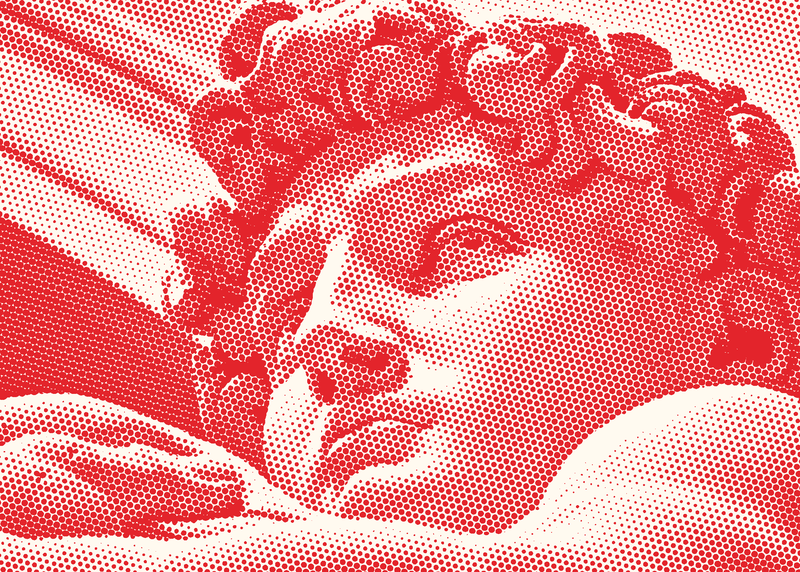
Puncta · Red Ben-Day · duotone
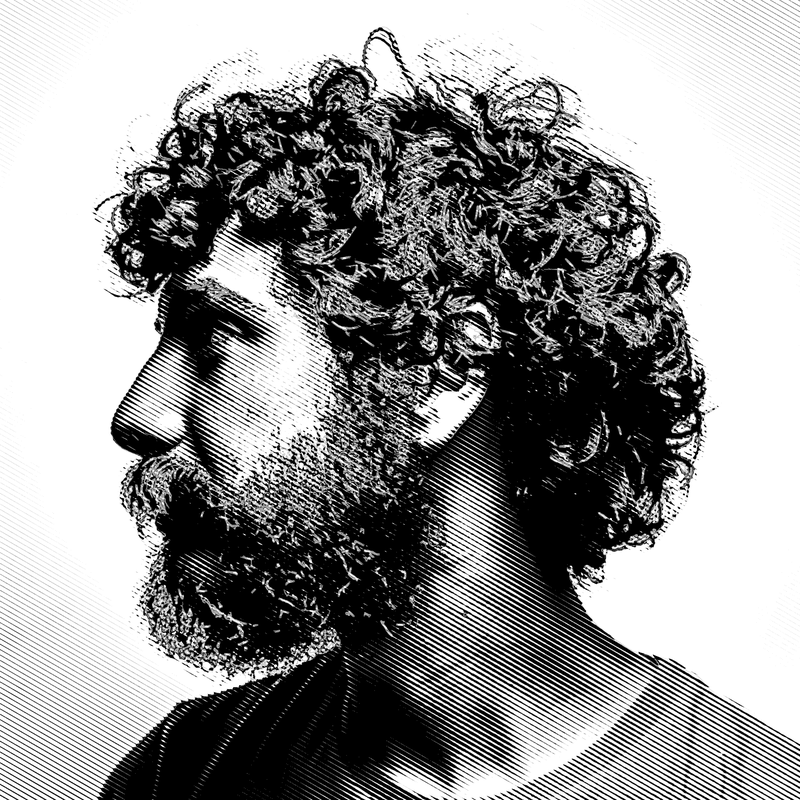
Puncta · Engraving · lines at 30°
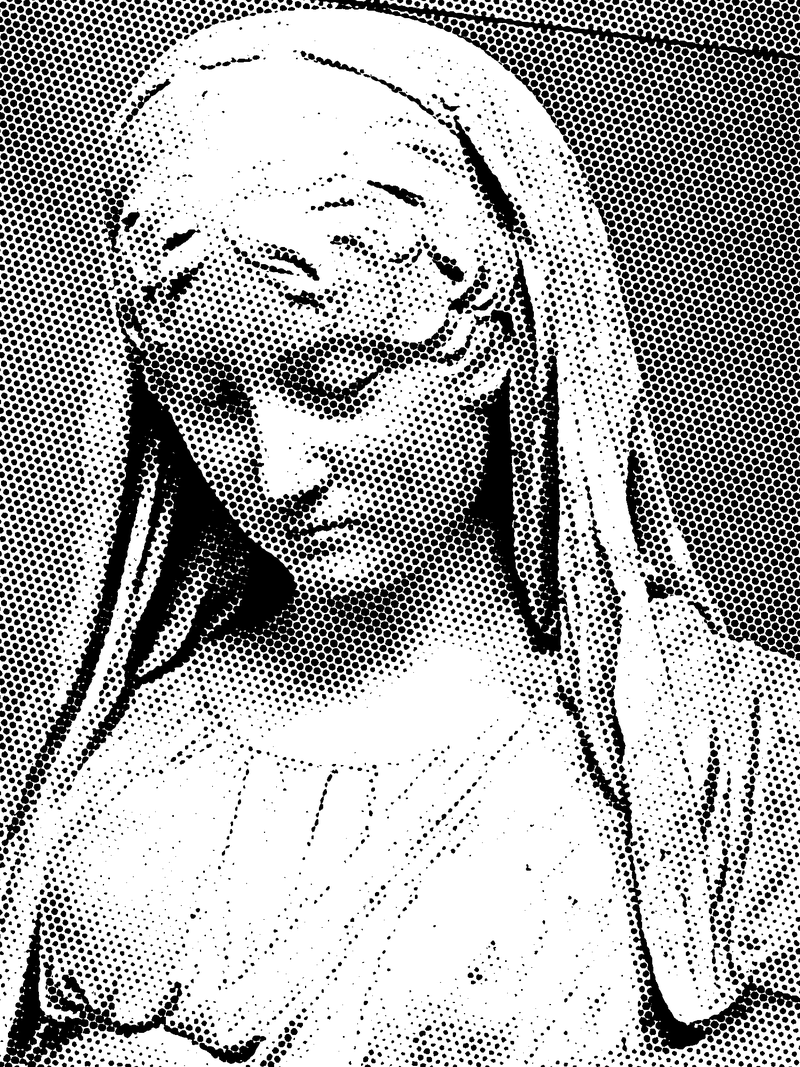
Puncta · Comic Ben-Day
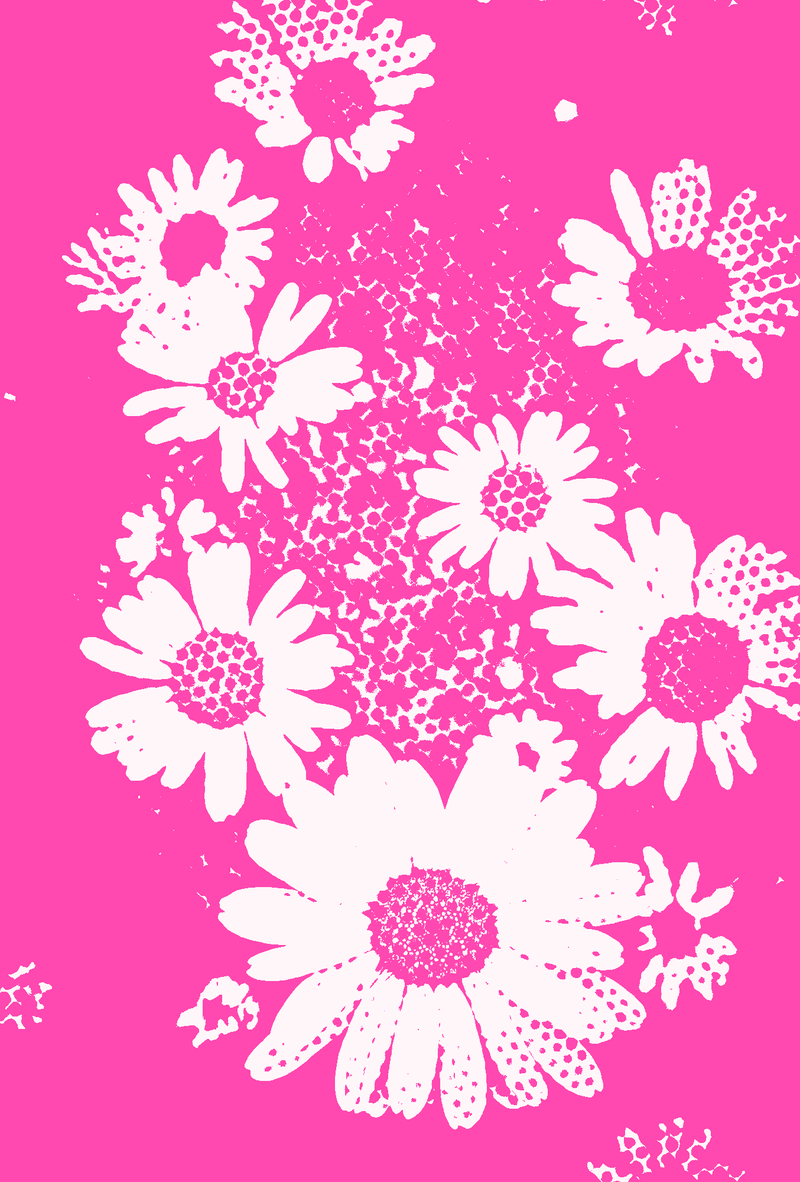
Puncta · Pop pink
Greys made only of dots.
A printing press can’t print grey: it lays down ink or it doesn’t. The halftone process, developed in the late nineteenth century, gets around this by breaking the image into a grid of dots whose size follows the tone. From a distance the eye blends ink and paper into greys; up close you see the dots.
Three settings give a screen its whole character: lineature (rows of dots per inch), the grid angle (45° for a single ink, because the eye notices it least) and the dot shape. The “Euclidean” magazine dot is round in the highlights, square at 50 % and touches its neighbours at the corners. Comic-book Ben-Day staggers the dots. A line screen gives an engraved look.
How to do it in Mote, in three steps.
- 01Open your photo. Drag it into Mote, or into Mote Web for a trial. A contrasty portrait or an object on a plain background gives the most readable screen.
- 02Pick Puncta and a style. “Daily paper” for newsprint, “CMYK Ben-Day” for a pop poster, “Engraving” for lines. Each style can then be tuned: lineature, angle, dot shape, contrast.
- 03Export. PNG, JPEG, WebP or TIFF at your photo’s size, with the resolution (dpi) you choose for print. Mote Web exports a 1200 px PNG.
- Lineature
- 0,1 → 600 lpi
- Angle
- −180 → 180°
- Dot shape
- round · Euclidean · square · line
- Layout
- grid or staggered Ben-Day
- Colour
- B&W · duotone · CMYK · RGB
In your browser, nothing to install.
Mote Web opens on Puncta, “Daily paper” style: round dots at 45°. Switch style, screen size and colours, then download the PNG.
Open in Mote Web →Questions
- What is a halftone effect?
- It is the look of an image printed with a screen: greys are replaced by bigger or smaller dots on a regular grid. You see it in newspapers, magazines and comics.
- How do I make a halftone without Photoshop?
- Open your photo in Mote Web or Mote, pick Puncta and a screen style. No layers to prepare, no colour halftone filter to fiddle with: lineature and angle are set directly.
- What lineature should I use for print?
- As a rule of thumb: 45–65 lpi for screen printing, 85–100 lpi for newsprint, 133–150 lpi for a magazine. For a visible graphic effect, go much lower: 10–30 lpi on a poster.
- Can I export the halftone as a vector (SVG)?
- Not from Puncta, which exports images (PNG, TIFF…) at the resolution you choose. For vector dots, use Linea: it places dots one by one and exports SVG or PDF.
- Halftone or dithering: what is the difference?
- Halftone clusters ink into dots on a grid; dithering scatters single pixels with no visible grid. Both are in Puncta.
Related effects
- 03Free dithering effect for photos and video
Pixel dithering: Floyd-Steinberg, Atkinson, Bayer. - 06Free duotone effect
Two inks, and the whole picture. - 05Stippling generator with SVG export
Thousands of dots placed one by one, as SVG or PDF. - 09Print effects on video
Halftone, ASCII, stippling and dithering on video, frame by frame. - M02See the mode Puncta
The printer’s screen in every form: offset dot, Ben-Day, engraving, error diffusion, Bayer, noise. - M04See the mode Chroma
Split the image into ink layers, pick the inks, nudge them. Riso, CMYK, duotone.