Turn any image into ASCII art
To turn an image into ASCII art for free, open it in Mote Web below, already set to the Glypha mode, or in Mote, the free Windows app. Mote is a free Windows app that rebuilds photos and videos out of characters: letters, blocks, braille, PETSCII, in black and white or in colour.
Glypha has 61 styles and 19 character sets. It does more than swap each grey for a denser or lighter letter: it can also pick the character whose shape follows the edge. The result exports as an image, text, HTML, SVG or video.
Examples
Renders made in Mote. Hover an image for the 1:1 loupe.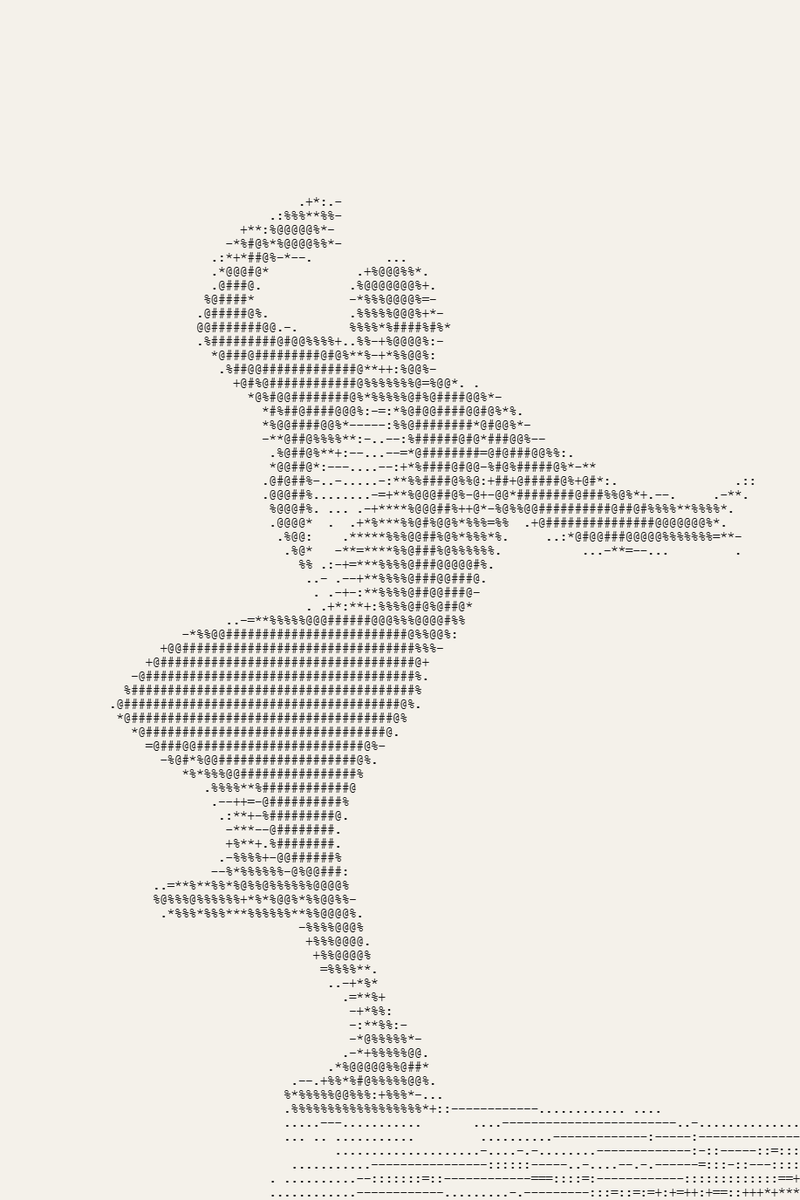
Glypha · High contrast · 110 columns
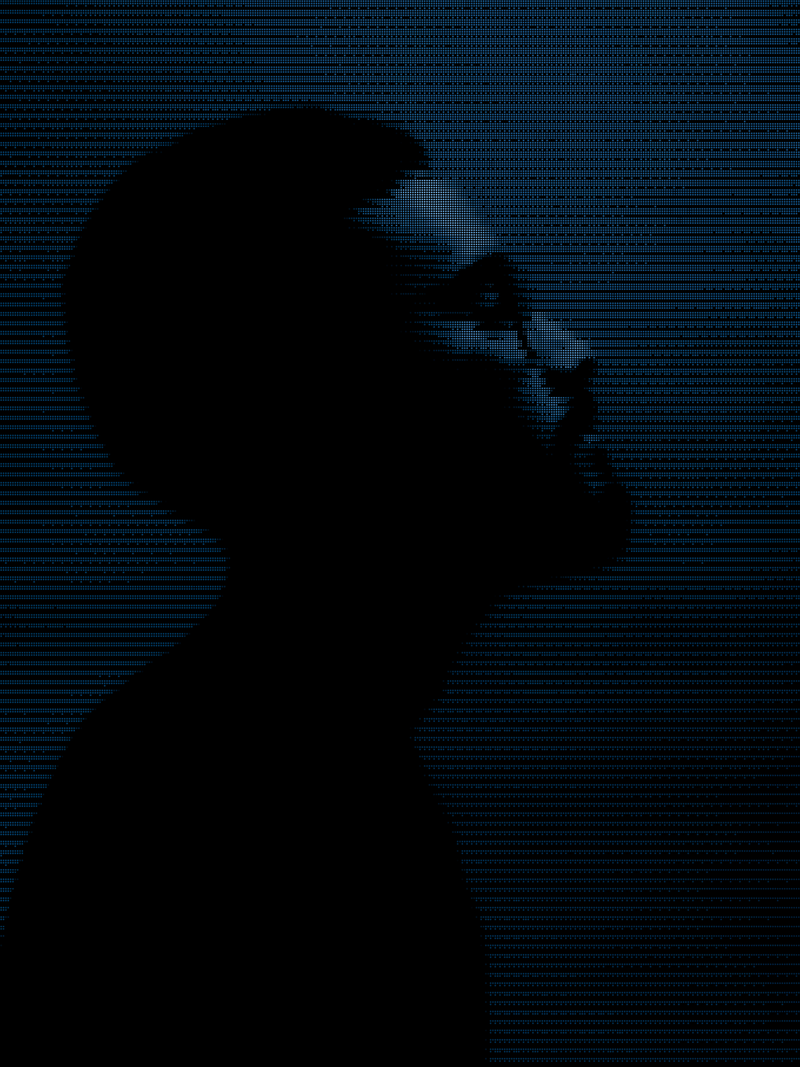
Glypha · Colour Braille
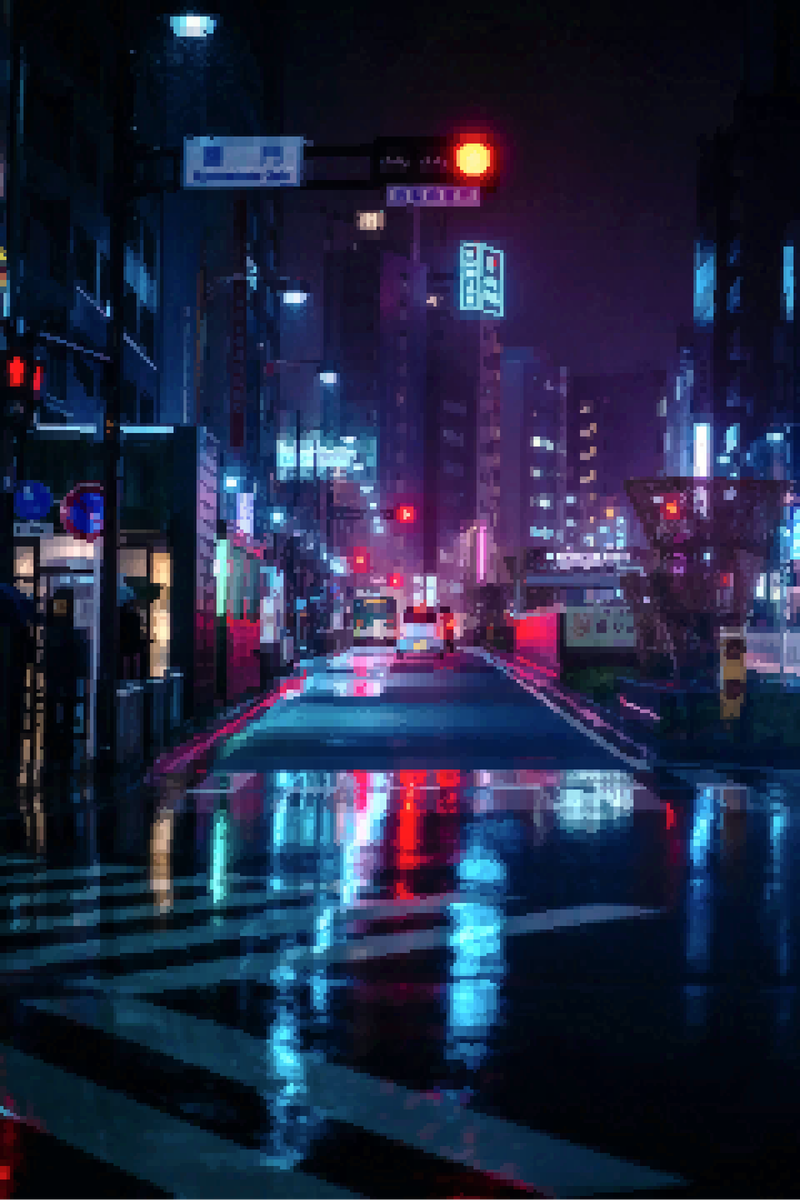
Glypha · Chafa colour · octants
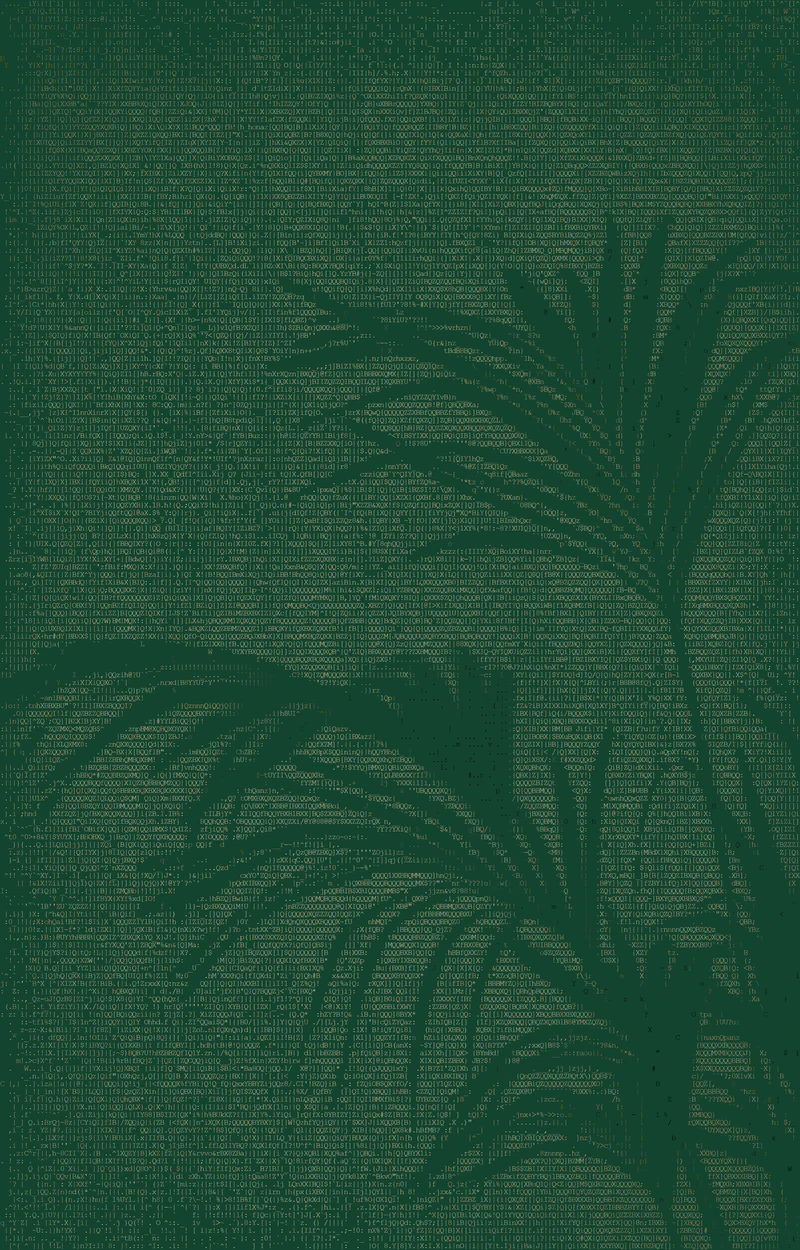
Glypha · ANSI 256 palette on green · 200 columns
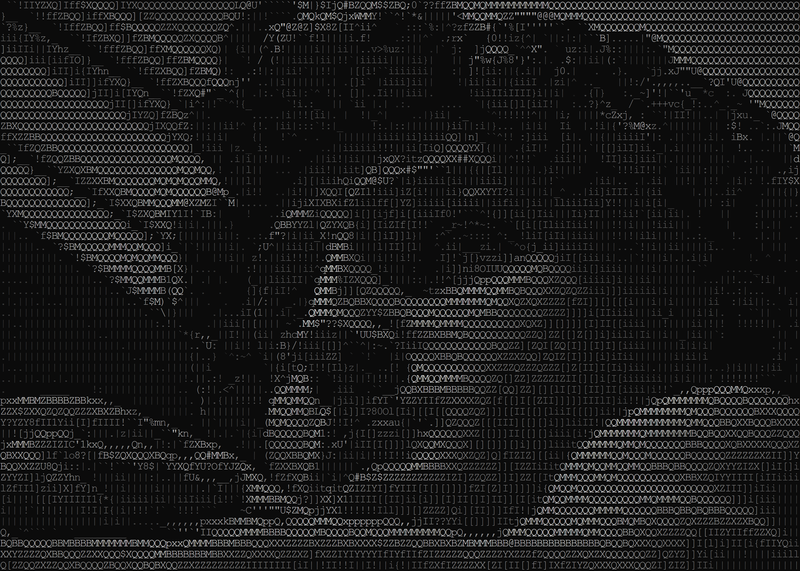
Glypha · Grey on black · 140 columns
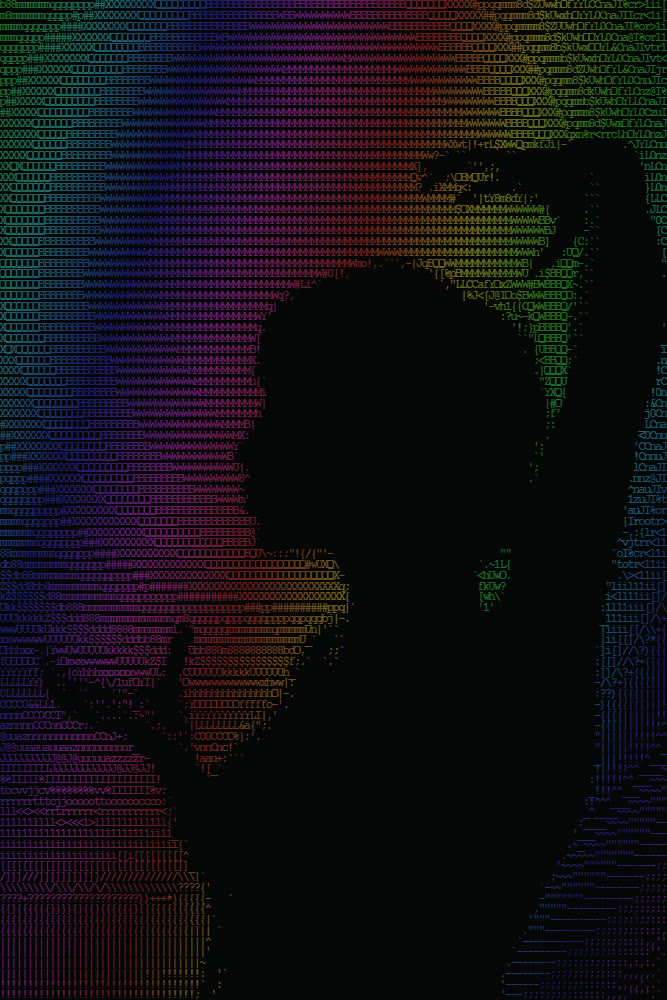
Glypha · Rainbow · animated
A grid, one character per cell.
ASCII art draws a picture with the 95 printable ASCII characters, the code of teleprinters and early computers. The classic method cuts the image into cells and gives each one a character that is “darker” the darker the cell, along a ramp such as “.:-=+*#%@”. It works, but edges stay soft.
Glypha adds shape: a diagonal lands on a “/”, a curve on a “(” (Alex Harri’s method). It can also draw edges alone (Acerola’s method), or pick a symbol and two colours per cell, like the terminal tool chafa. Beyond ASCII it uses blocks, sextants, octants, braille (eight dots per character, the finest set), old-PC CP437, Commodore 64 PETSCII and katakana.
How to do it in Mote, in three steps.
- 01Open an image or a video. An image in Glypha, a video in Kinema (which uses Glypha as an engine, frame by frame).
- 02Pick the set and the mode. Number of columns (20 to 400), character set, luma, shape, edges, masks or mixed mode, then colour: one ink, a gradient, the image’s colour or a period palette (ANSI, CGA, C64, teletext, Game Boy).
- 03Export. PNG for an image, TXT or HTML to copy the text, ANSI for the terminal, SVG, or an animated loop as MP4, WebM or GIF.
- Columns
- 20 → 400
- Set
- ASCII · blocks · sextants · octants · braille · CP437 · PETSCII · katakana
- Mode
- luma · shape · edges · masks · mixed
- Animation
- Matrix · glitch · decode · scramble · wave · typewriter
- Export
- PNG · TXT · HTML · ANSI · SVG · MP4 · WebM · GIF
In your browser, nothing to install.
Mote Web opens on Glypha, “Harri shape” style: characters follow the edges. Also try “Source colour” and “Chafa colour” to keep the photo’s colours.
Open in Mote Web →Questions
- What is ASCII art?
- A picture drawn with text characters. Each character fills one cell of the grid; from a distance their density and shape rebuild the image.
- How do I convert a video to ASCII?
- Drop the video into Kinema, add an effect track with the Glypha engine, then export MP4 or WebM. The sound is kept. Mote Web does not handle video.
- Can I keep the colours?
- Yes: each character can take the image’s colour, or a text colour and a background colour per cell (masks mode, chafa-style), or a period palette.
- Copy the text or export an image?
- Text (TXT, HTML, ANSI) pastes into a message, source code or a terminal, but how it looks depends on the reader’s font, which must be monospaced. A PNG locks in the exact look.
- ASCII, braille or PETSCII: what is the difference?
- ASCII uses letters and signs; braille, with eight dots per character, gives the finest result, almost a halftone; PETSCII, the Commodore 64’s graphic set, adds blocks and lines.
Related effects
- 09Print effects on video
Halftone, ASCII, stippling and dithering on video, frame by frame. - 03Free dithering effect for photos and video
Pixel dithering: Floyd-Steinberg, Atkinson, Bayer. - 01Free halftone effect: turn a photo into dots
A photo turned into dots, like a newspaper or a comic. - 07VHS and glitch effects, free and watermark-free
Tape, CRT screen, corrupted file, in real time. - M05See the mode Glypha
The image in characters: blocks, braille, katakana, PETSCII, teletext. Animated if you like. - M07See the mode Kinema
All of the above, on video, setting by setting, frame by frame.