Stippling generator with SVG export
To turn a photo into stippling for free, open it in Mote Web below, already set to stippling, or in Mote, the free Windows app, Linea mode. Mote is a free Windows app that places dots, strokes or polygons one by one where the image is dark, and exports a real vector drawing as SVG or PDF.
Linea has 66 styles: black stippling, colour pointillism, hatching, sketch, polygons, mosaic. Shapes push each other away so they never touch, and the vector file scales without loss, from a stamp to a poster.
In Mote : Linea
Examples
Renders made in Mote. Hover an image for the 1:1 loupe.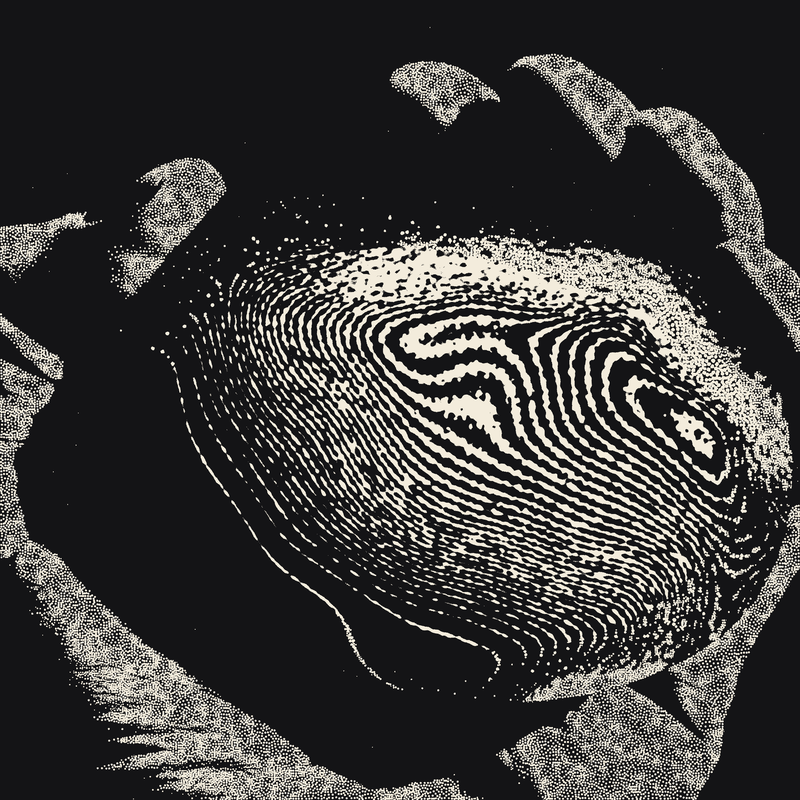
The hand in Linea, cream on black
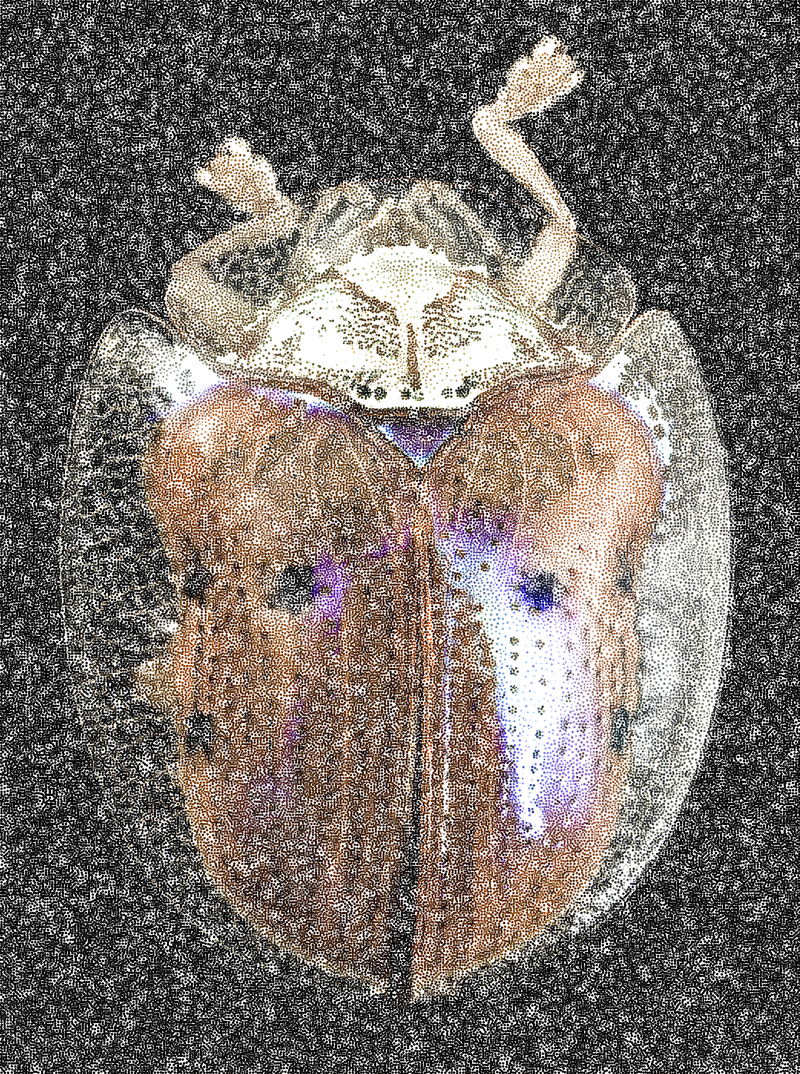
Linea · Stippling · image colour on black · 154,696 dots
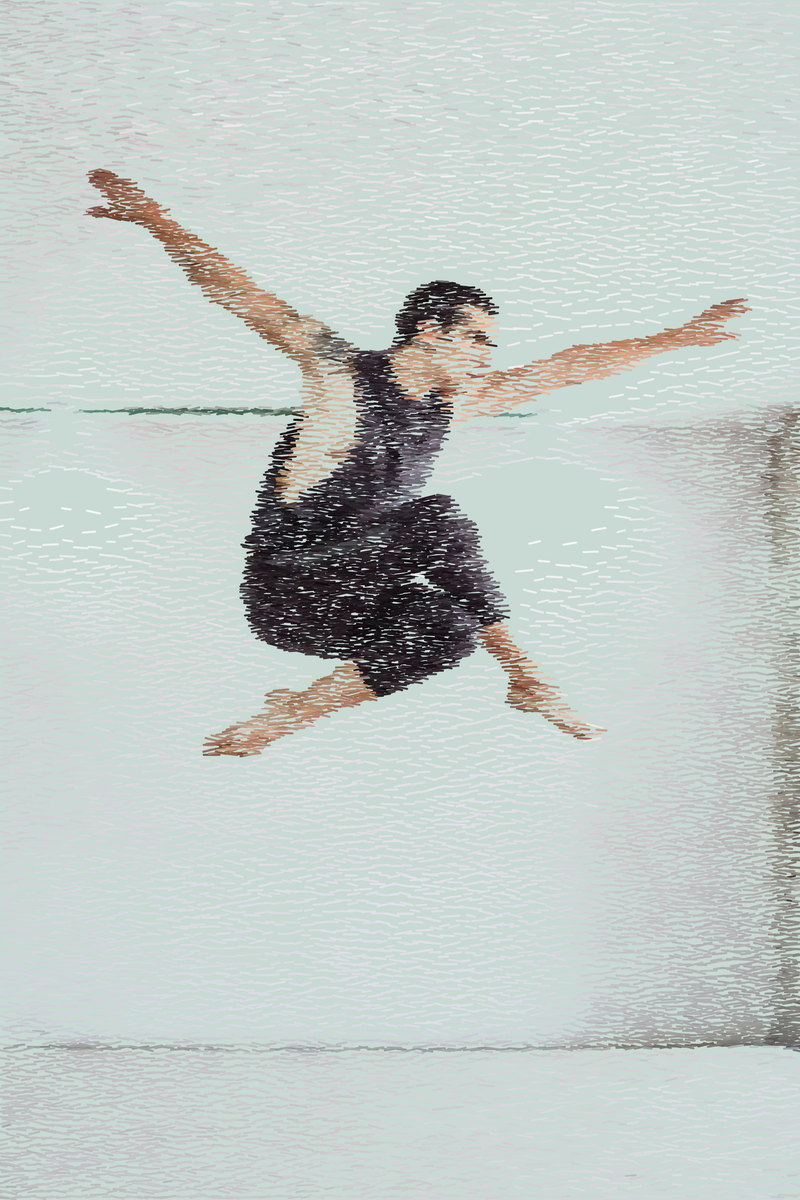
Linea · Hatching · image colour · 16,905 strokes
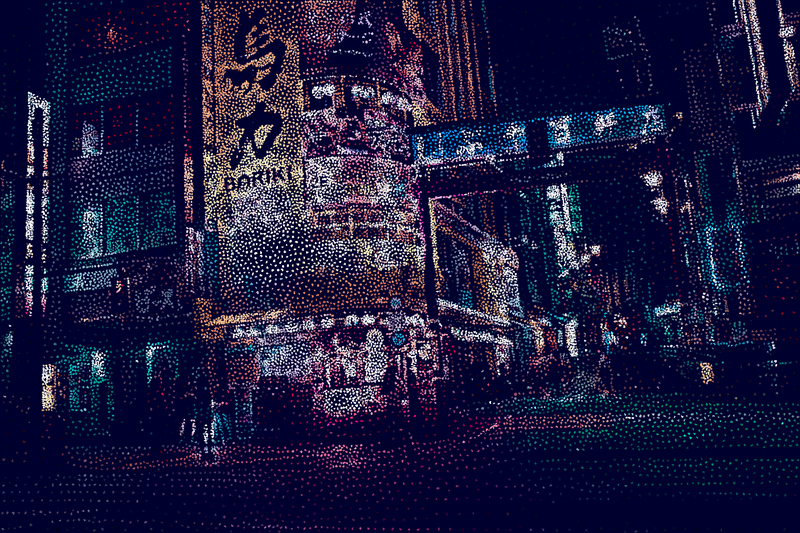
Linea · Polygons · image colour on midnight blue
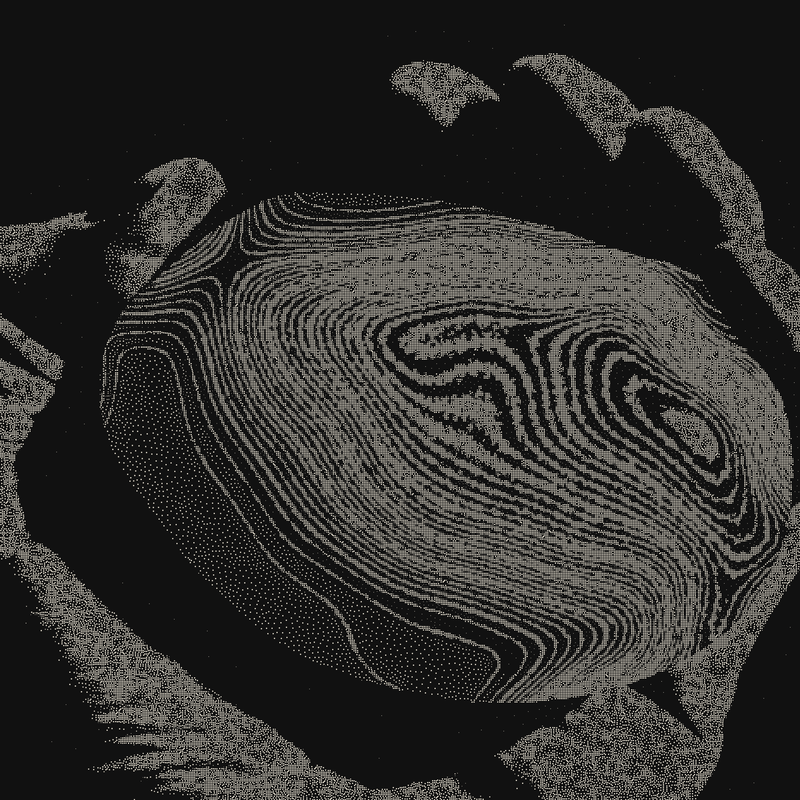
Linea · White on black · first state of a composition
Engraving with dots, recomputed.
Stippling is a drawing and engraving technique: shading is made of dots, packed tighter where it is dark. You see it in scientific plates, the Wall Street Journal’s portraits and, in colour, in Seurat and the Neo-Impressionists. By hand, a portrait takes hours and tens of thousands of dots.
Linea places its dots with a weighted Voronoi method: each dot occupies a cell whose size follows the image’s light, which gives an even spread with no clumps or holes. The beetle above has 154,696 dots, the jumper 16,905 strokes. Since every dot is a vector shape, the file goes straight to a plotter, a laser cutter or Illustrator.
How to do it in Mote, in three steps.
- 01Open your photo in Linea. Sharp subjects on a light background give the clearest drawing; a dark background fills up with dots.
- 02Set shape and density. Circle, polygon or stroke; spacing from 0.8 to 60; fixed size or following the tone; solid, adaptive, image or multicolour.
- 03Export as SVG or PDF. SVG for Illustrator, Inkscape, a plotter or a laser; PDF for the printer; PNG for screens.
- Shape
- circle · polygon · stroke
- Spacing
- 0,8 → 60
- Grey steps
- 1 → 24
- Angle
- fixed · following the light · random
- Export
- PNG · SVG · PDF
In your browser, nothing to install.
Mote Web opens on Linea, “Classic stippling” style. Try “Cross-hatching” for an engraved look and “Pointillism” for dabs of colour. SVG export is in the app only.
Open in Mote Web →Questions
- What is stippling?
- A drawing made only of dots, denser in the shadows. It is also called pointillism when done in colour.
- How many dots for a portrait?
- From a few thousand for a graphic look to over 100,000 for a near-photographic one. For a plotter, stay under about 20,000: every dot is a pen lift and drop.
- Does the SVG work on a pen plotter (AxiDraw)?
- The SVG holds vector shapes that plotter software can read, such as the AxiDraw extension for Inkscape. Hatching and strokes plot fastest; filled dots need a fill. Test on a small area first.
- How is it different from a halftone?
- A halftone lines up dots of varying size on a grid; stippling scatters dots with no grid, and their density makes the tone.
- Can I open it in Illustrator or Inkscape?
- Yes, both the SVG and the PDF open in either. Very large files (over 100,000 shapes) can be slow to handle.
Related effects
- 01Free halftone effect: turn a photo into dots
A photo turned into dots, like a newspaper or a comic. - 04Free risograph effect, with real separations
Riso inks, misregistration, and real layers for the print shop. - 06Free duotone effect
Two inks, and the whole picture. - 02Turn any image into ASCII art
An image or a video rebuilt from characters. - M03See the mode Linea
The image rebuilt dot by dot, stroke by stroke. Vector output.