MOTE

Click: full screen · drag: move
00 Opening

A print shop that fits in your computer.

Offset screens, dots, Riso inks, characters, living effects. For photos, posters and video.

Download for Windows
01 Why

Before screens, every image went through a screen: dots, lines, grains of ink. Mote gives that passage back to your images.

Mote brings the most complete screening tools — Spora, Puncta, Linea, Chroma — into one window, alongside Prisma, a real-time effects lab, Glypha for characters and Kinema for video. It all runs on your computer, no account or subscription.

Faces are detected and the screen refines on them. A selection becomes a layer with its own effect. Everything runs from the keyboard: Ctrl+K, type “old newspaper”, done.

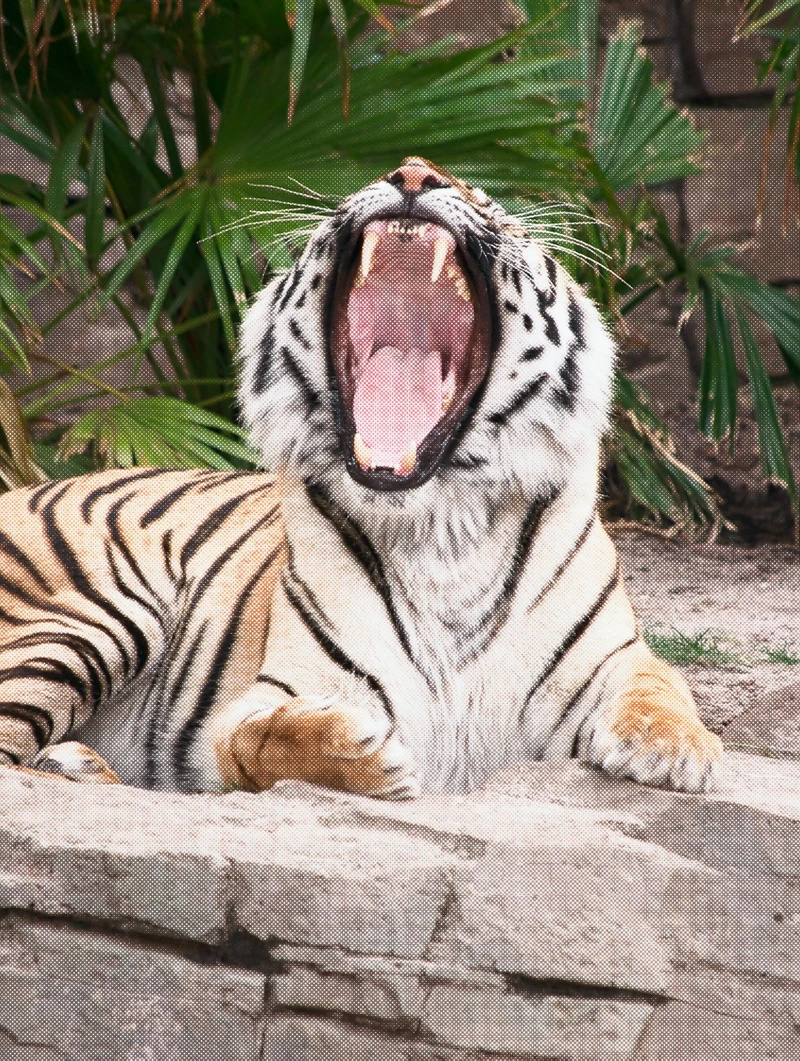
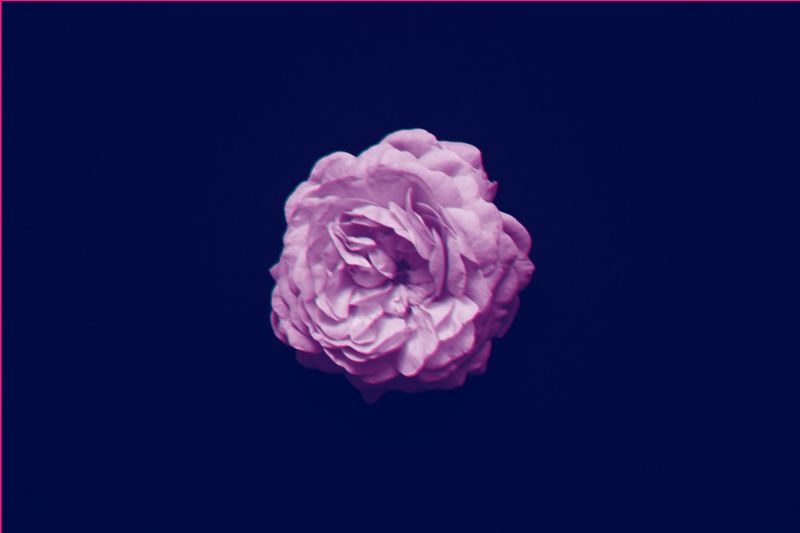
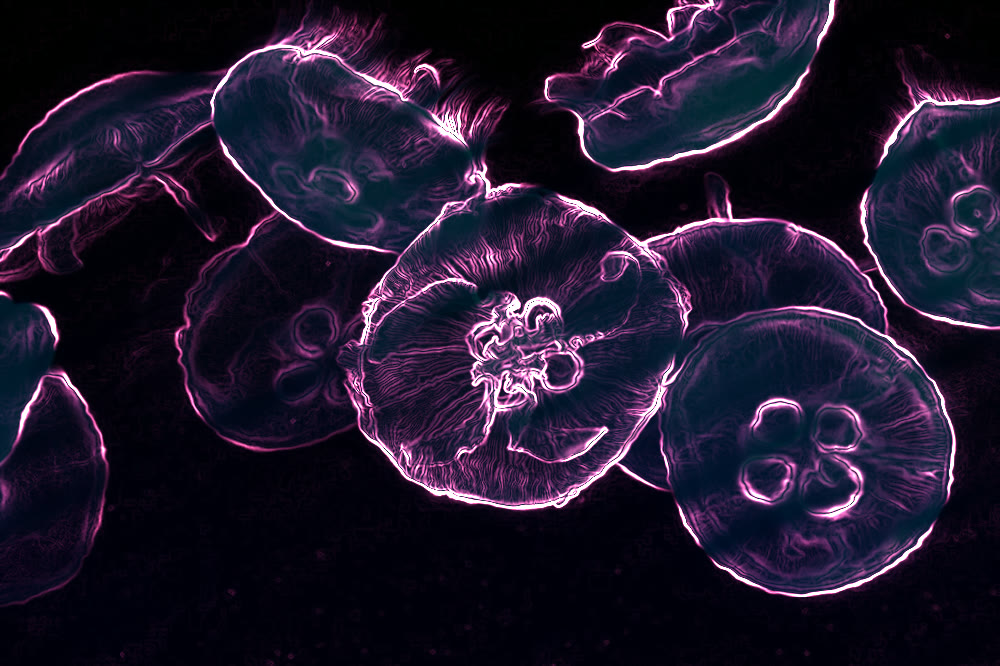
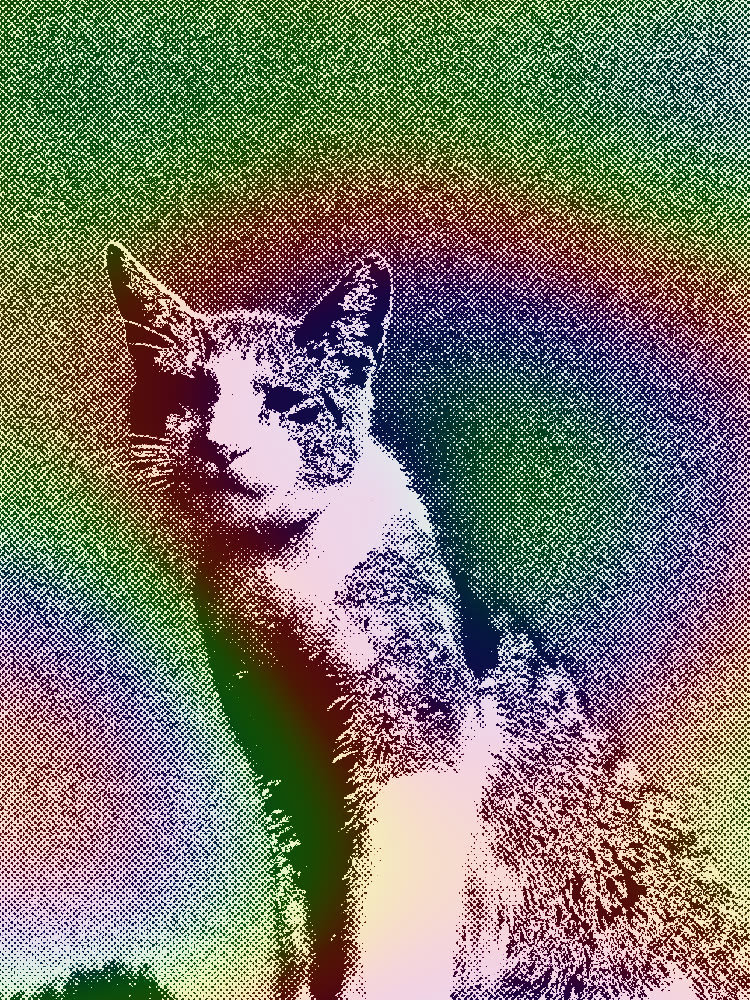
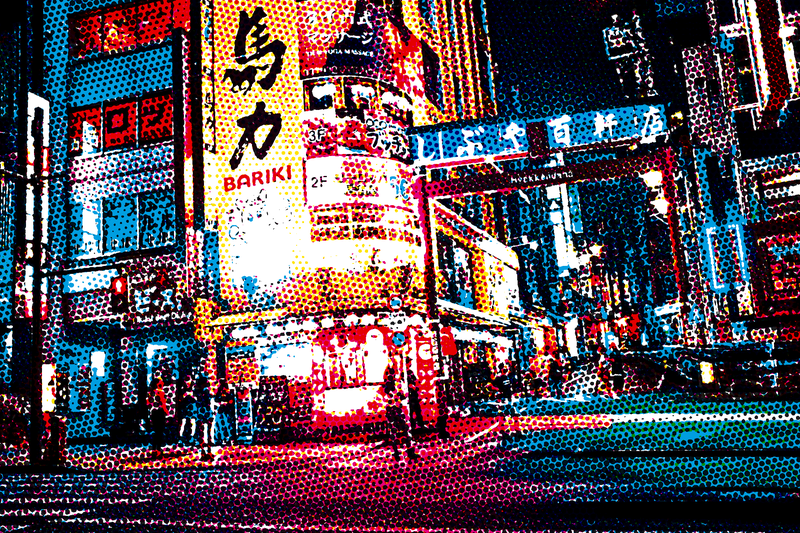
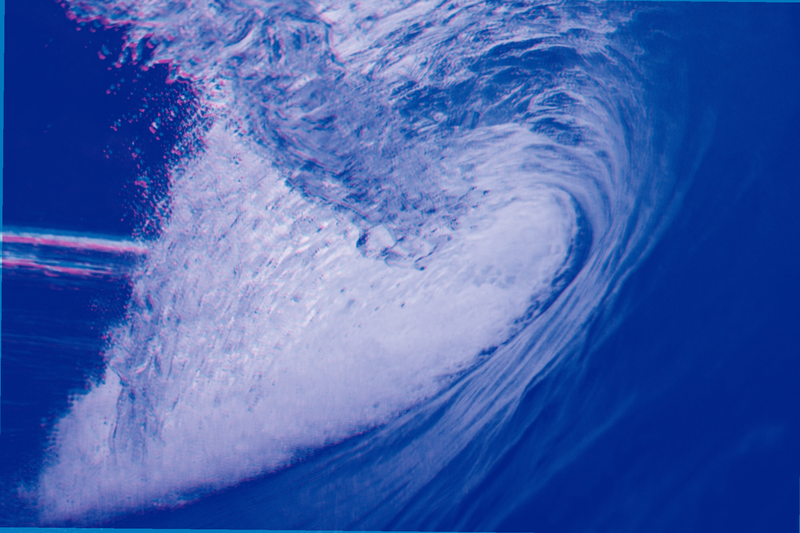
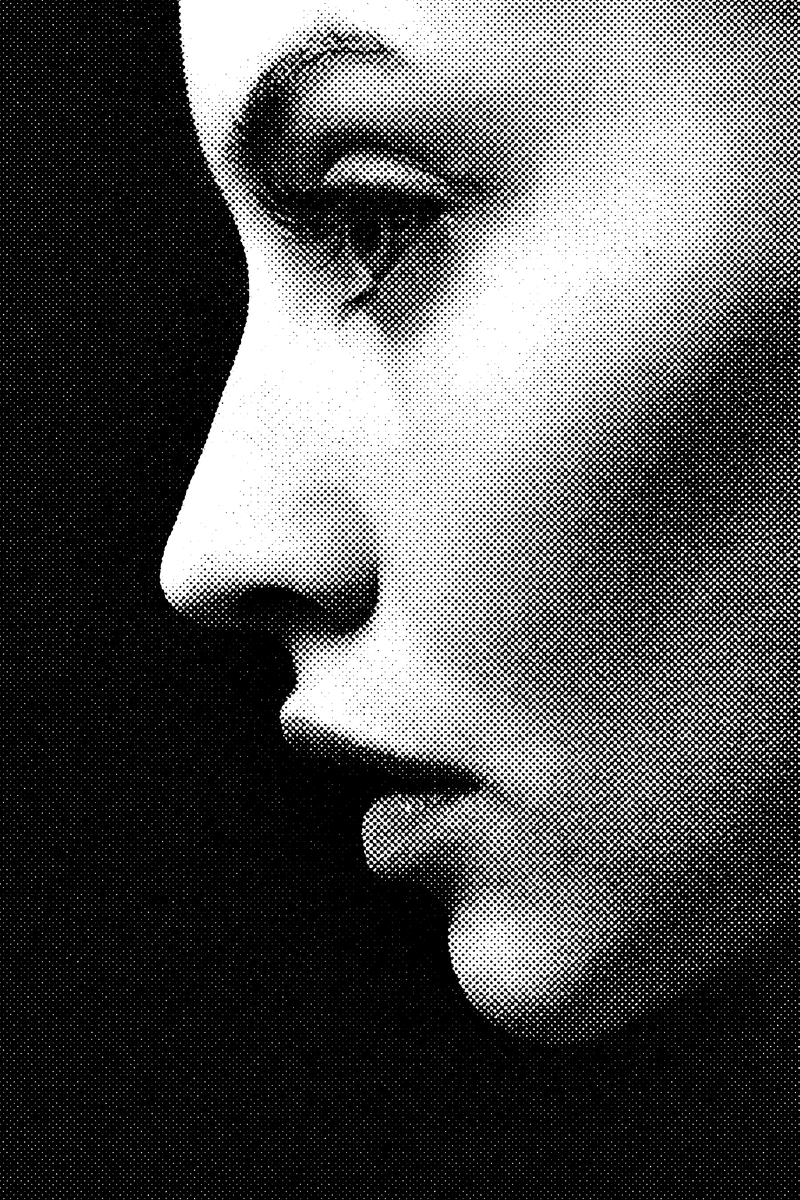
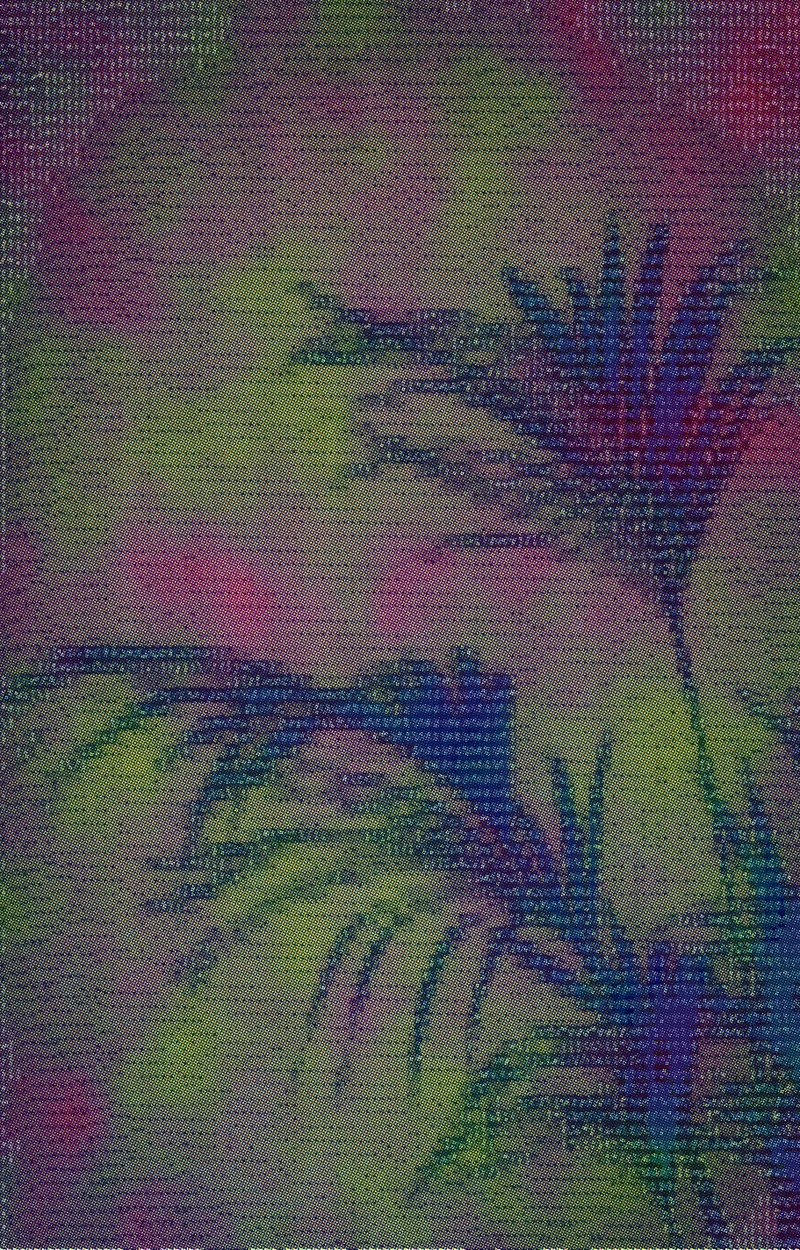
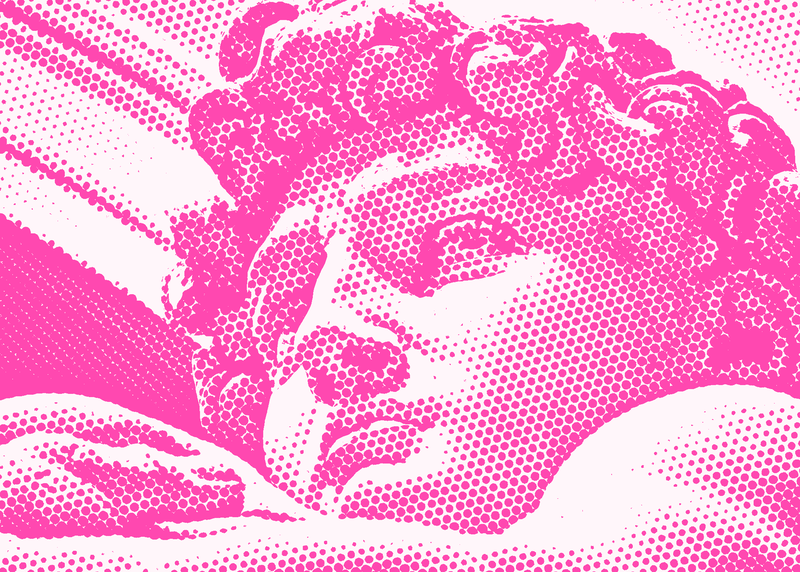
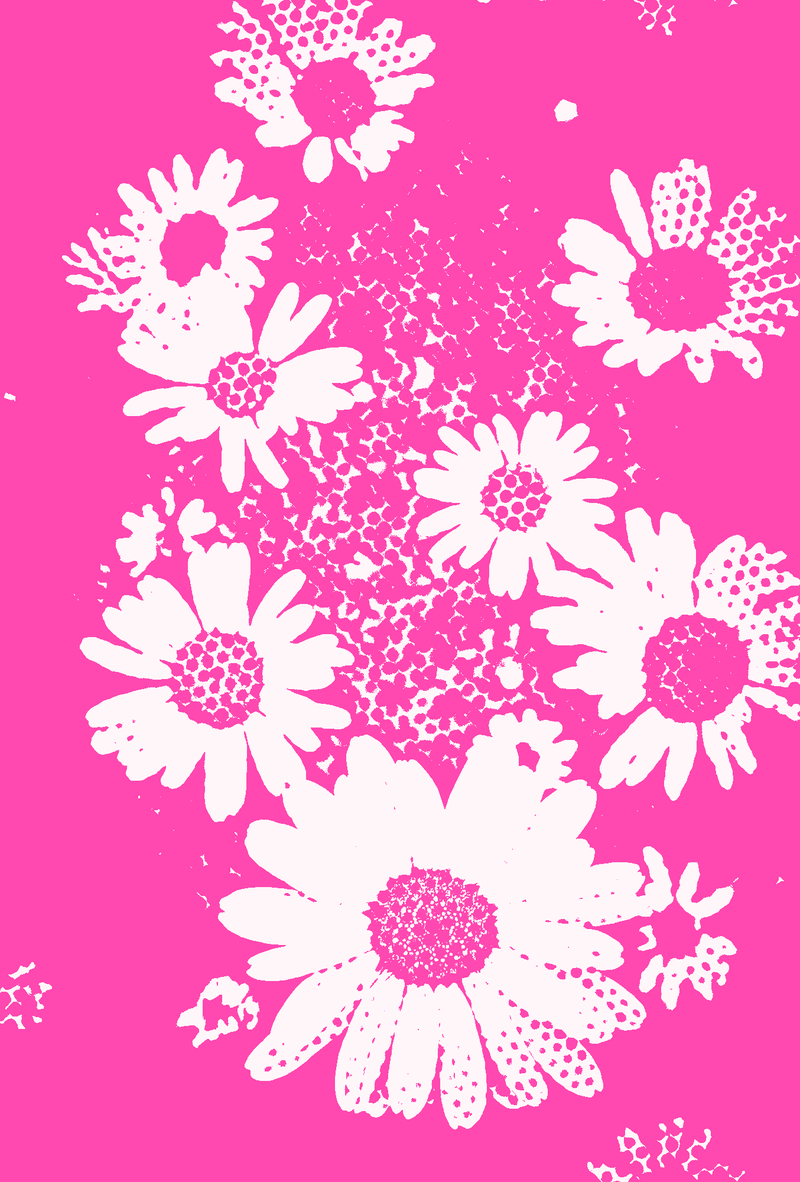
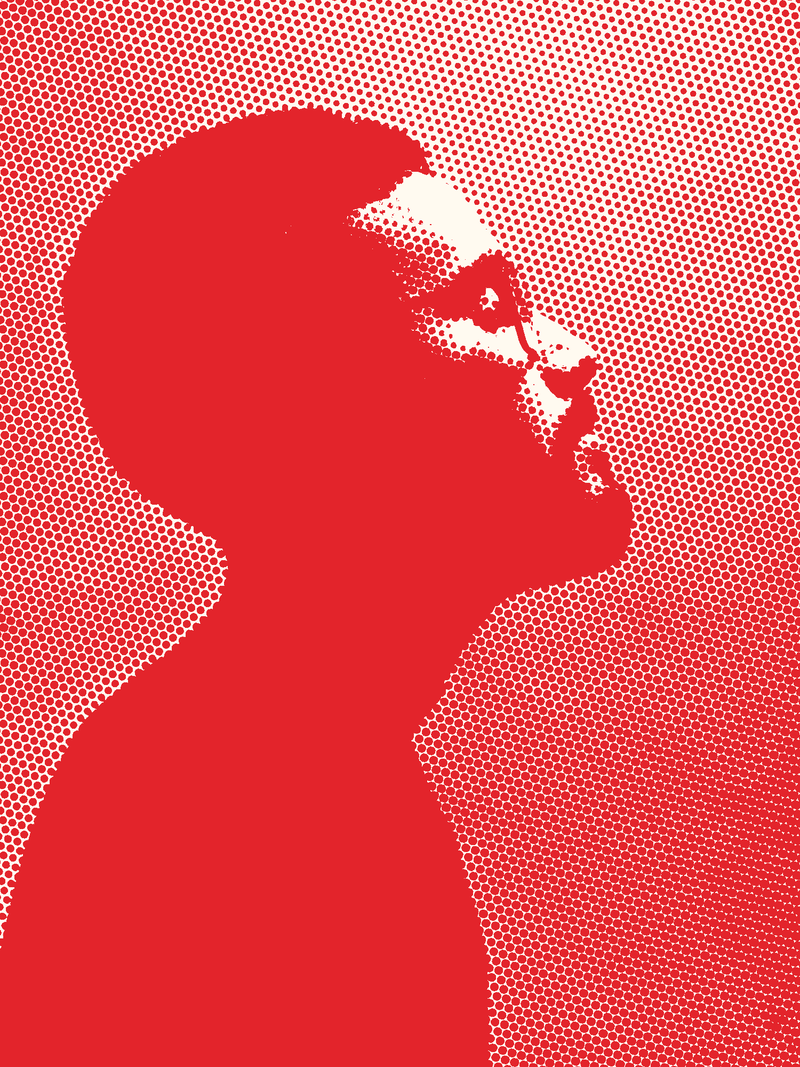
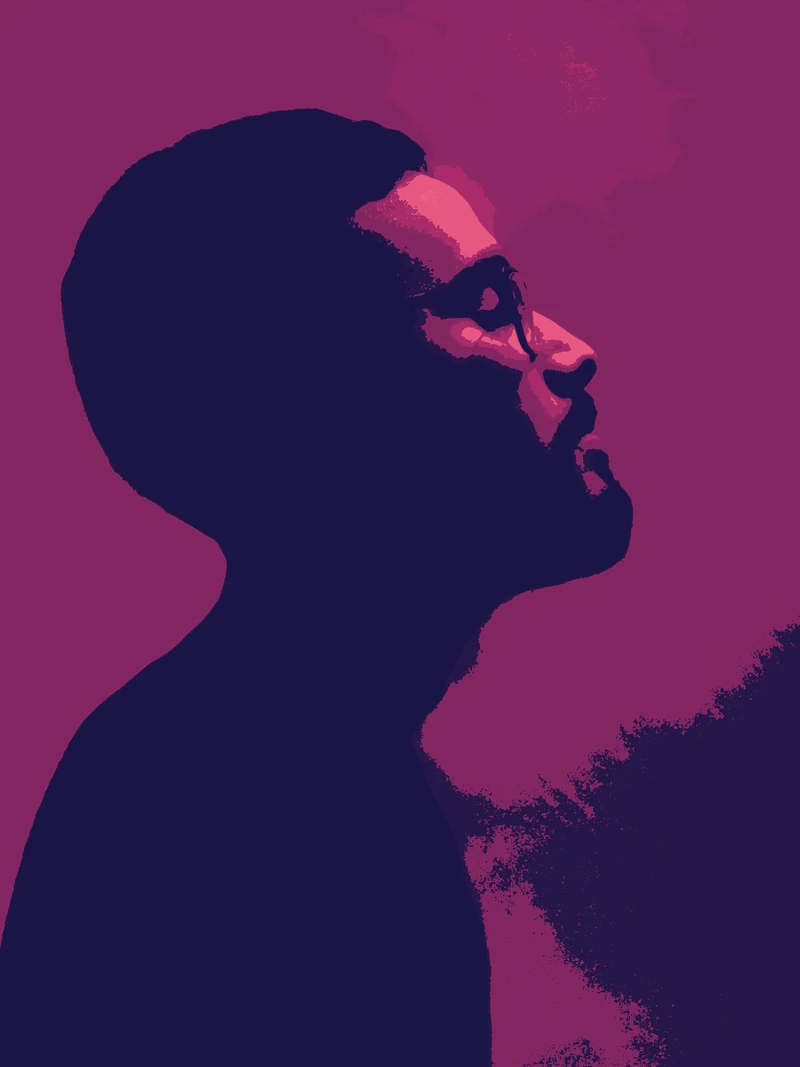
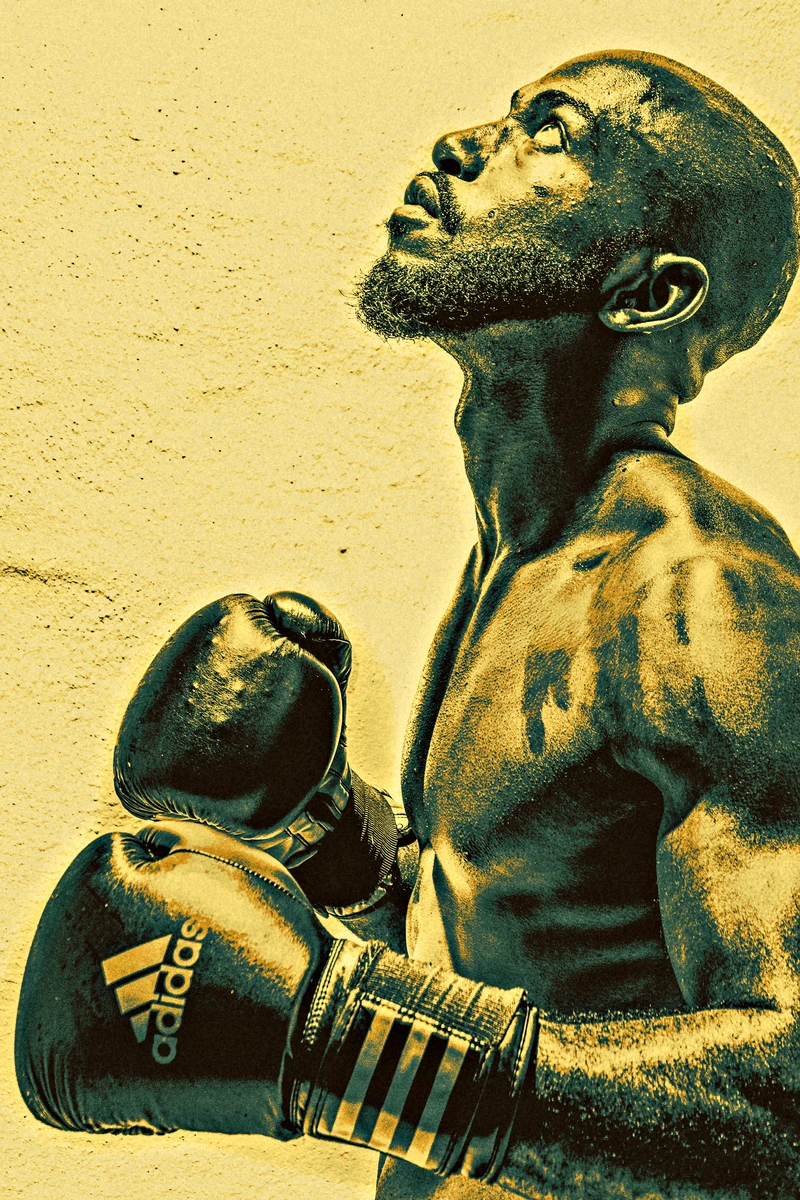
Chroma · Riso · Fluorescent Pink + Teal

Chroma · Riso · Fluorescent Pink + Teal

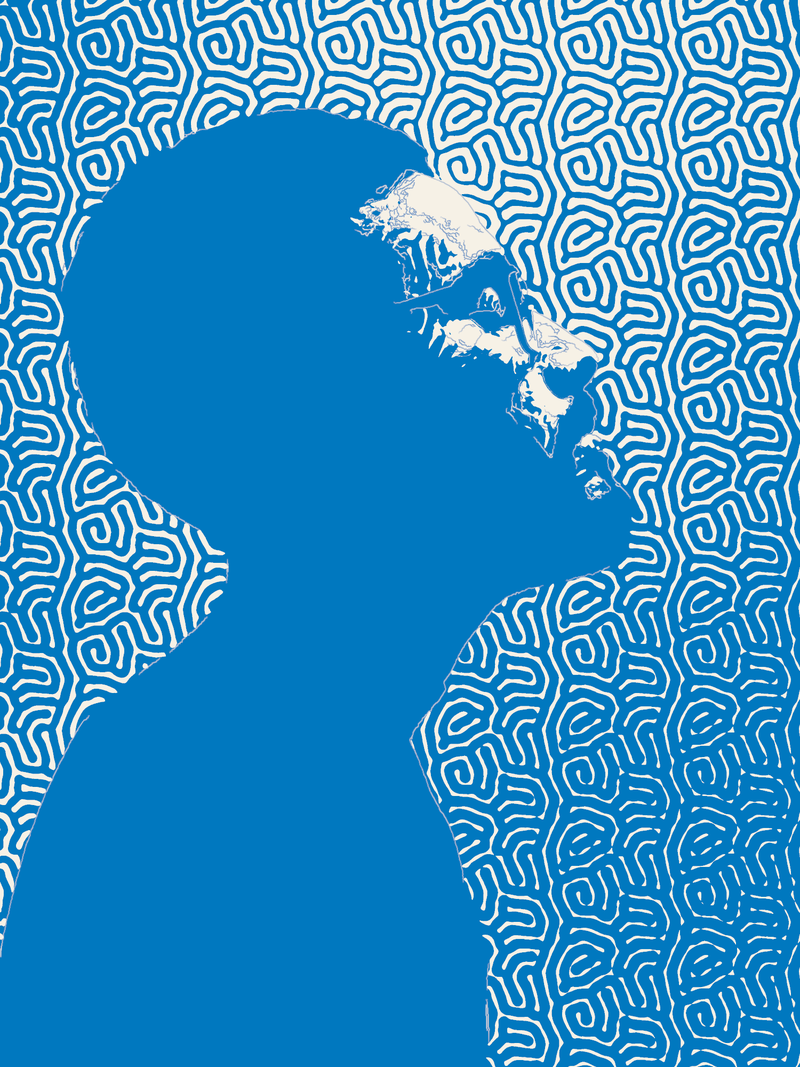
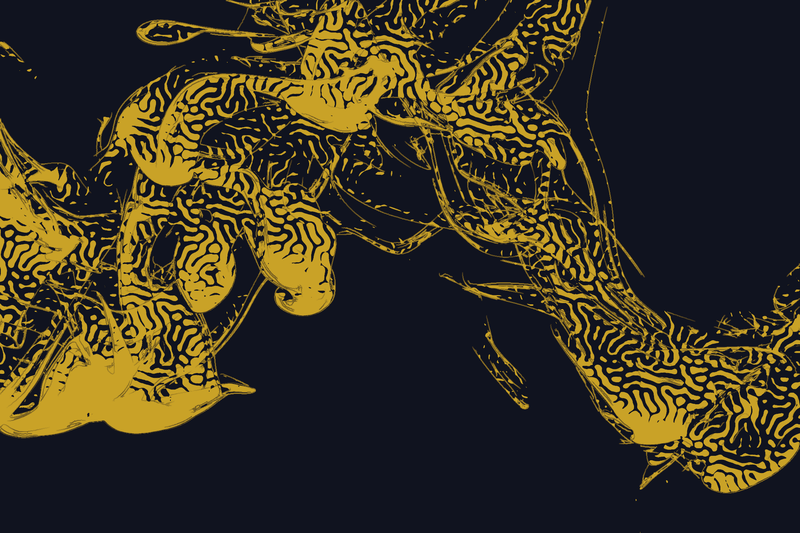
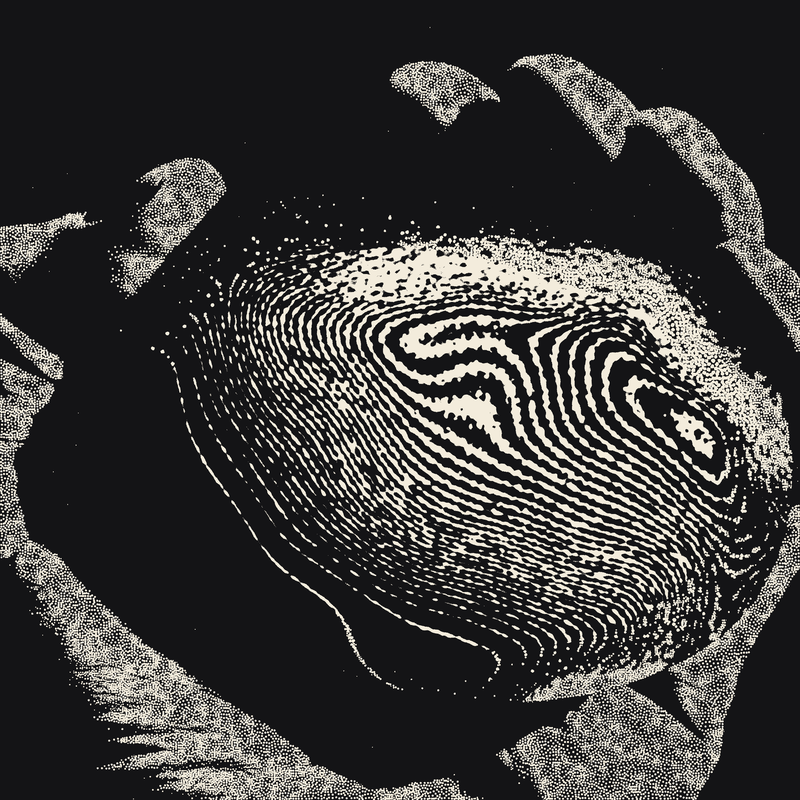
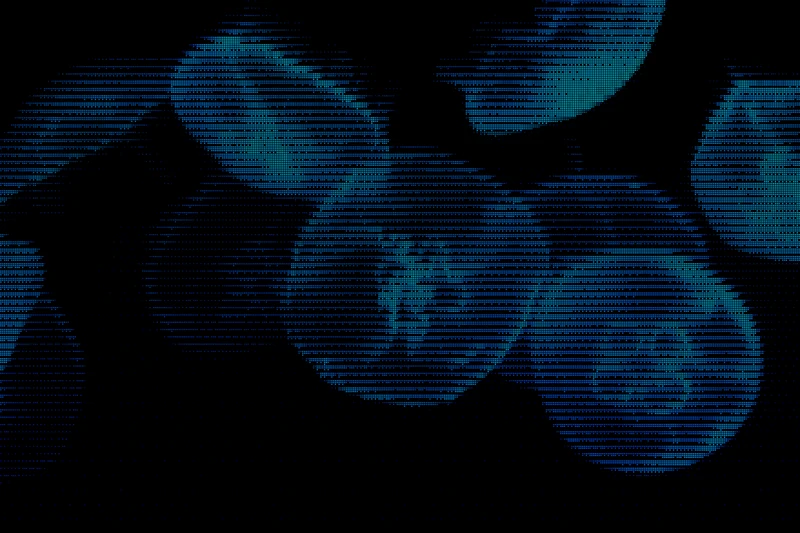
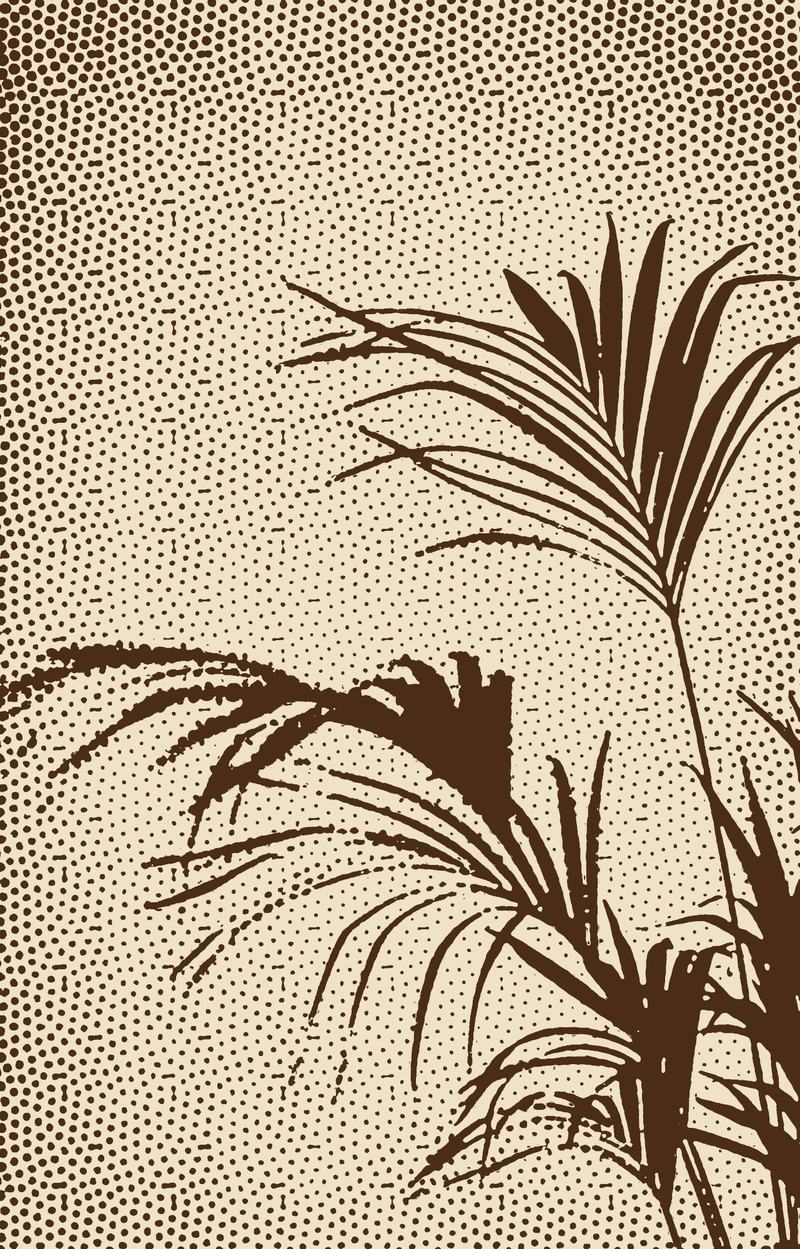
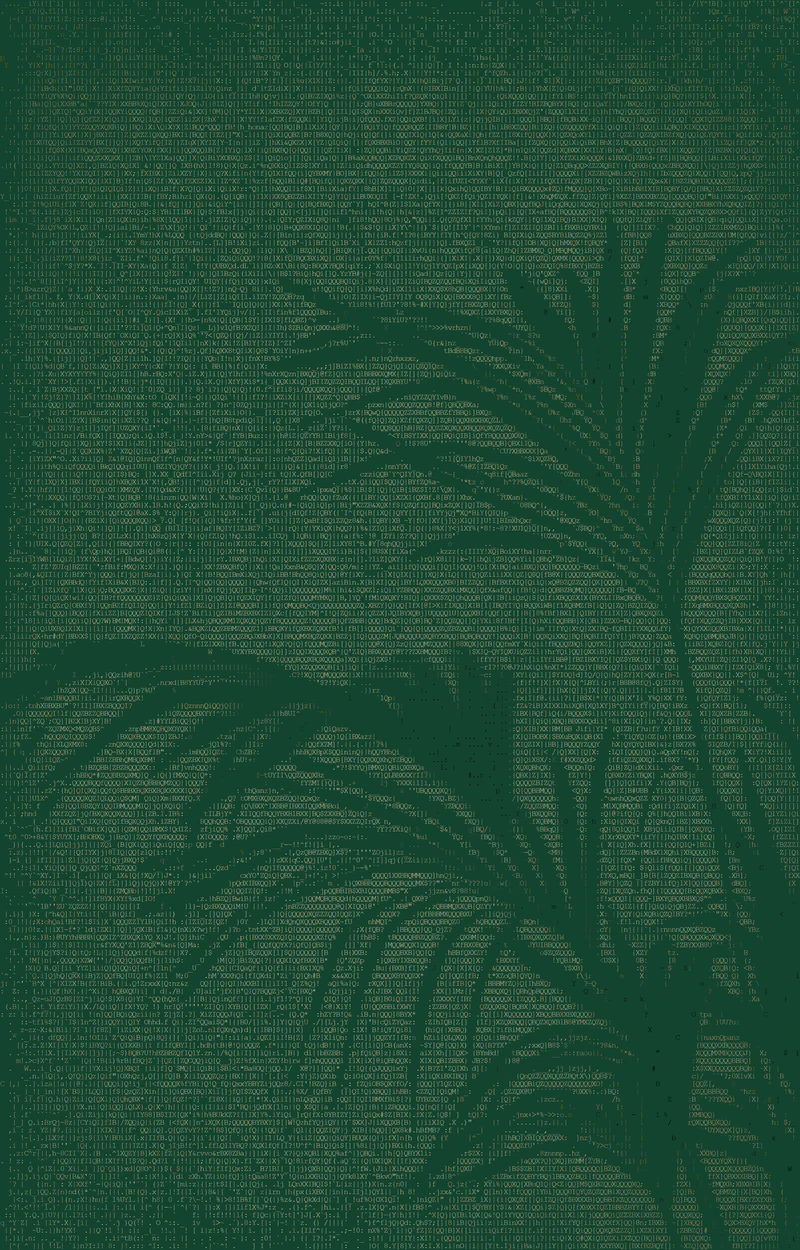
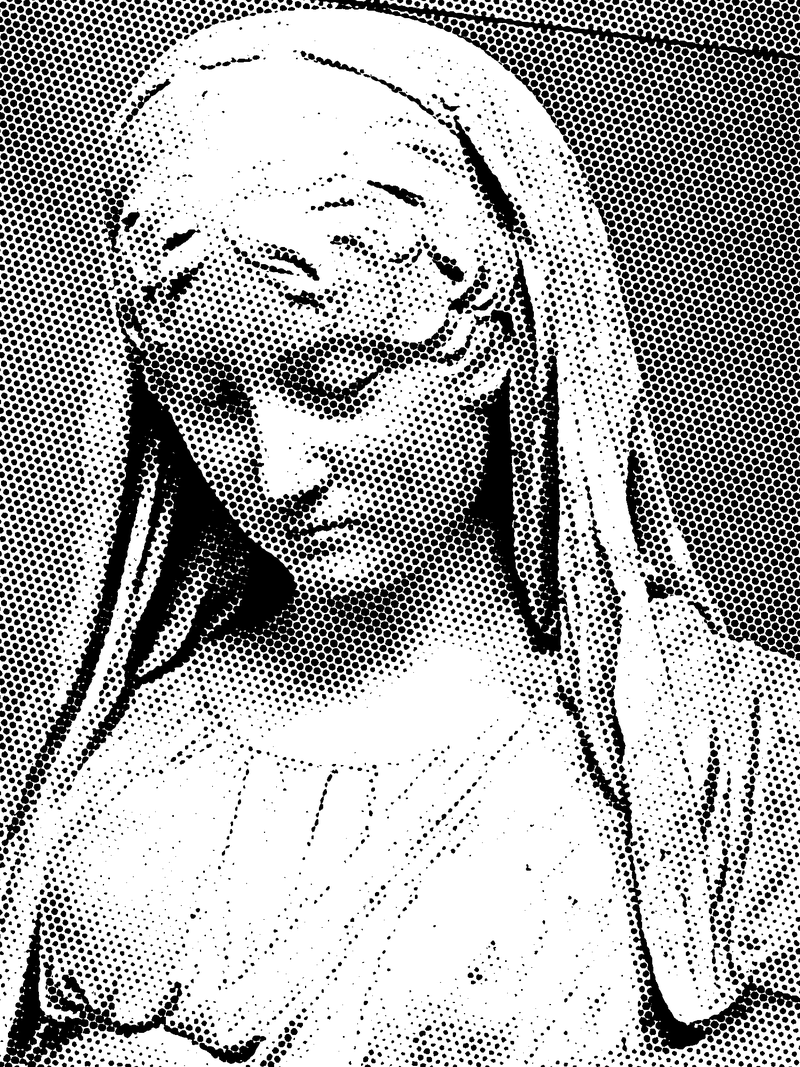
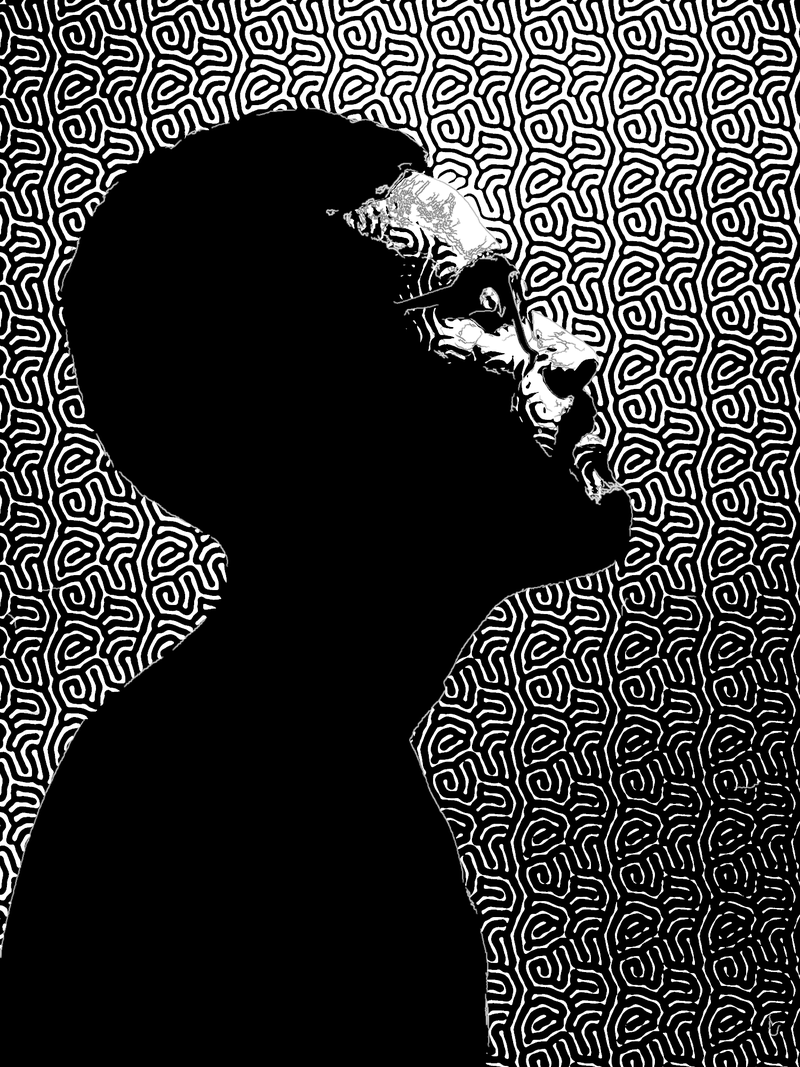
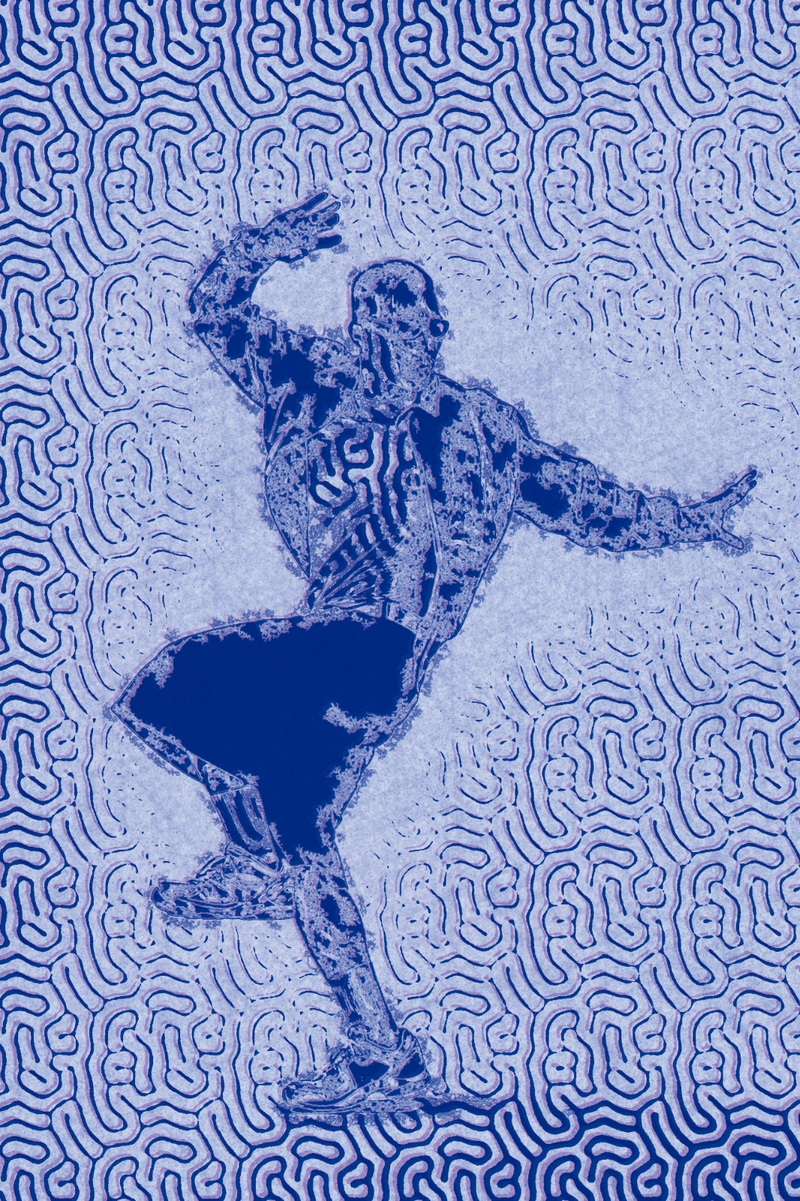
Spora · Mazes · Riso blue on paper

Spora · Mazes · Riso blue on paper

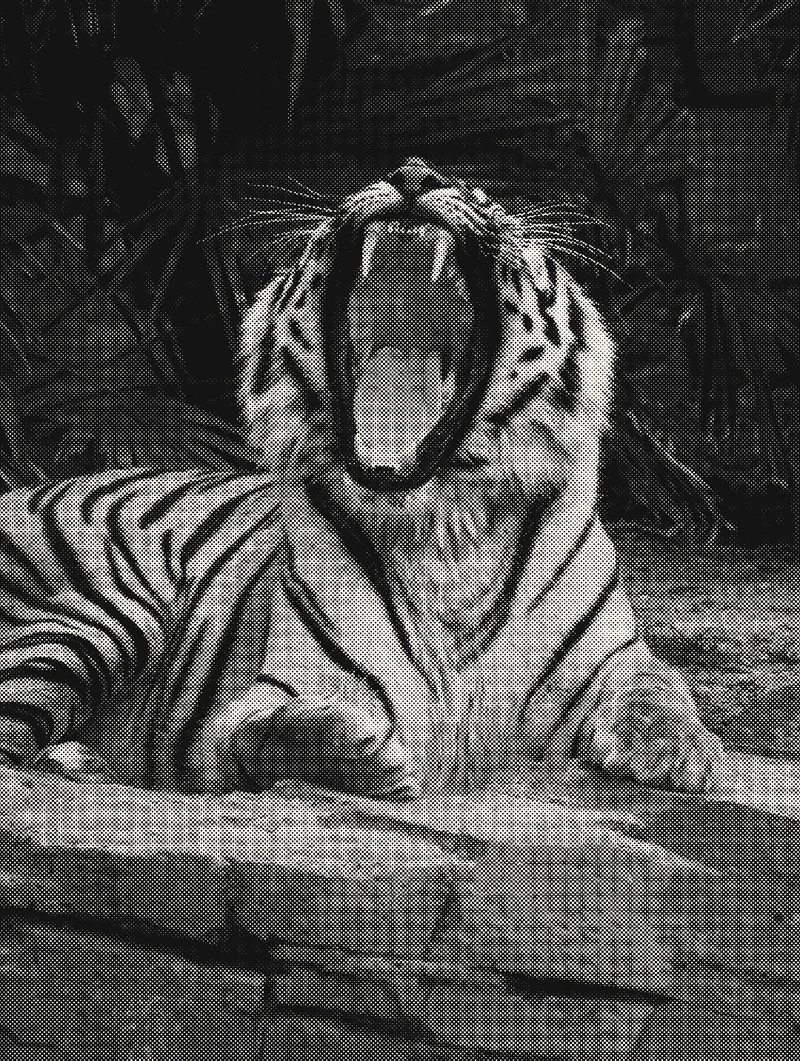
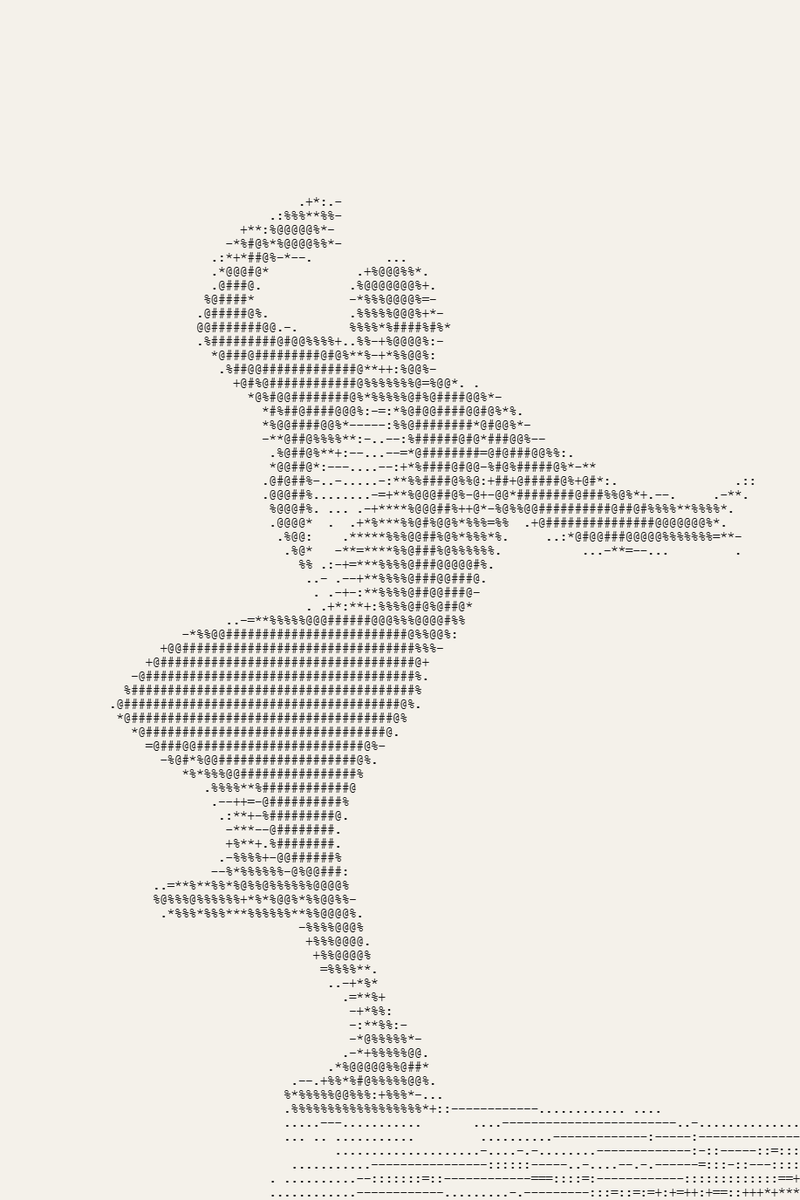
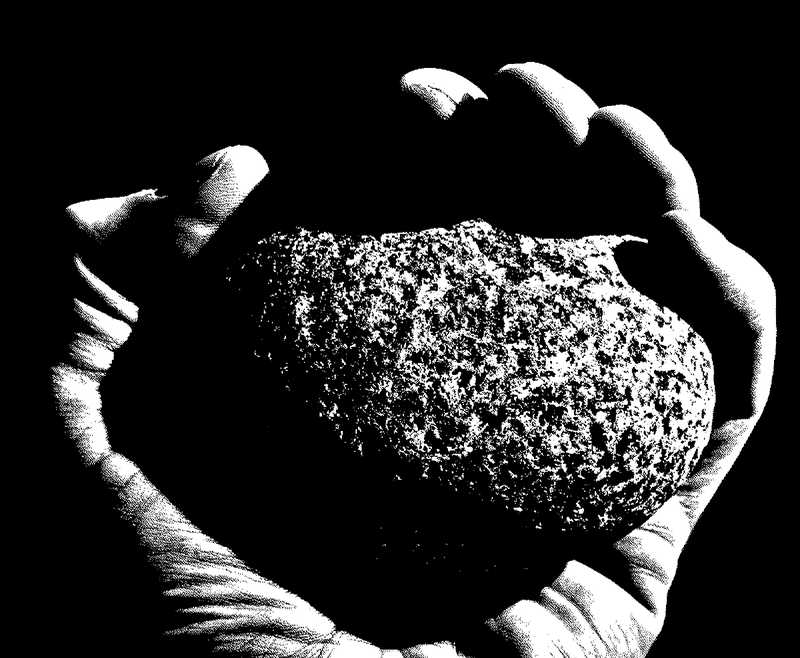
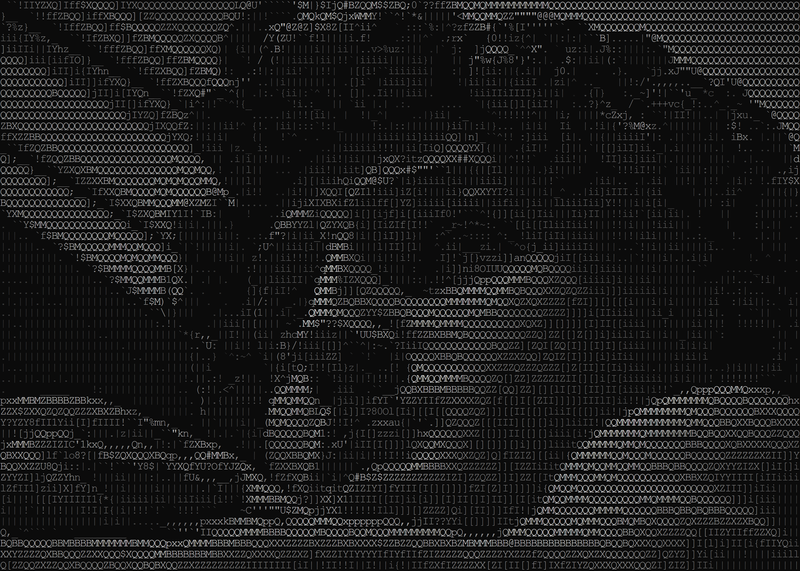
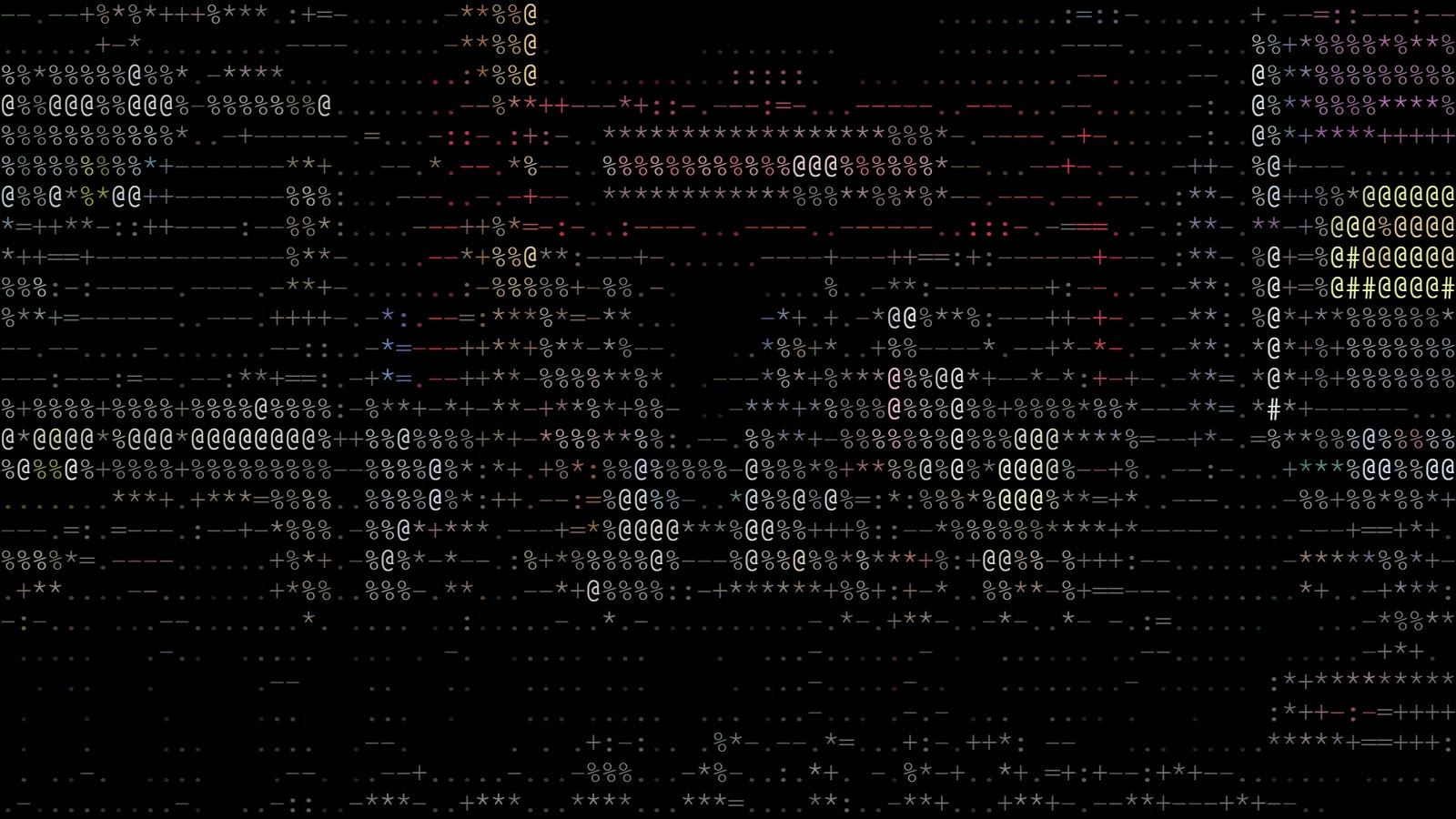
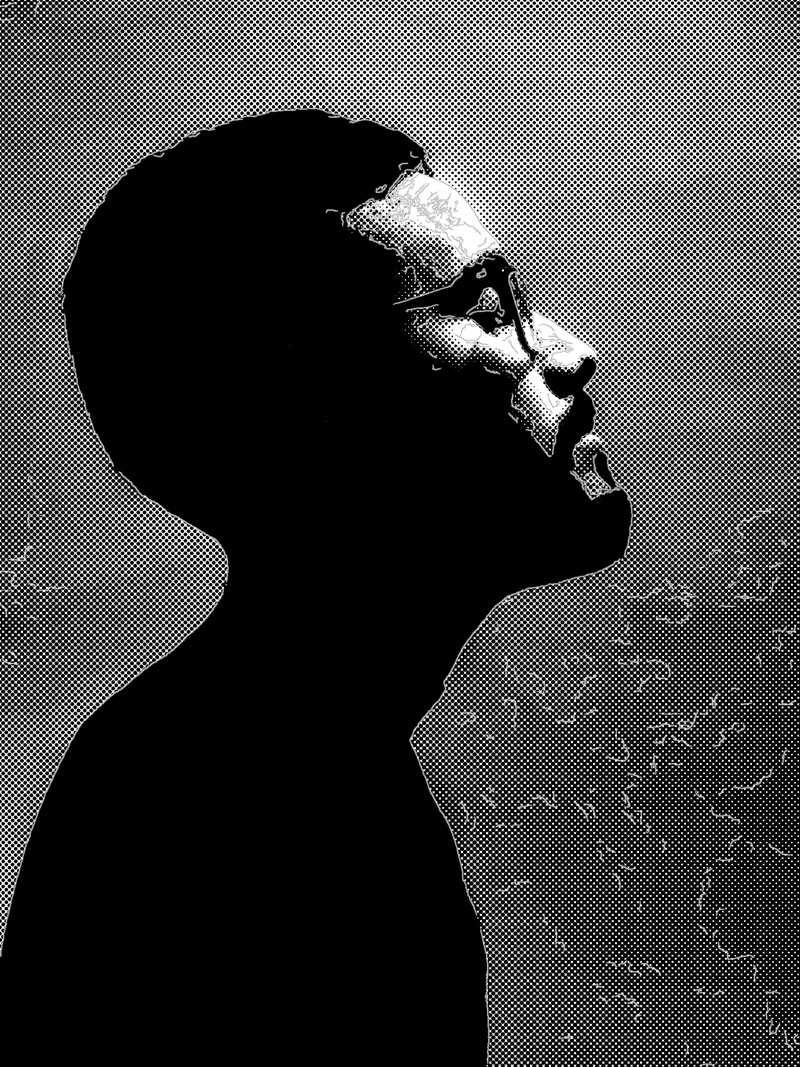
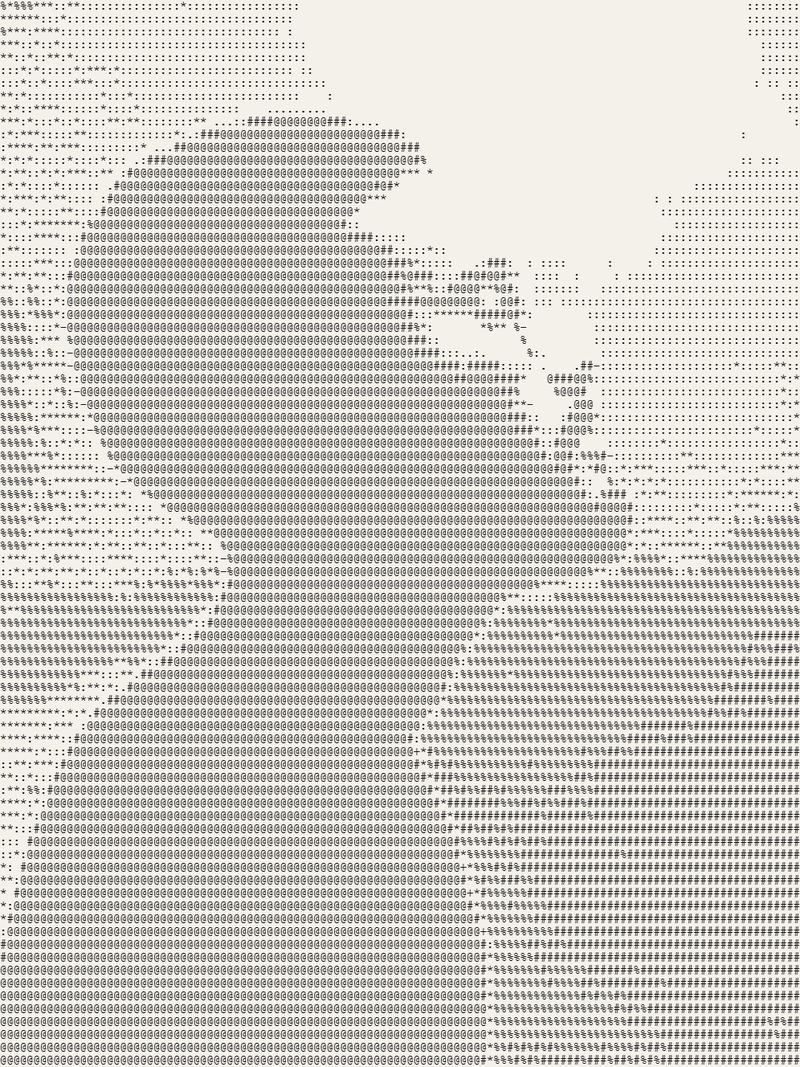
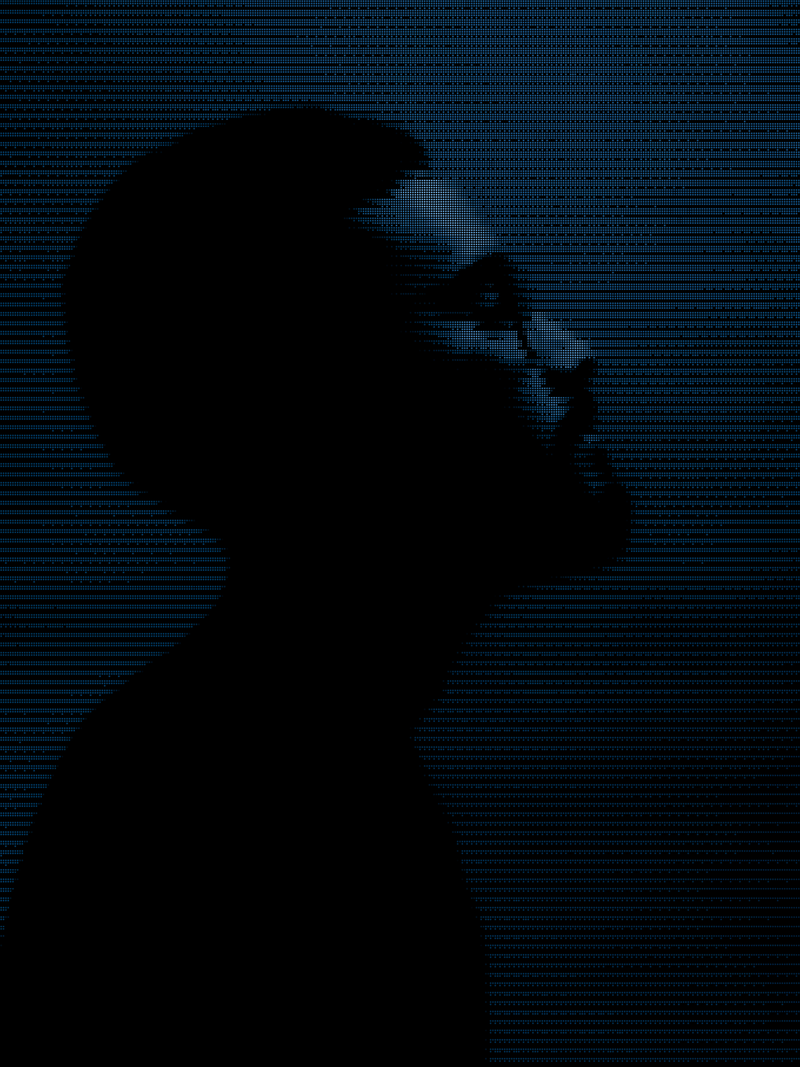
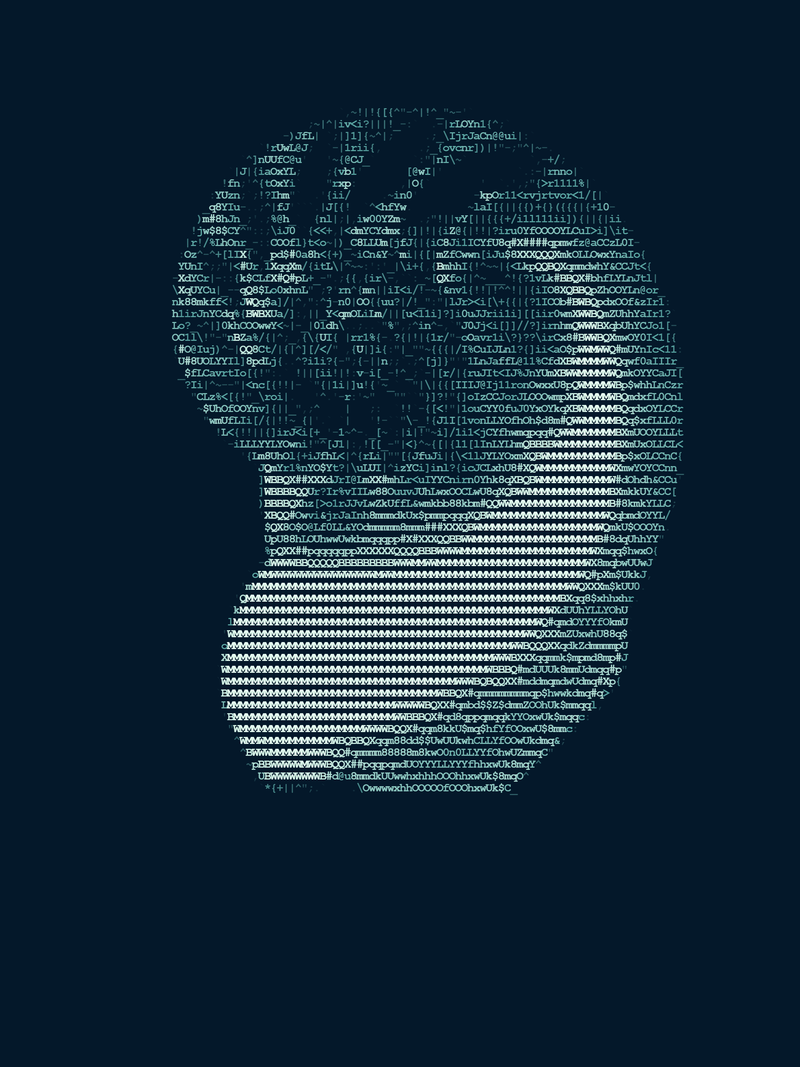
Glypha · High contrast · 110 columns

Glypha · High contrast · 110 columns

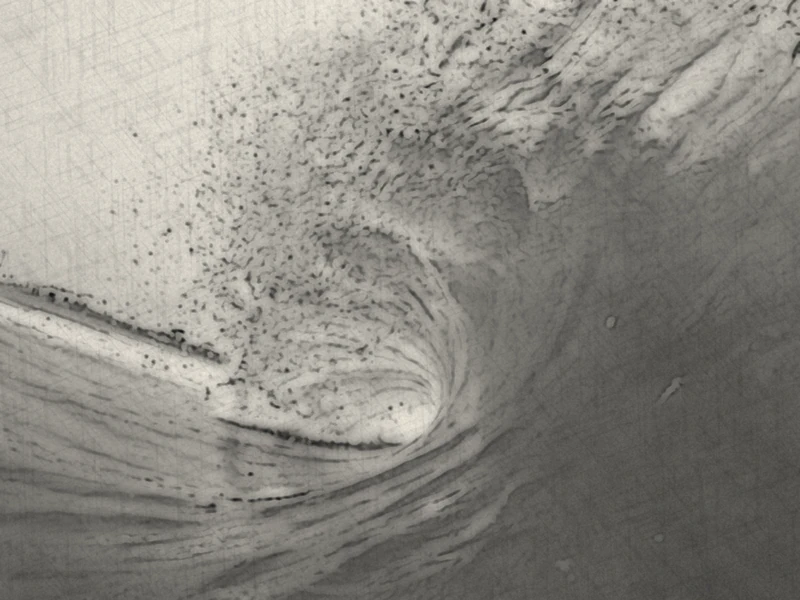
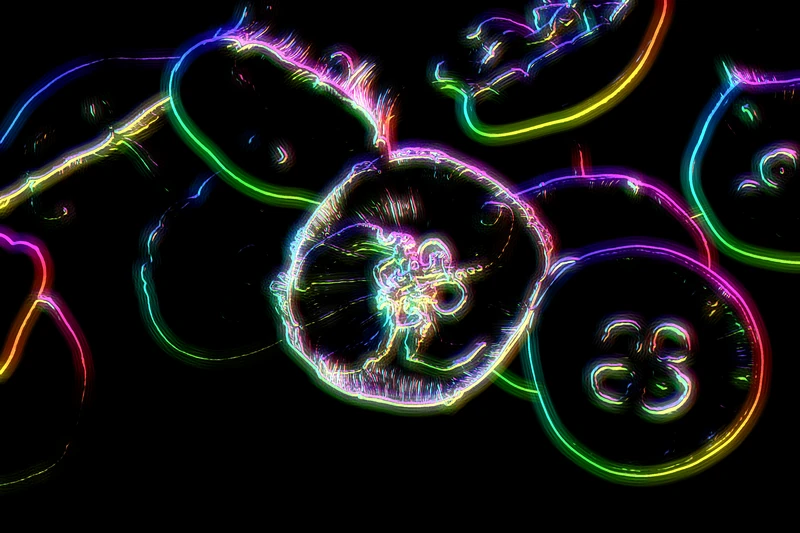
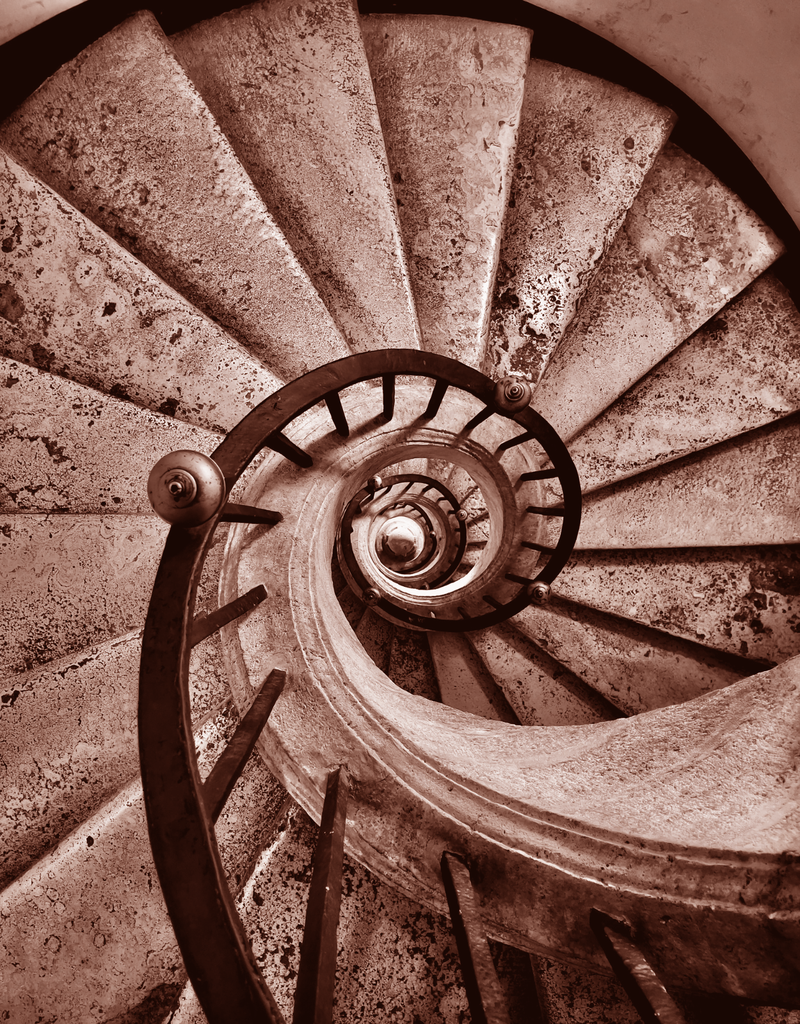
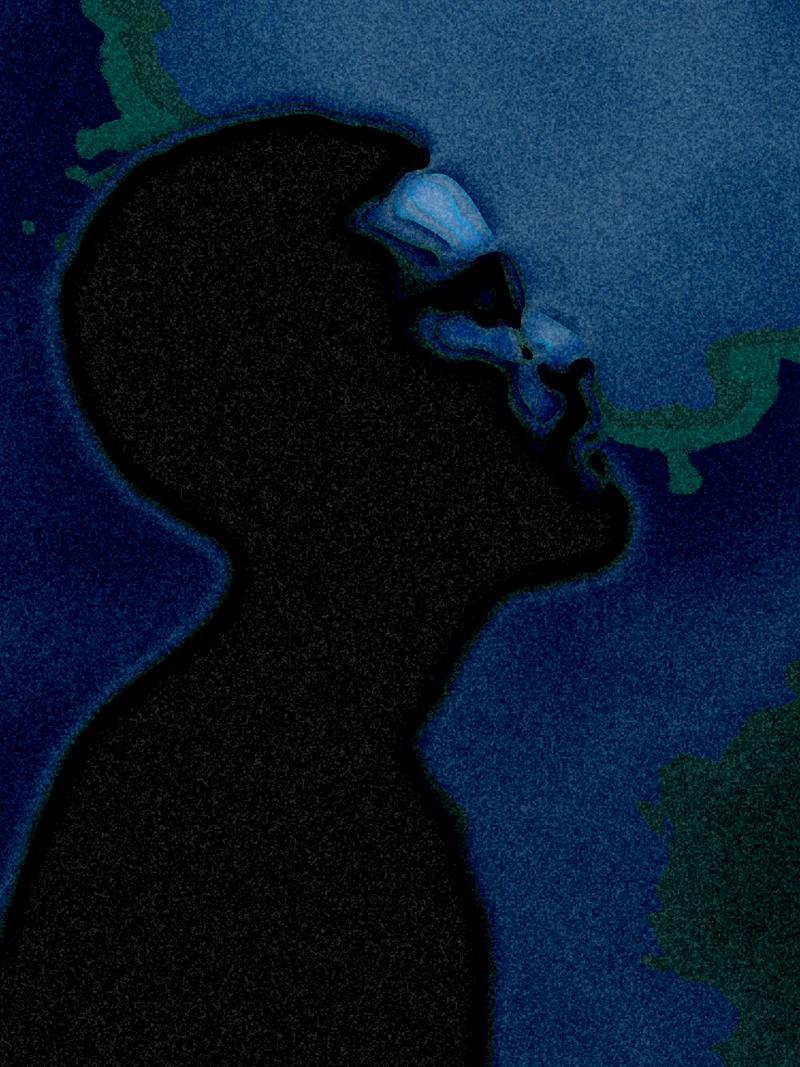
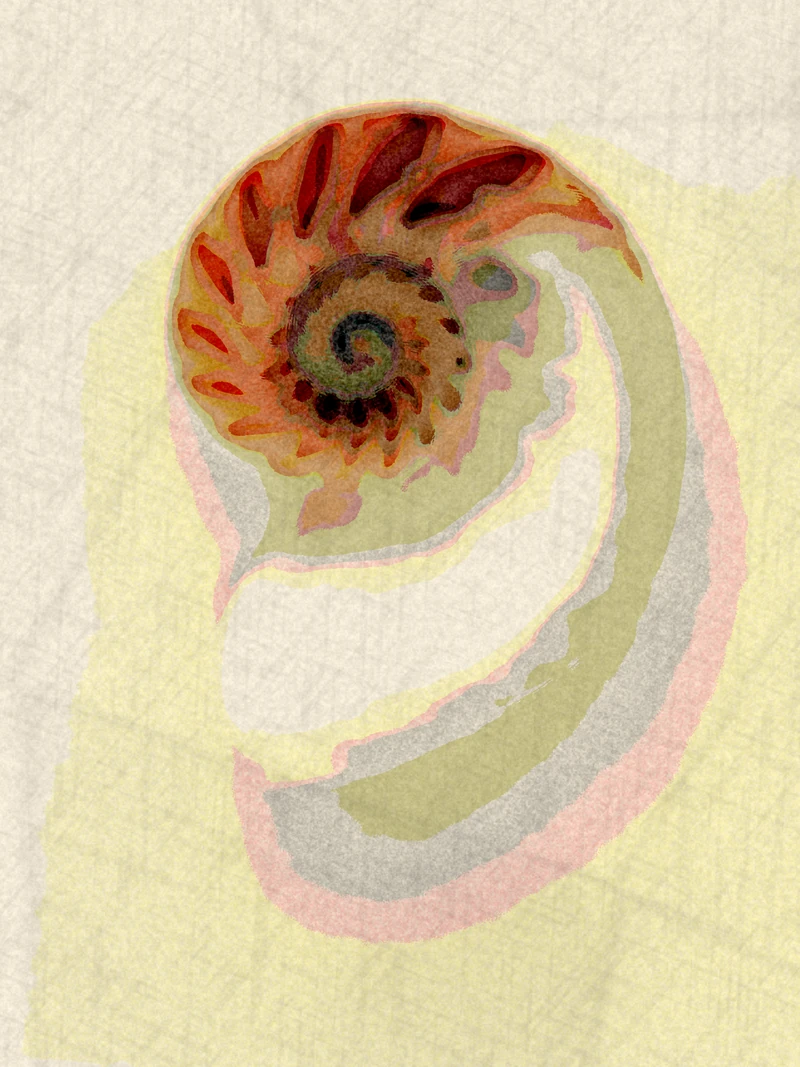
Prisma · Japanese ink wash

Prisma · Japanese ink wash

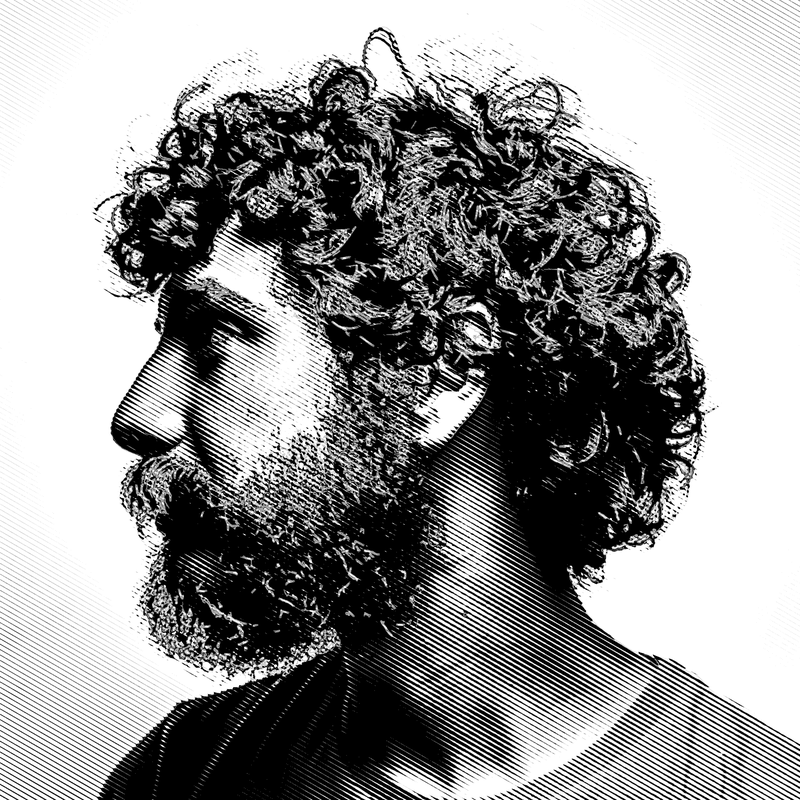
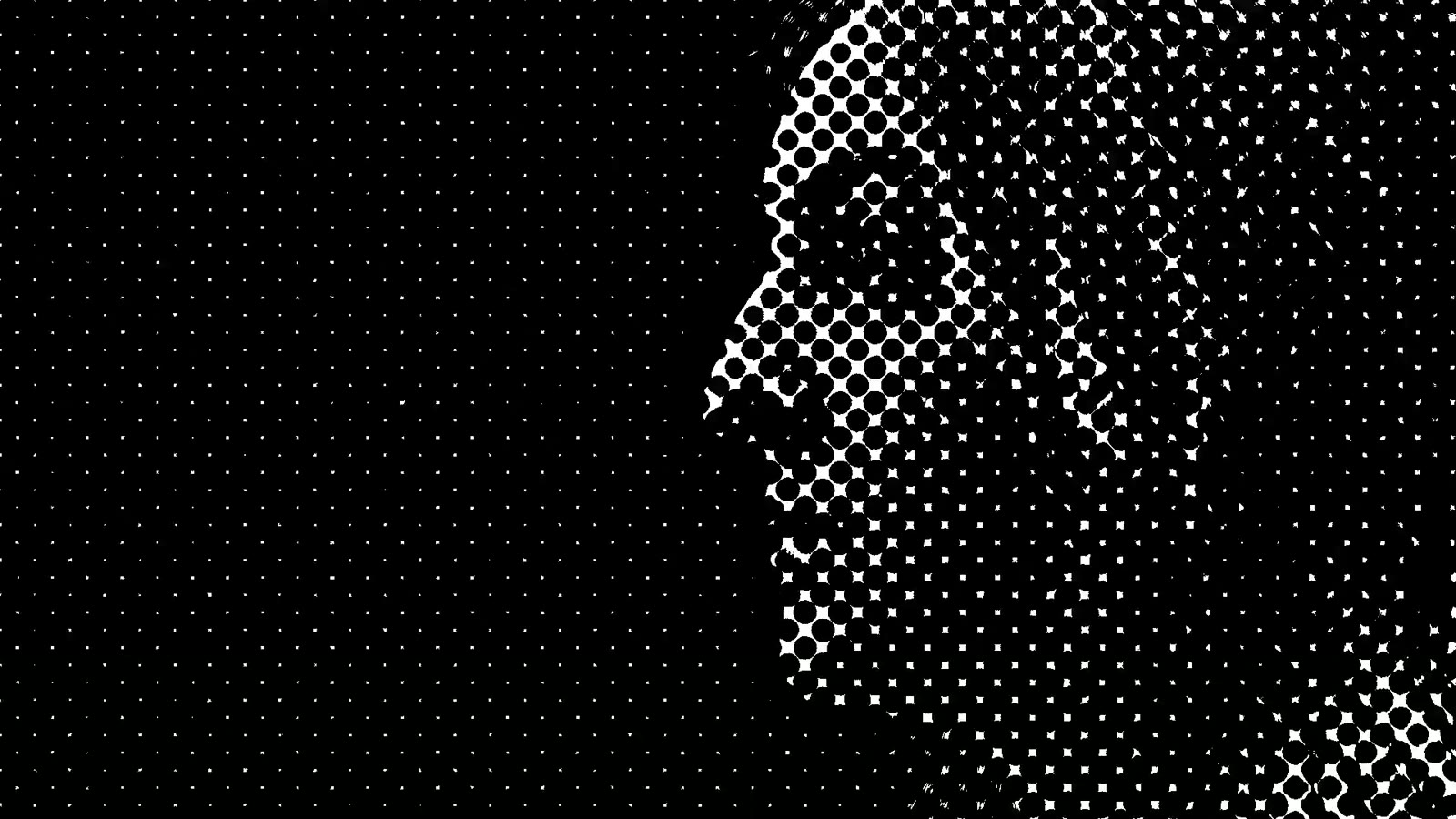
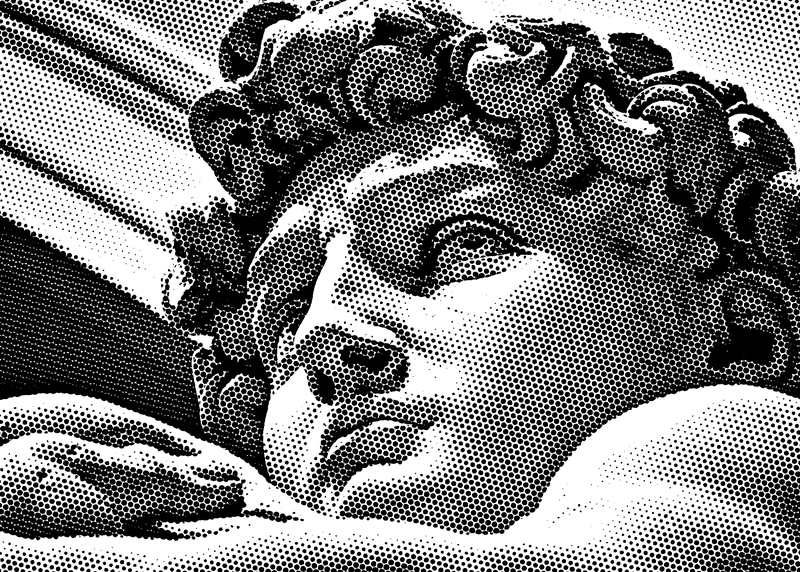
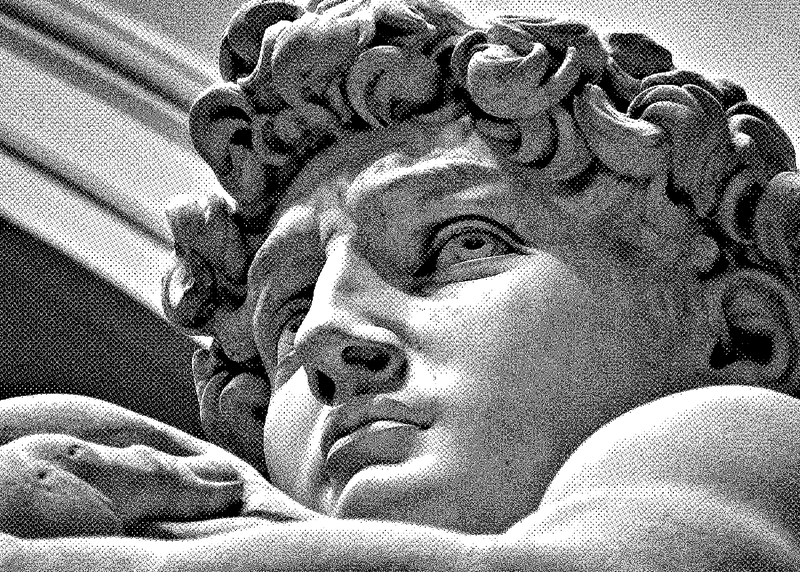
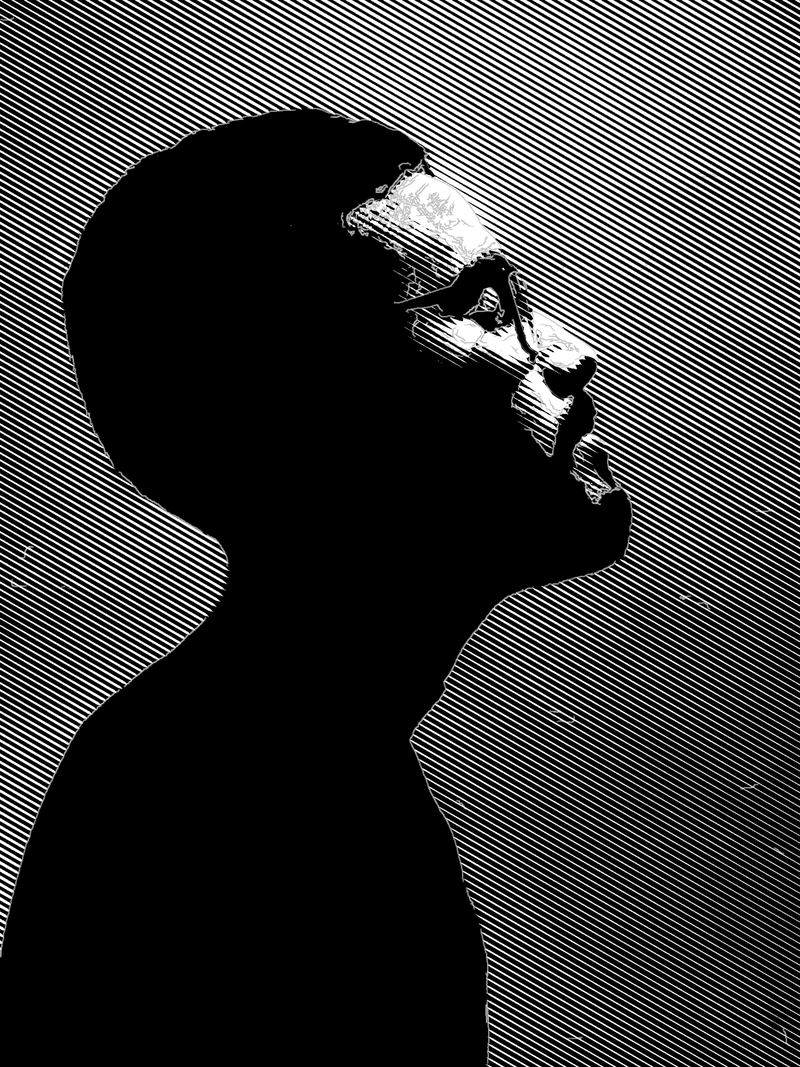
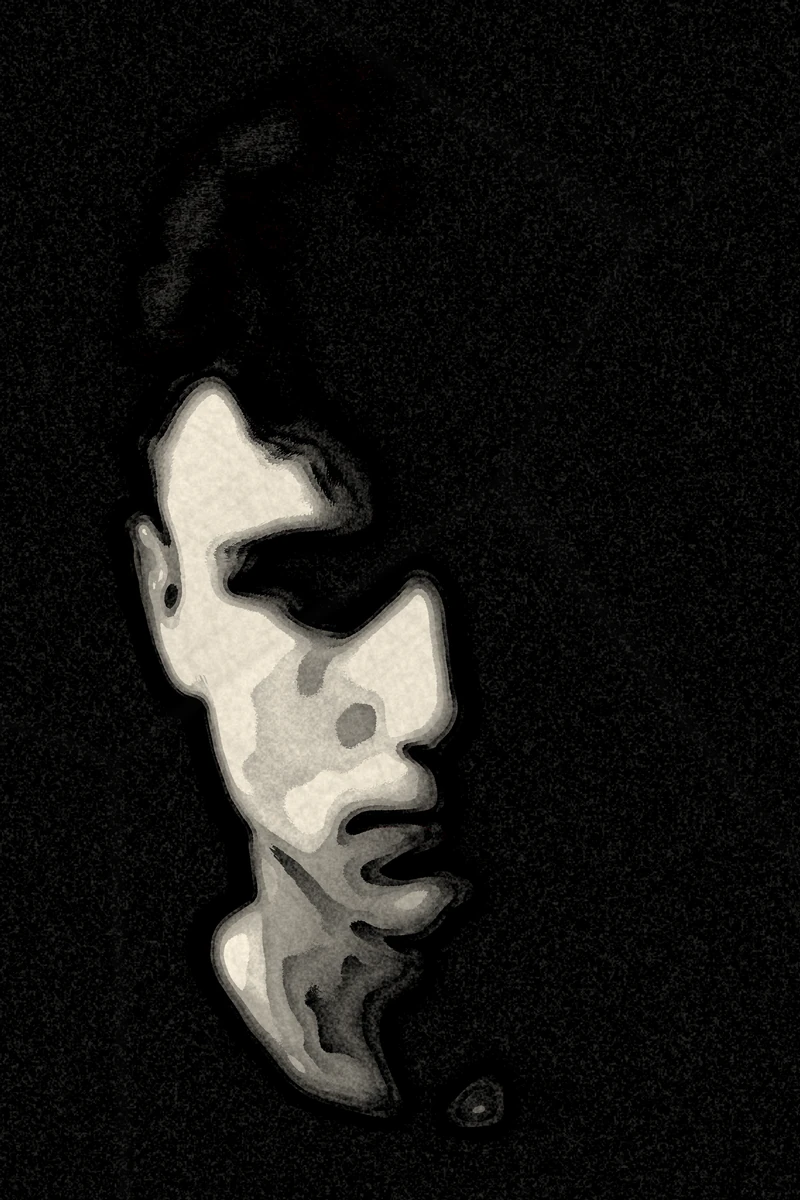
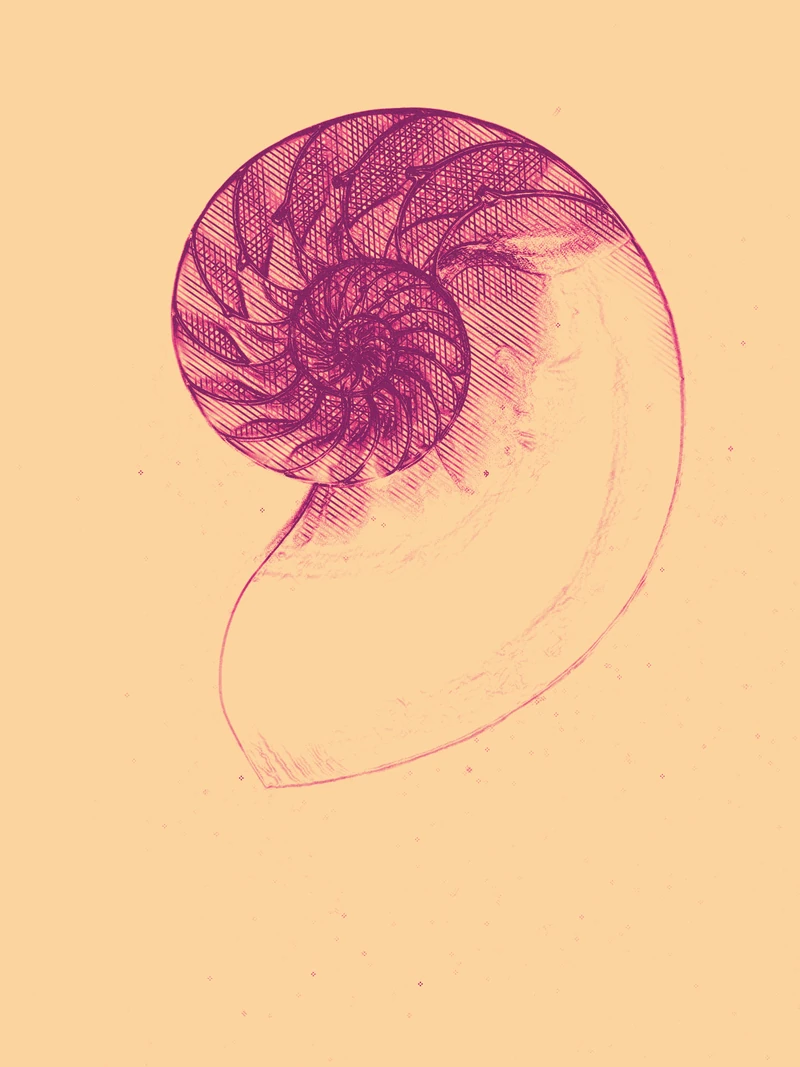
Puncta · Engraving · lines at 30°

Puncta · Engraving · lines at 30°

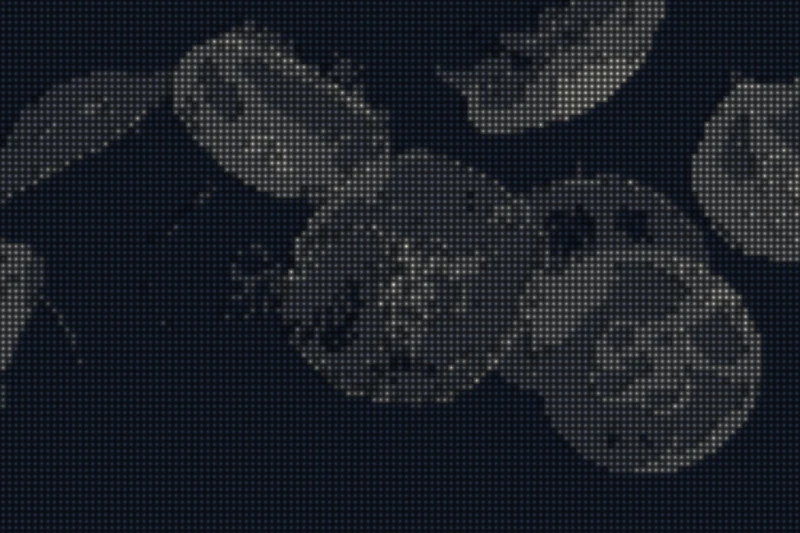
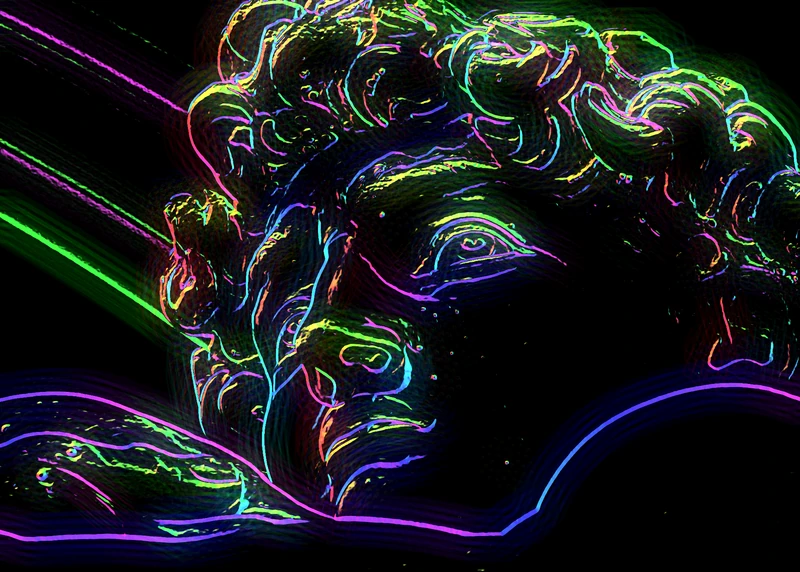
Prisma · Pink neon · animated

Prisma · Pink neon · animated

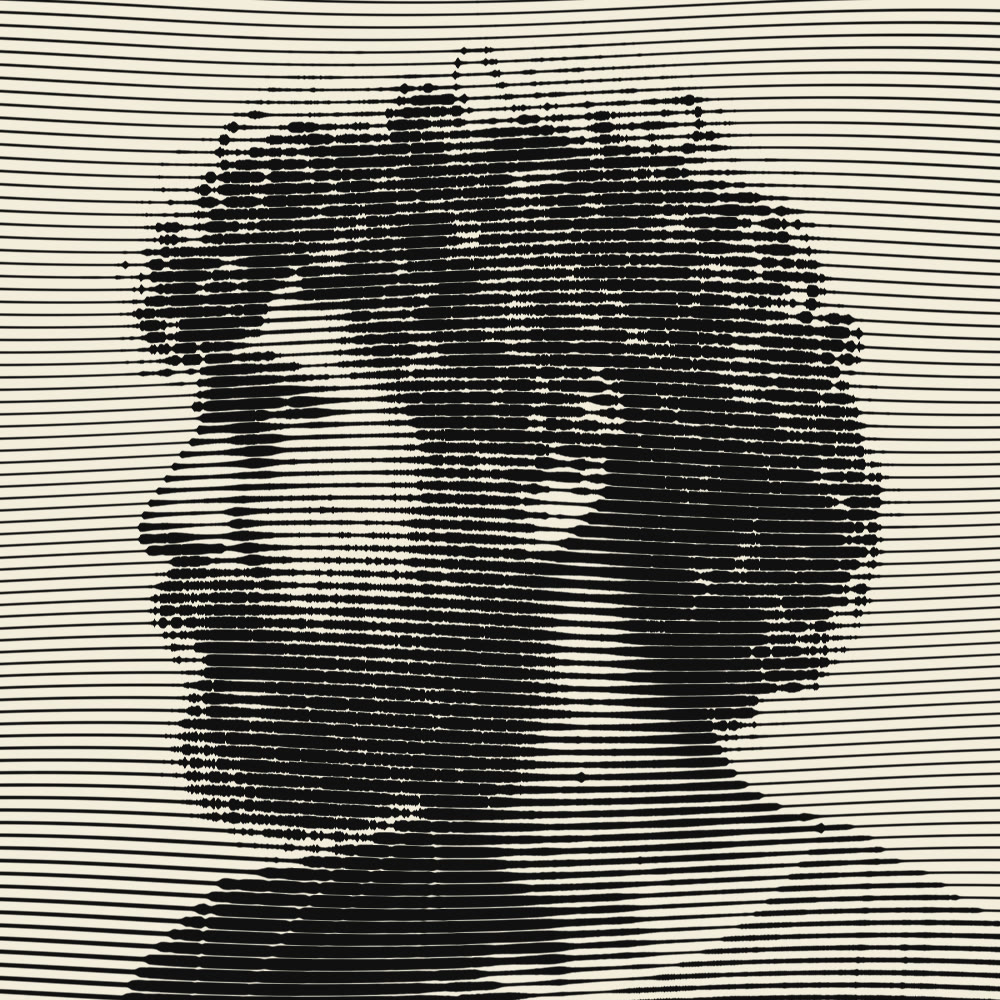
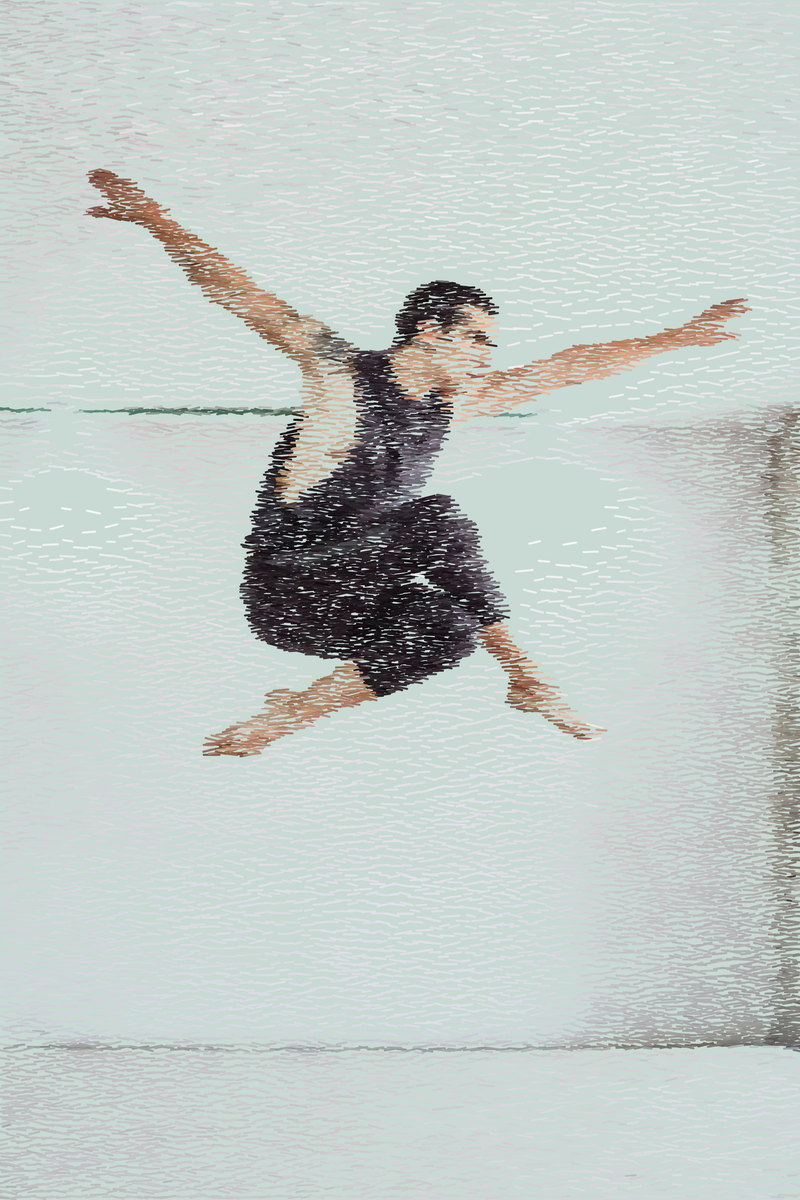
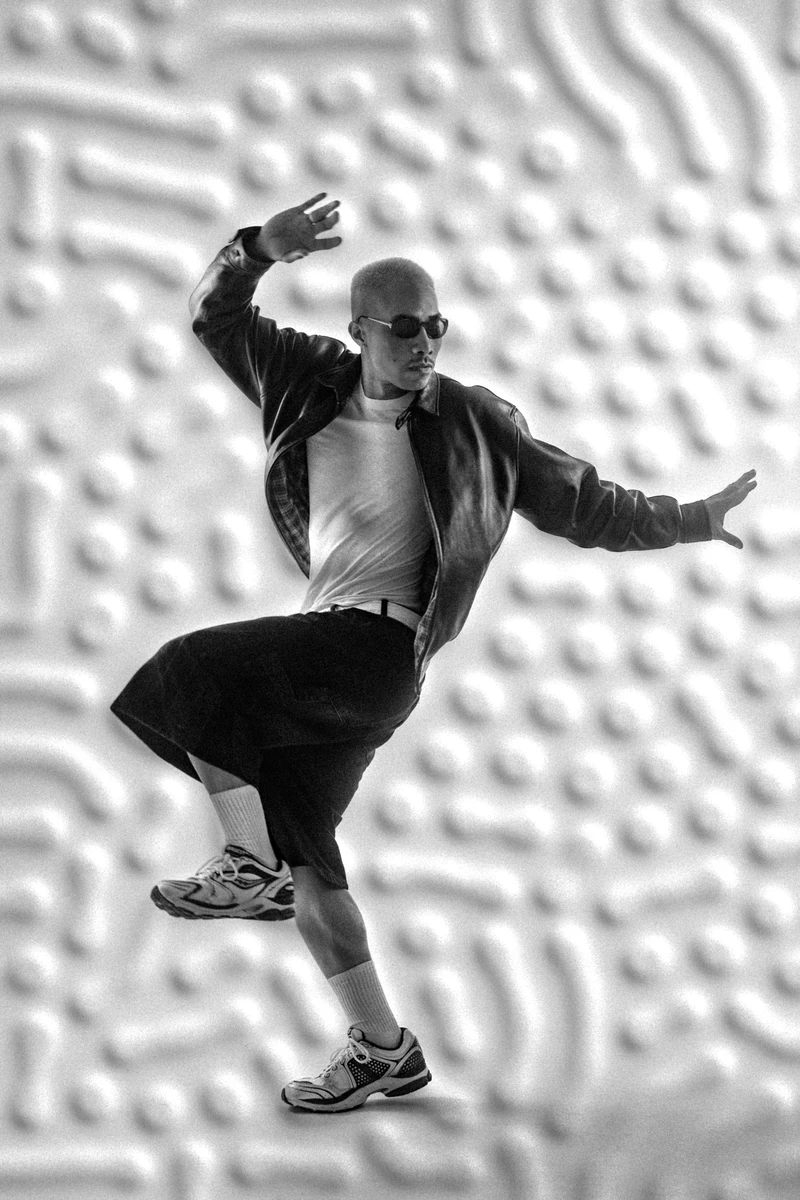
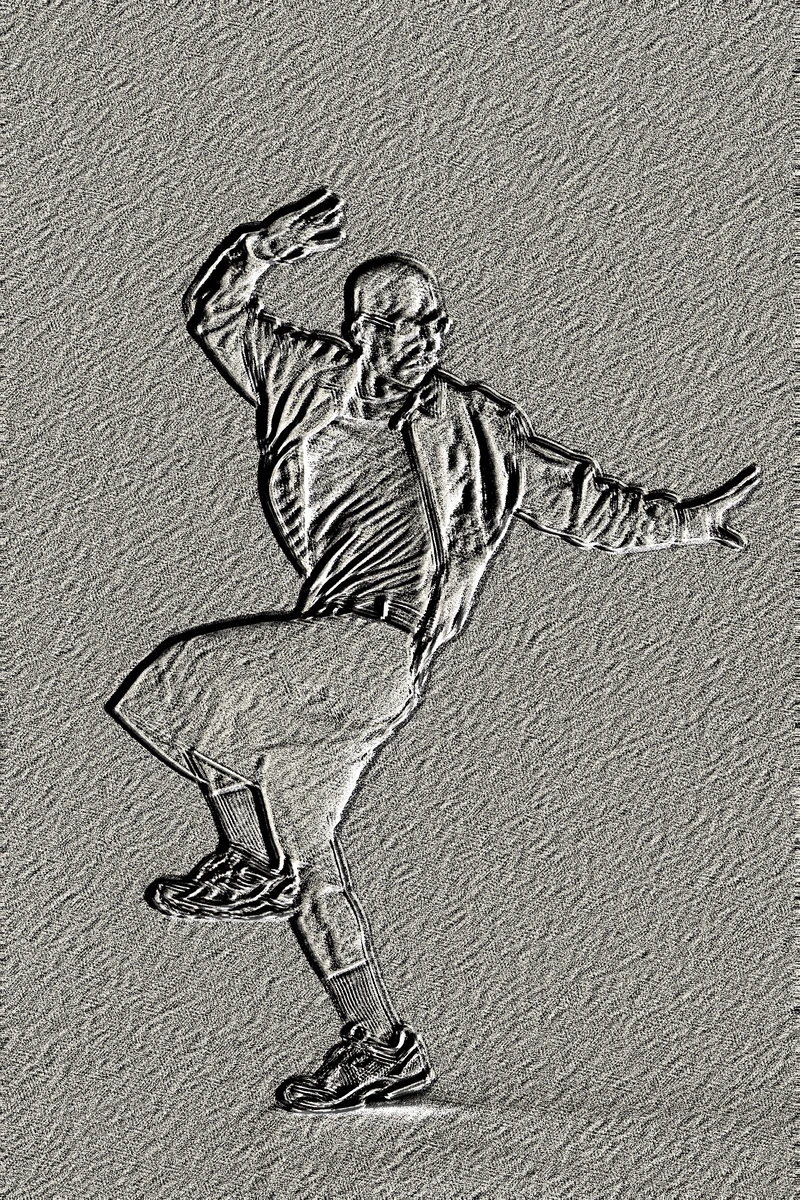
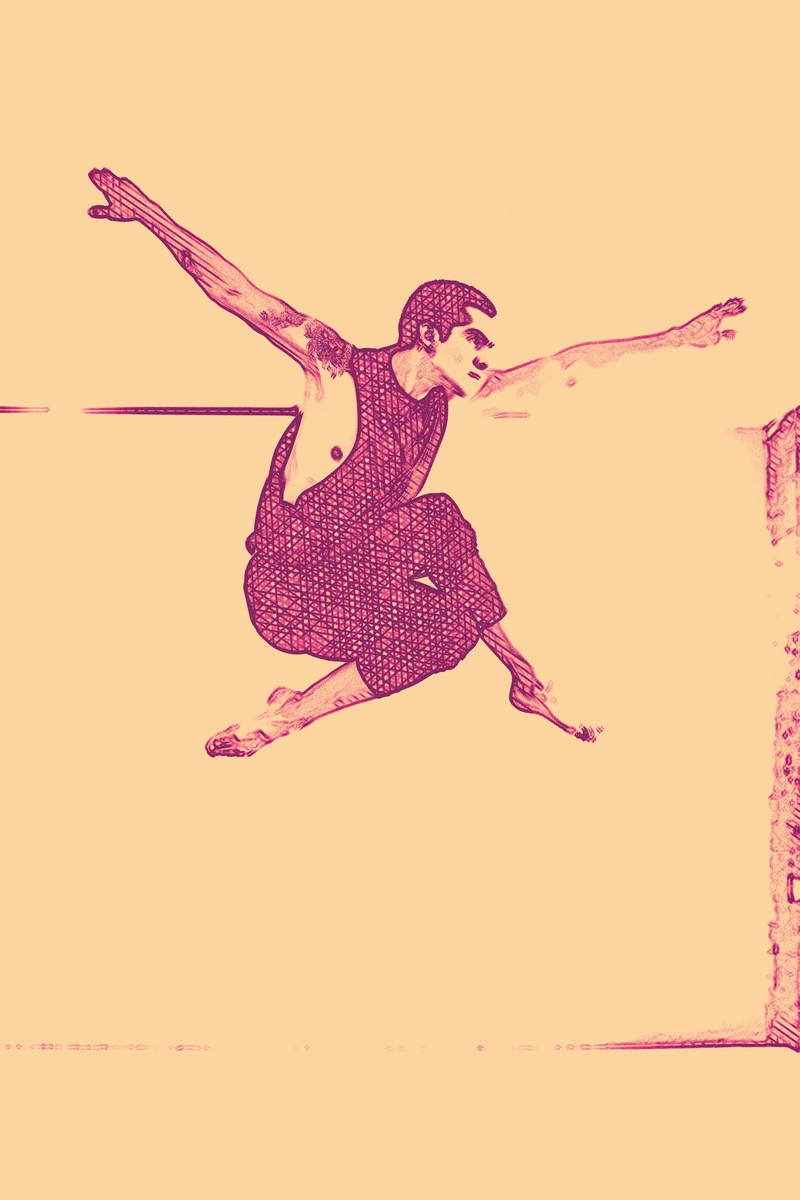
Prisma · Dancing engraving · animated

Prisma · Dancing engraving · animated

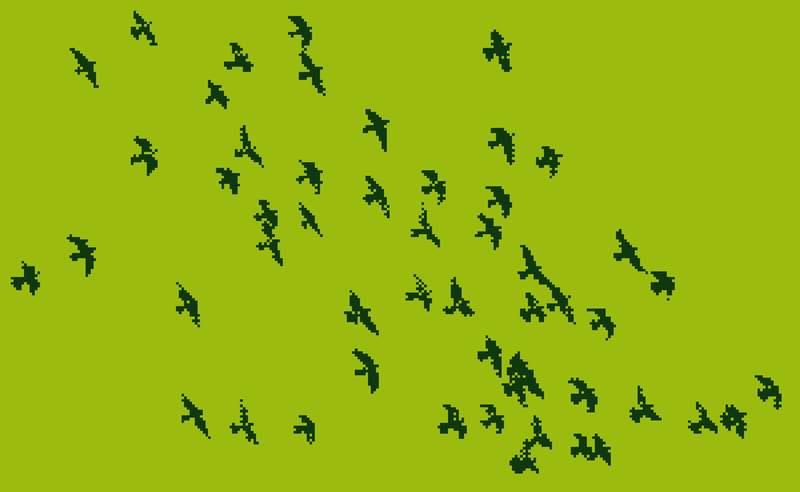
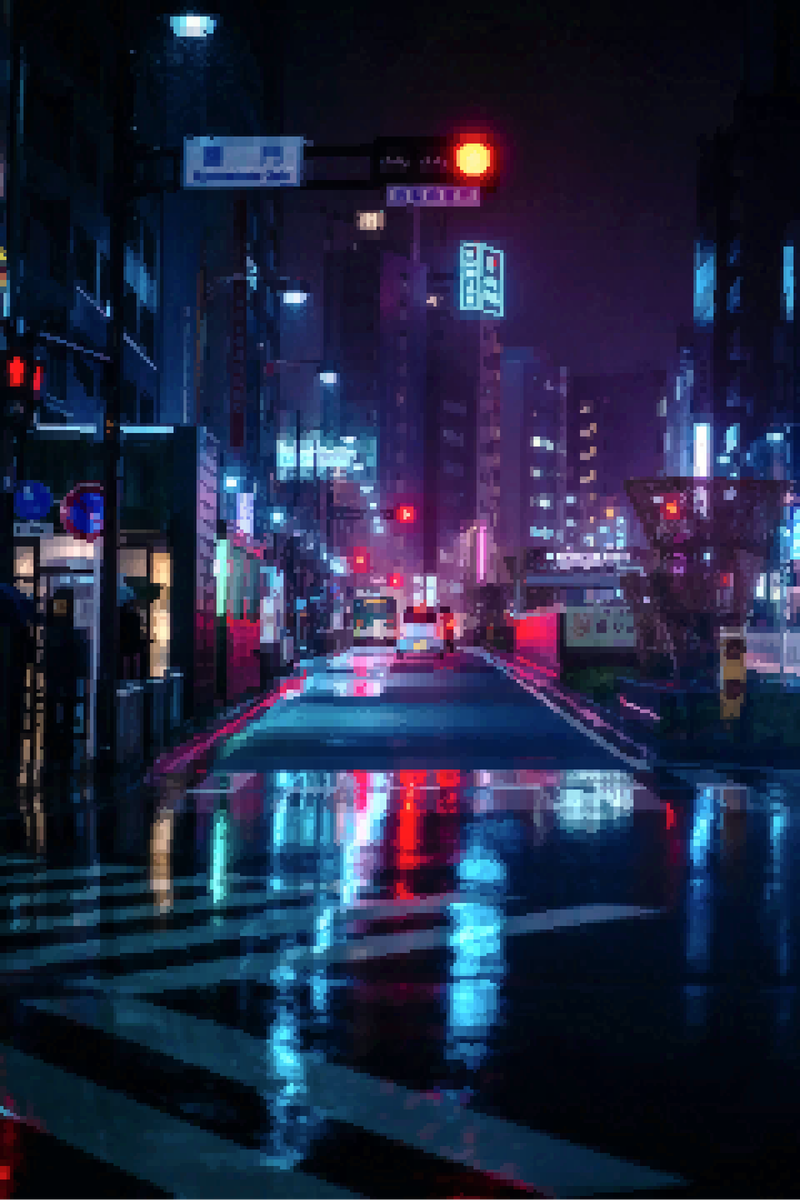
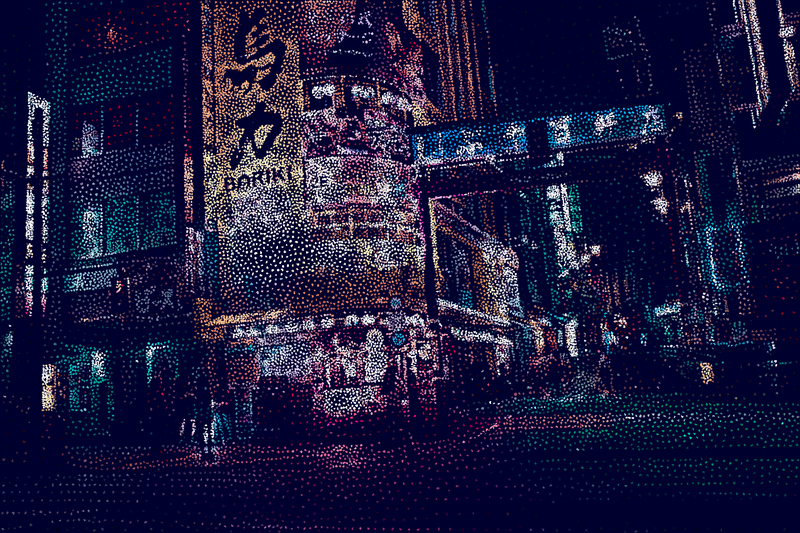
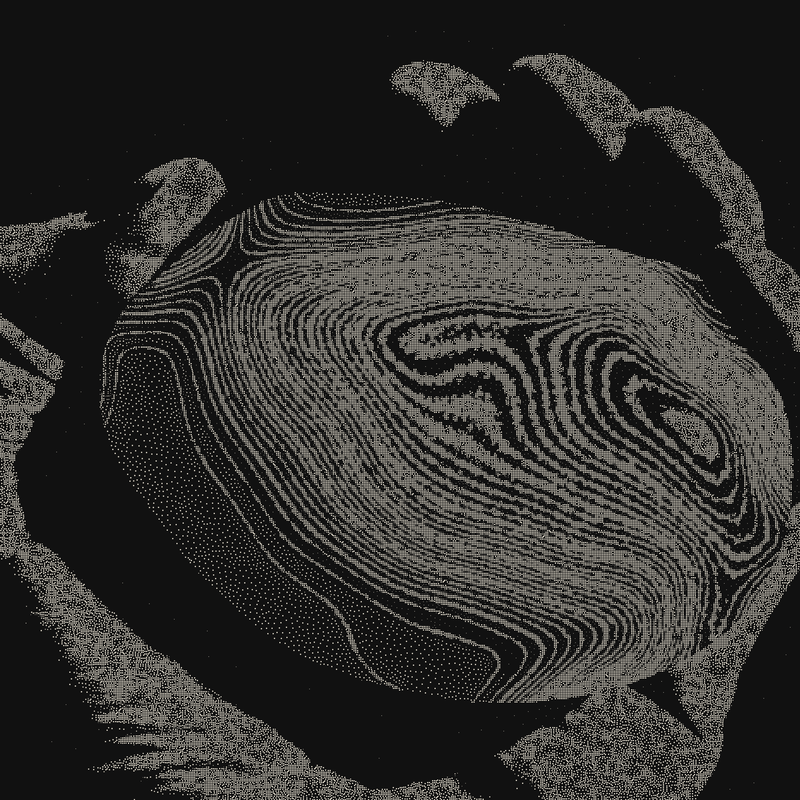
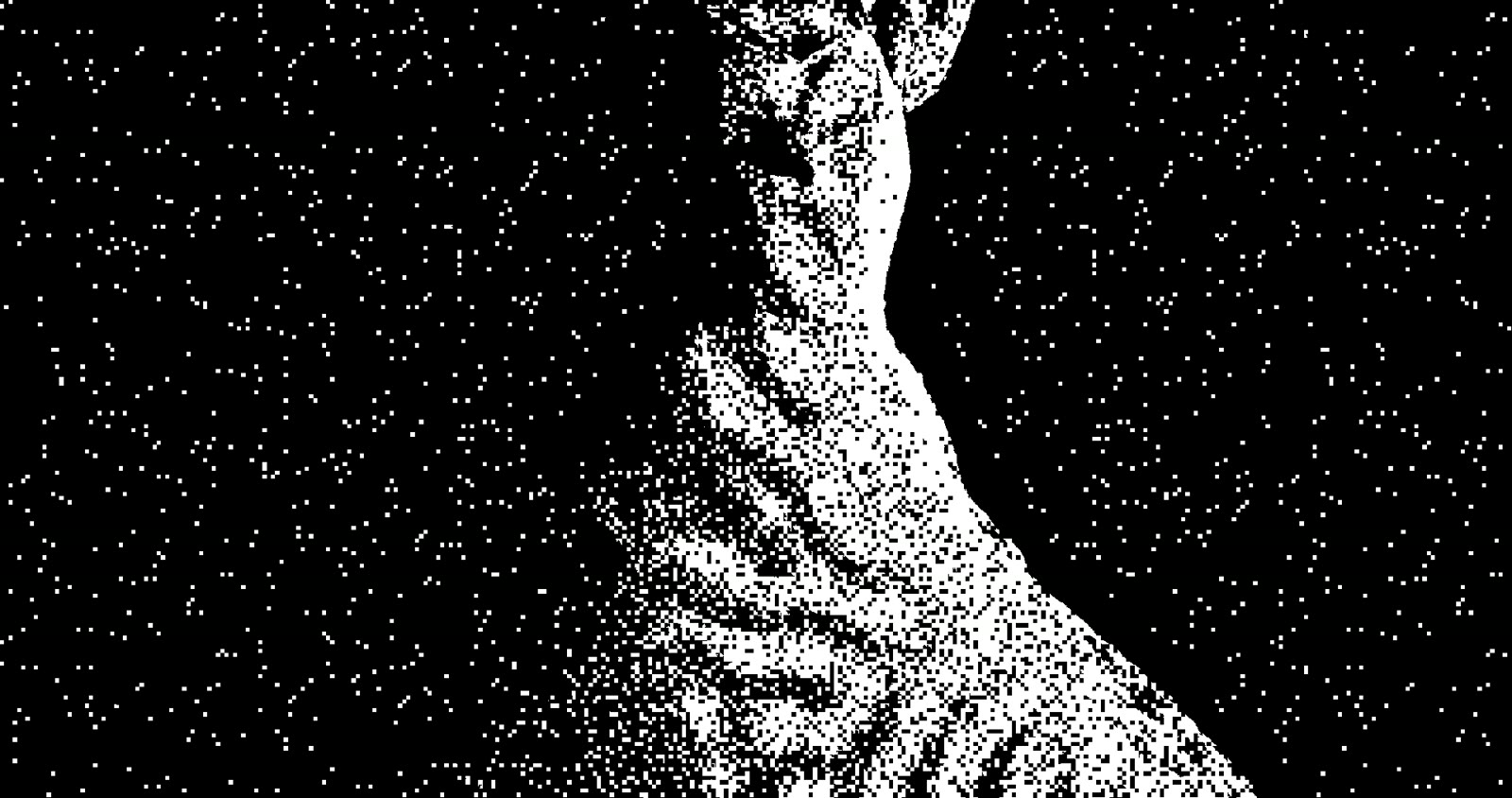
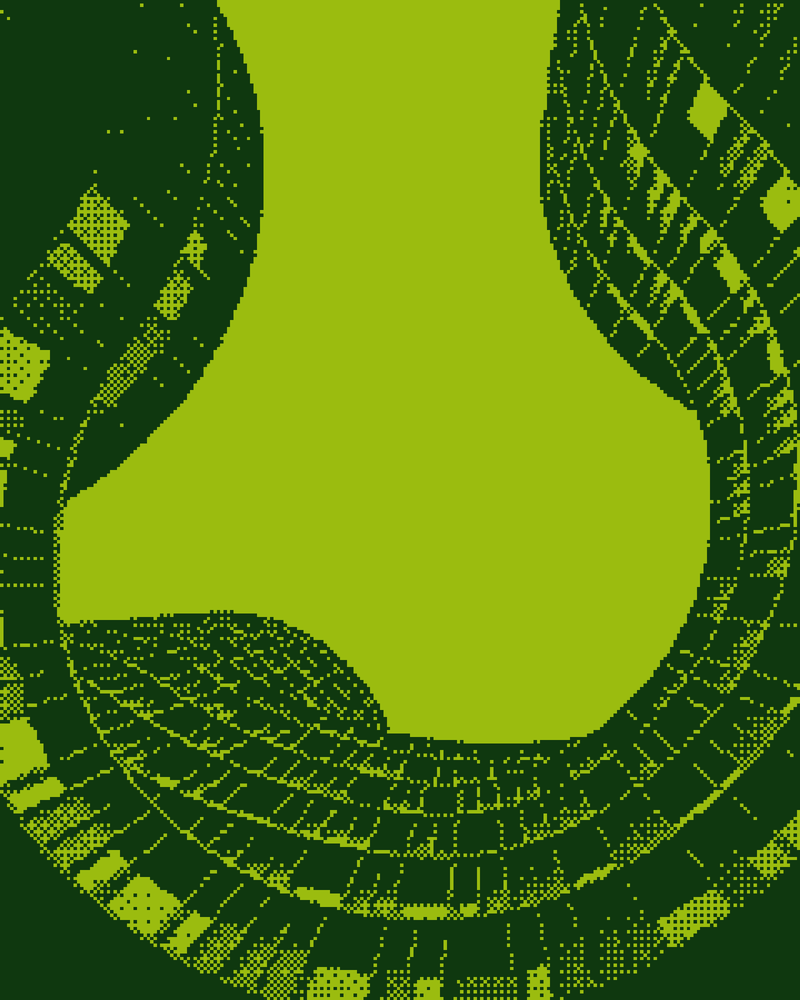
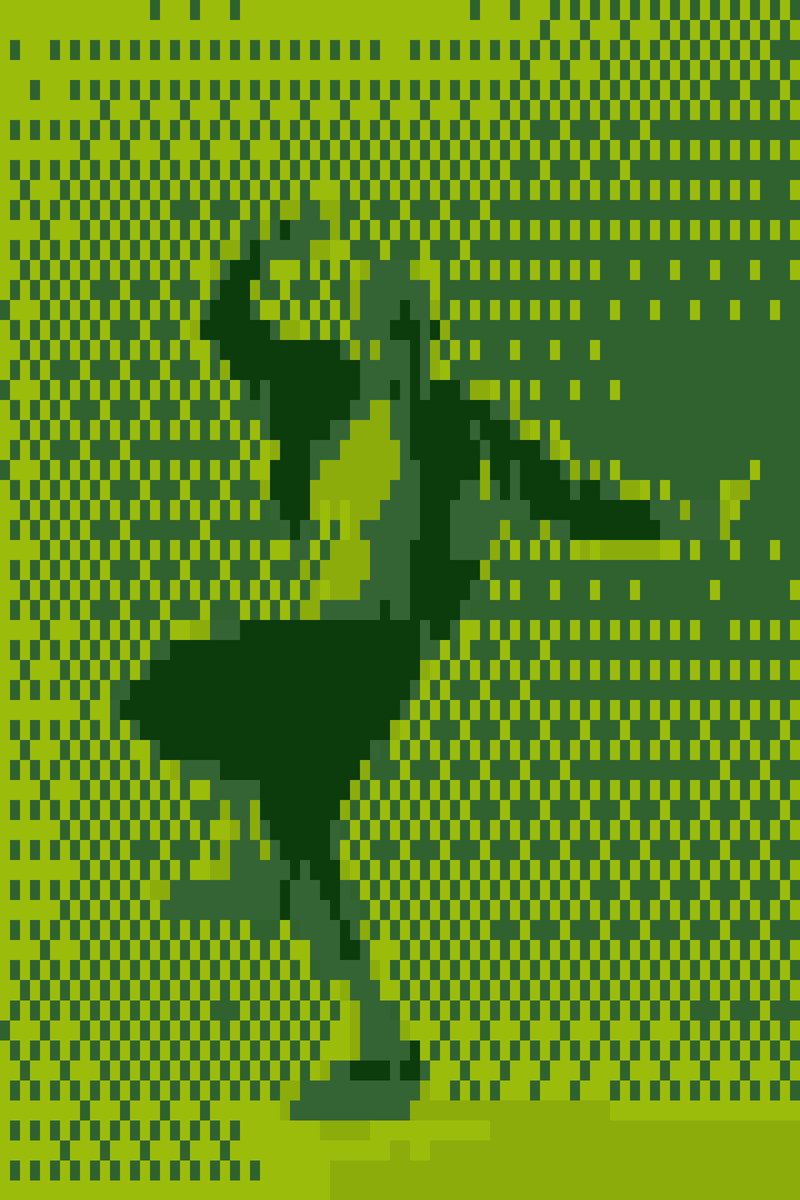
Puncta · Game Boy

Puncta · Game Boy

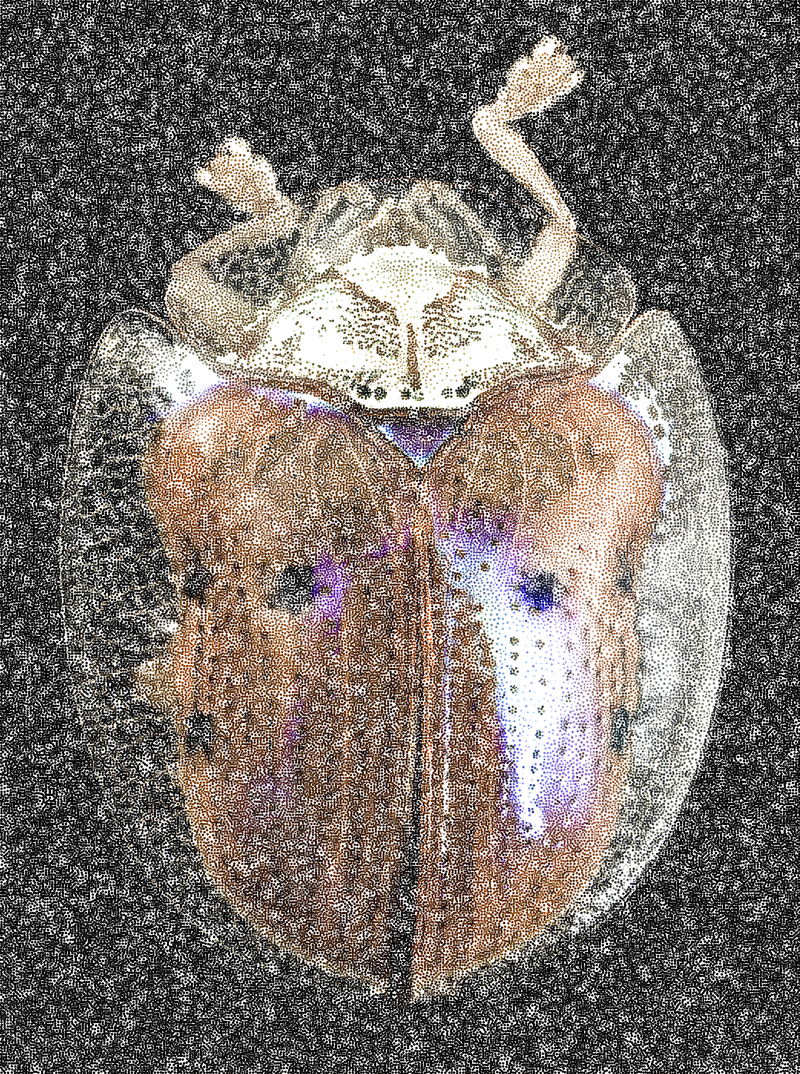
Linea · Hatching · image colour · 16,905 strokes

Linea · Hatching · image colour · 16,905 strokes

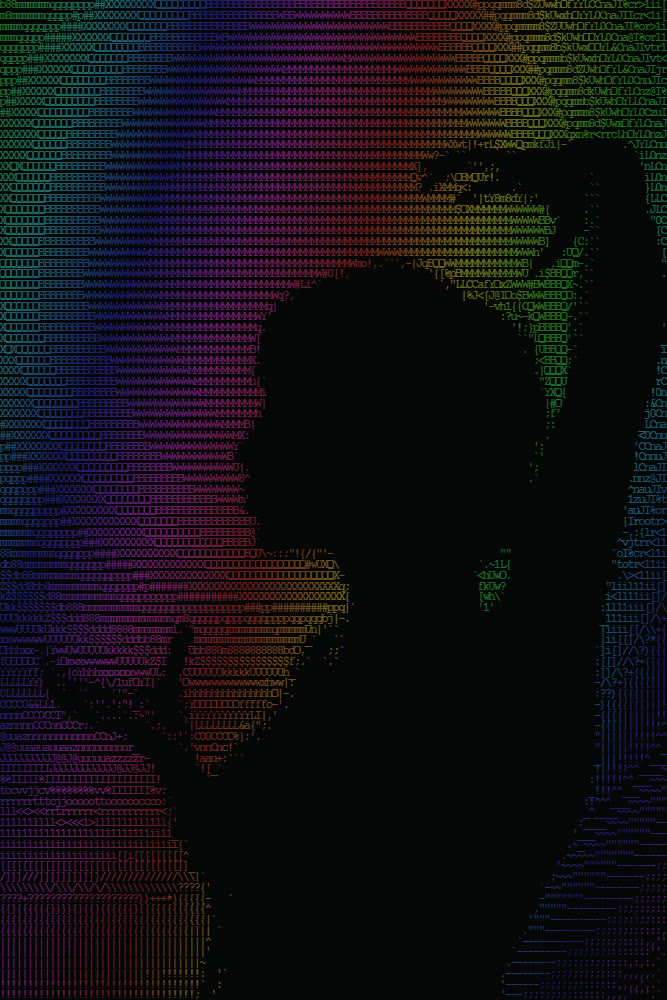
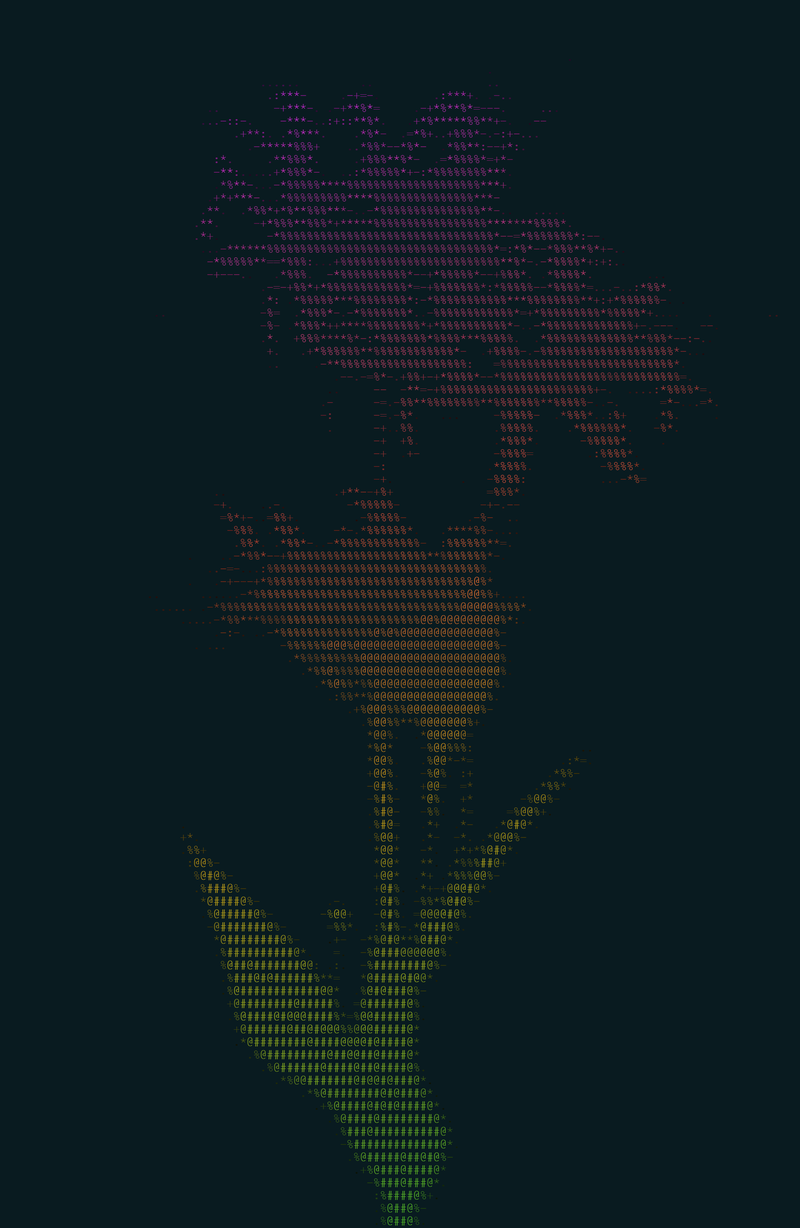
Glypha · Rainbow · animated

Glypha · Rainbow · animated

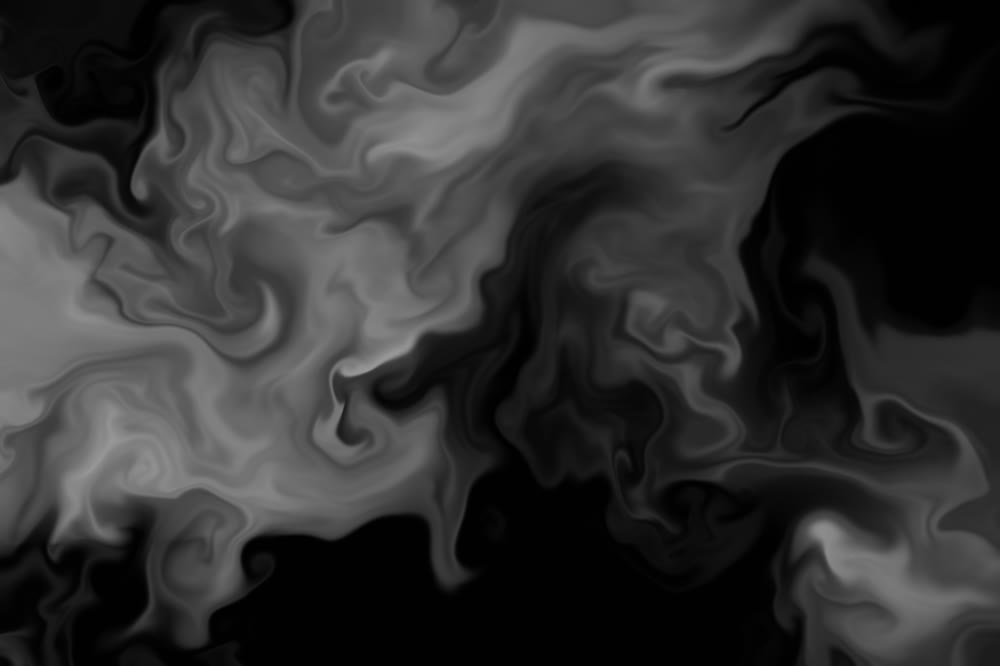
Prisma · Liquid marbling · animated

Prisma · Liquid marbling · animated

Glypha · Chafa colour · octants

Glypha · Chafa colour · octants

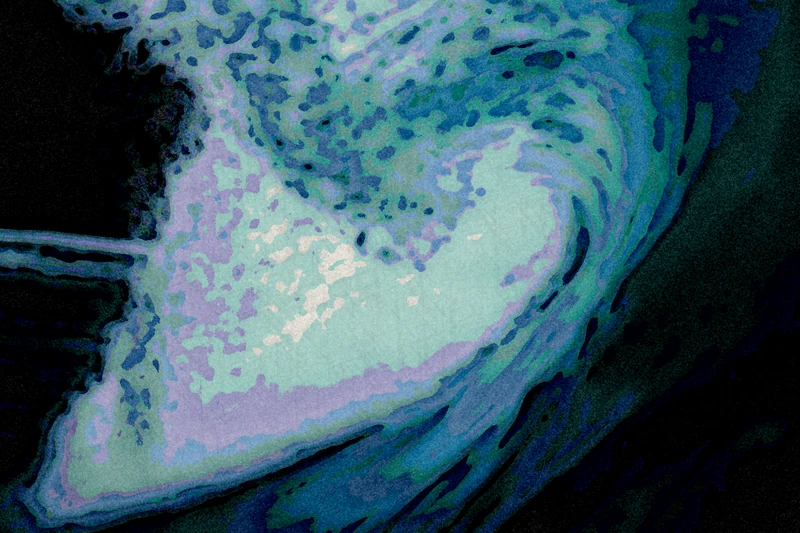
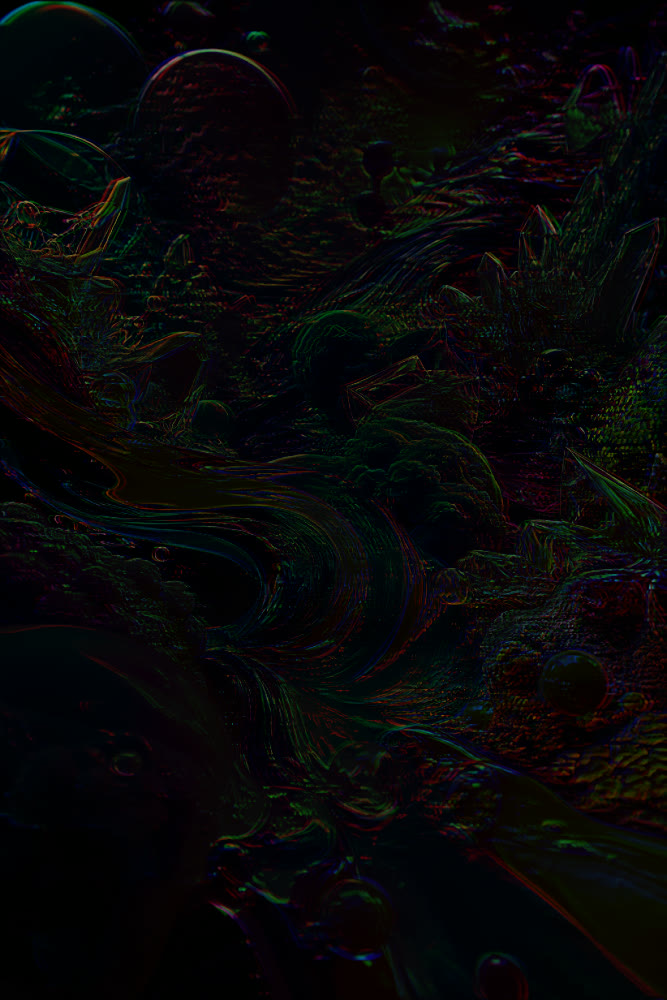
Prisma · Iridescent mezzotint · animated

Prisma · Iridescent mezzotint · animated

02 Mote Web

Try it here, nothing to install.

A lighter Mote that runs in your browser: five modes, six styles each, three settings. The same engines as the app; your photo stays on your computer.

Trial version · 1200 px exportFull screen →
Mote
01 Mode
02 Style
×1.0
0
05 Colours
06 Image

or drop it here, or paste it (Ctrl+V). Your photo stays on your computer: everything is computed in this page.

PNG, 1200 px at most. For full resolution, download Mote →

Test photos: Unsplash.

03 The modes — hover, then step in 02 / 07

Puncta

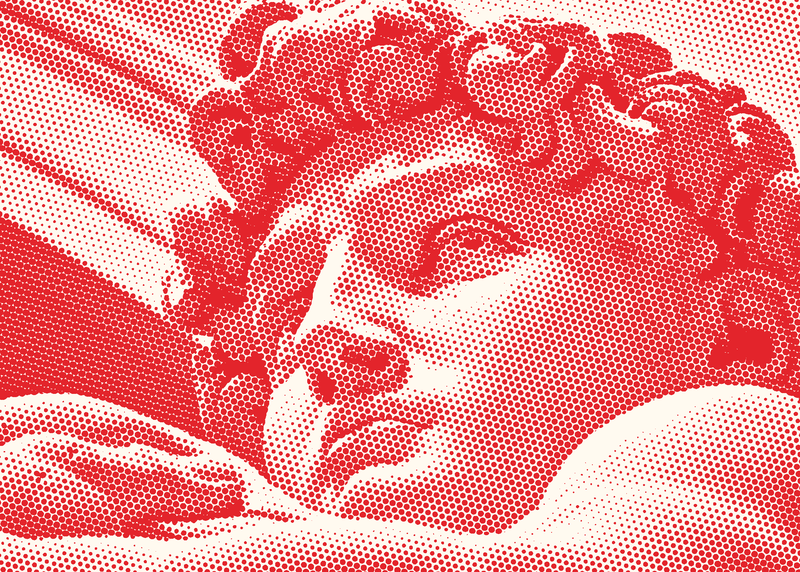
The printer’s screen in every form: offset dot, Ben-Day, engraving, error diffusion, Bayer, noise.

120 styles · 26 diffusions · 21 matrices · 135 patterns Open Puncta →
926
04 Index

styles, effects and palettes. All in the app, all adjustable.

See the full index →
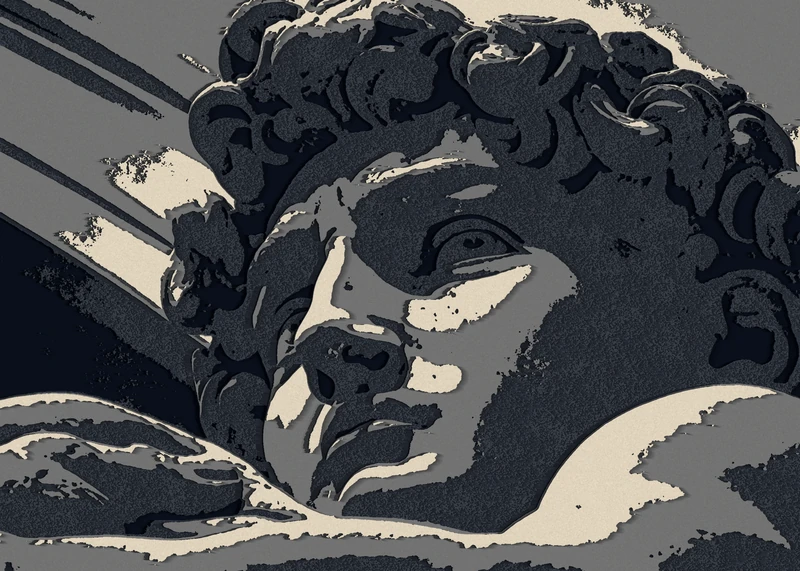
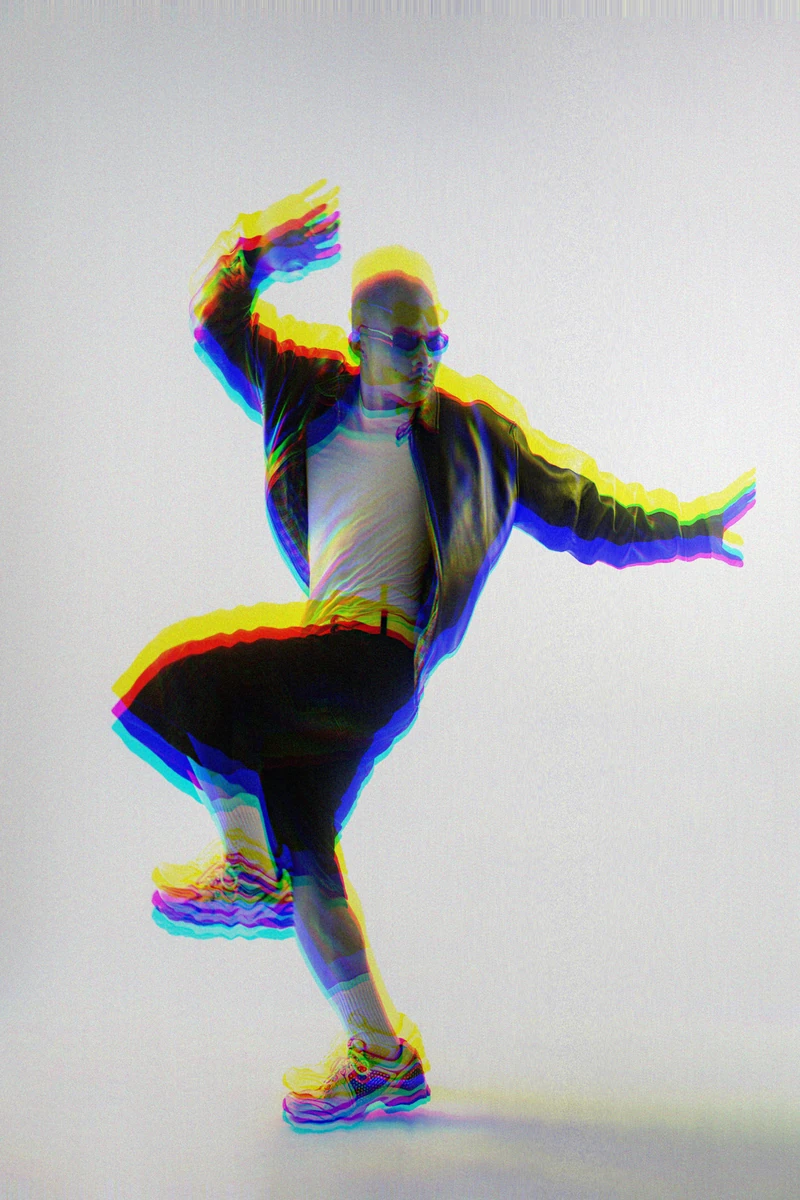
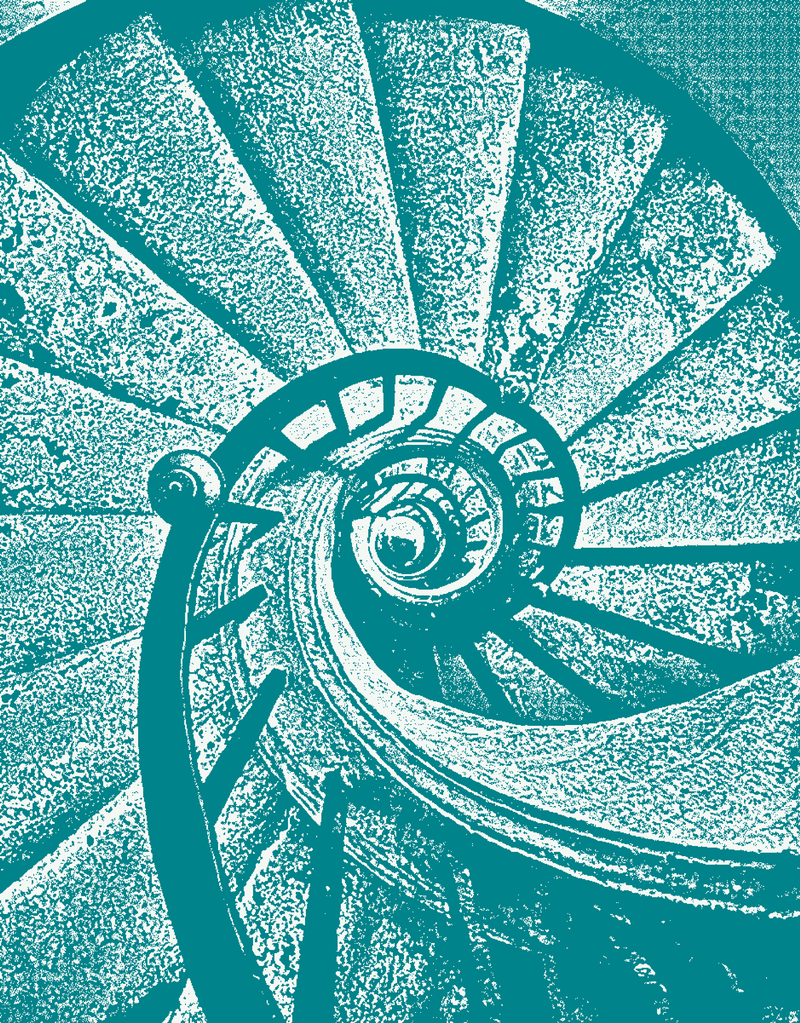
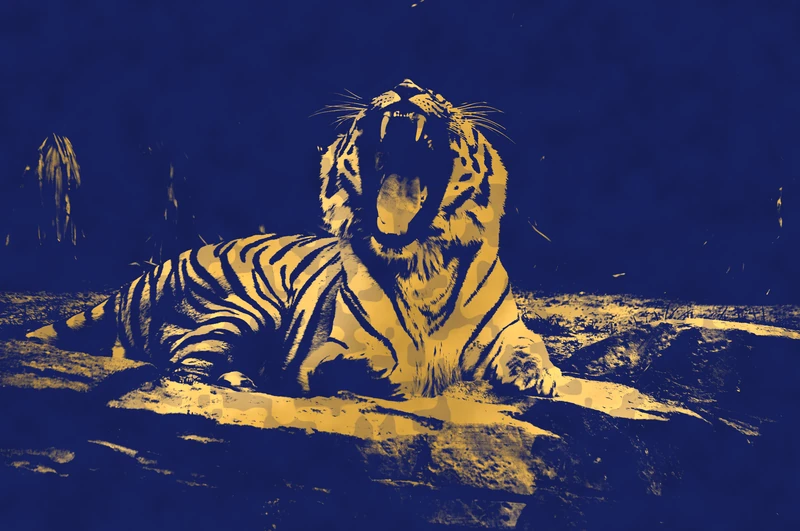
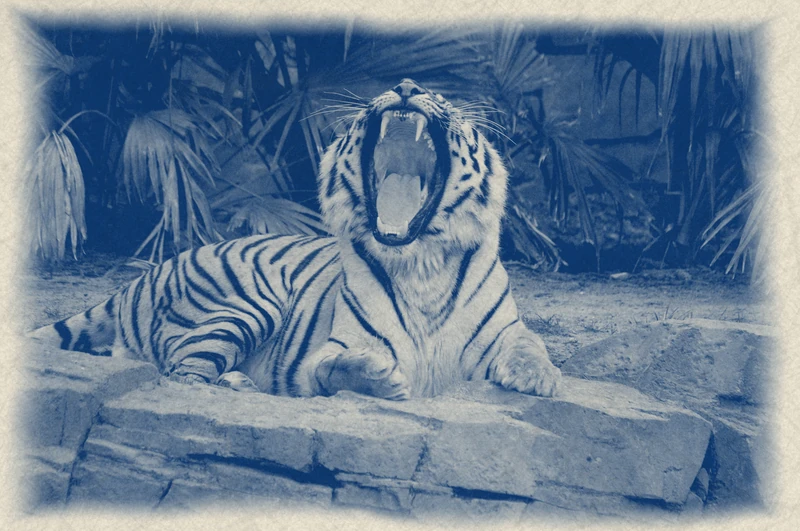
Glypha · High contrast · 110 columnsGlypha · Colour braille · 220 columnsChroma · Riso · Fluorescent Pink + TealChroma · Classic Riso · layer 2 shifted 5 pxPuncta · Engraving · lines at 30°Puncta · Red Ben-Day · duotonePuncta · Game BoyPuncta · AM · Euclidean dot · 45°Puncta · CMYK Ben-DayPuncta · Atkinson · Mac 1984Prisma · Japanese ink washSpora · Mazes · Riso blue on paperSpora · Sepia · duotonePrisma · Neon · glowing edges on blackPrisma · Paper cut, then LED panelPrisma · Reaction-diffusion · the pattern in relief behind the dancerPrisma · EmbossPrisma · RGB wavesPrisma · Cut-out flats · cream and greyPrisma · ASCII render · two-strip Technicolor, CMYK, iridescencePuncta · Bitmap · one teal inkLinea · Polygons · image colour on midnight blueGlypha · Grey on black · 140 columnsGlypha · ANSI 256 palette on green · 200 columnsPuncta · Comic Ben-Day · blackPuncta · Pop pinkPuncta · Default settingsPuncta · Surprise me · a random stylePuncta · Default settingsPuncta · Comic Ben-DayPuncta · Pop pinkPuncta · EngravingPuncta · Game BoyPuncta · Red Ben-DaySpora · Default settingsSpora · Gold on nightChroma · BauhausChroma · Classic risoChroma · Surprise me · a random styleGlypha · Harri shapeGlypha · Colour BraillePrisma · Watercolour · watercolour and paperPrisma · Pop poster · posterize and colour gradientPrisma · Contour lines and two offset risographsPrisma · Gold on indigoPrisma · Cyanotype · cyanotype and paperPrisma · Neon · edges and glowPrisma · Watercolour · watercolour and paperPrisma · Watercolour · watercolour and paperPrisma · Watercolour · watercolour and paperPrisma · Klimt gold · artist palette, clarity, film grainPrisma · Find · pencil sketch and colour gradientPrisma · Find · pencil sketch and colour gradientGlypha · Chafa colour · octantsGlypha · Game Boy · four greensGlypha · Turquoise · 130 columnsGlypha · Source colour on night · 120 columnsLinea · Hatching · image colour · 16,905 strokesLinea · Stippling · image colour on black · 154,696 dotsPrisma · Iridescent mezzotint · animatedPrisma · Burnt film and RGB waves · animatedPrisma · Liquid marbling · animatedPrisma · Topographic map · animatedPrisma · Pink neon · animatedPrisma · Dancing engraving · animatedGlypha · Rainbow · animatedFauve
05 Plates

One module gives you a style. Several modules, layers and selections on the same photo give you a picture.

Each plate starts from a photo and an idea found in it. It is made entirely in Mote, one setting at a time, and checked at 100 %.

01
Plate 01

Fauve

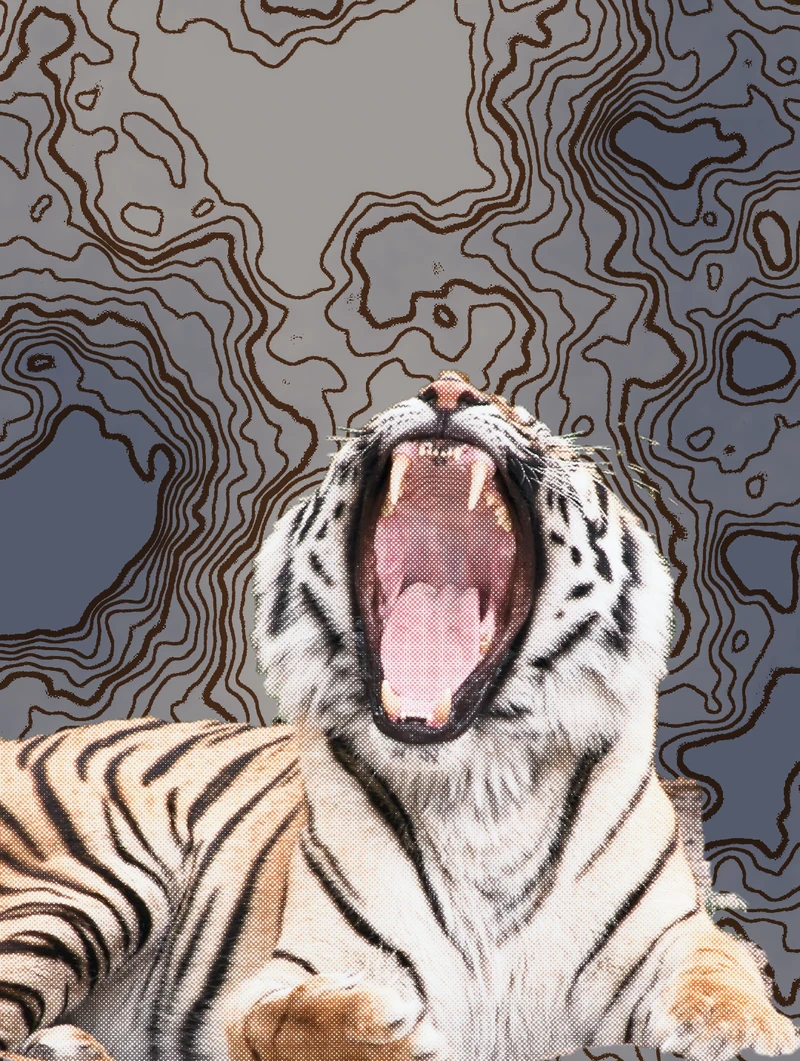
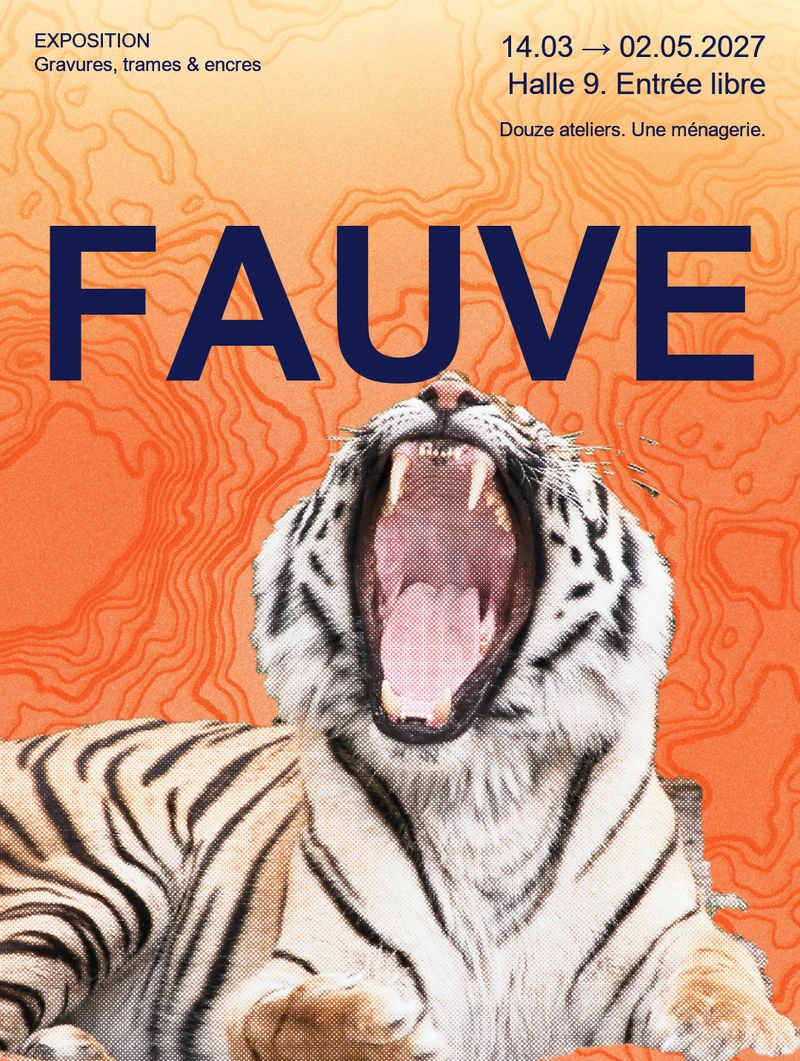
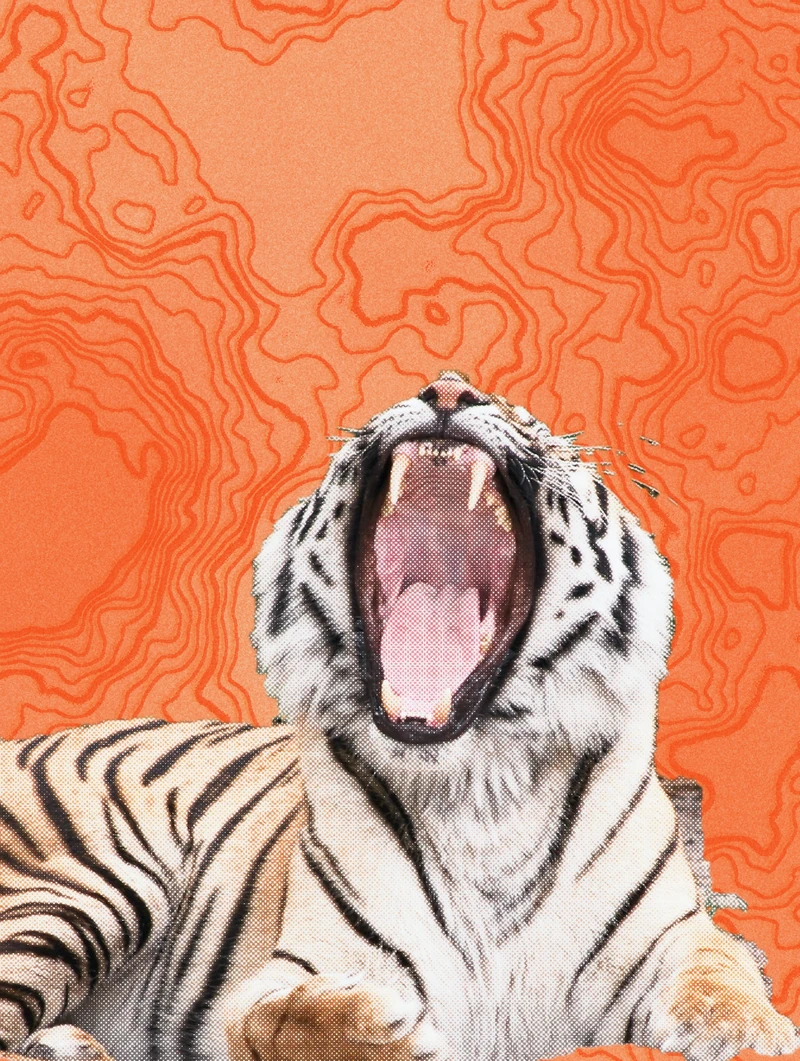
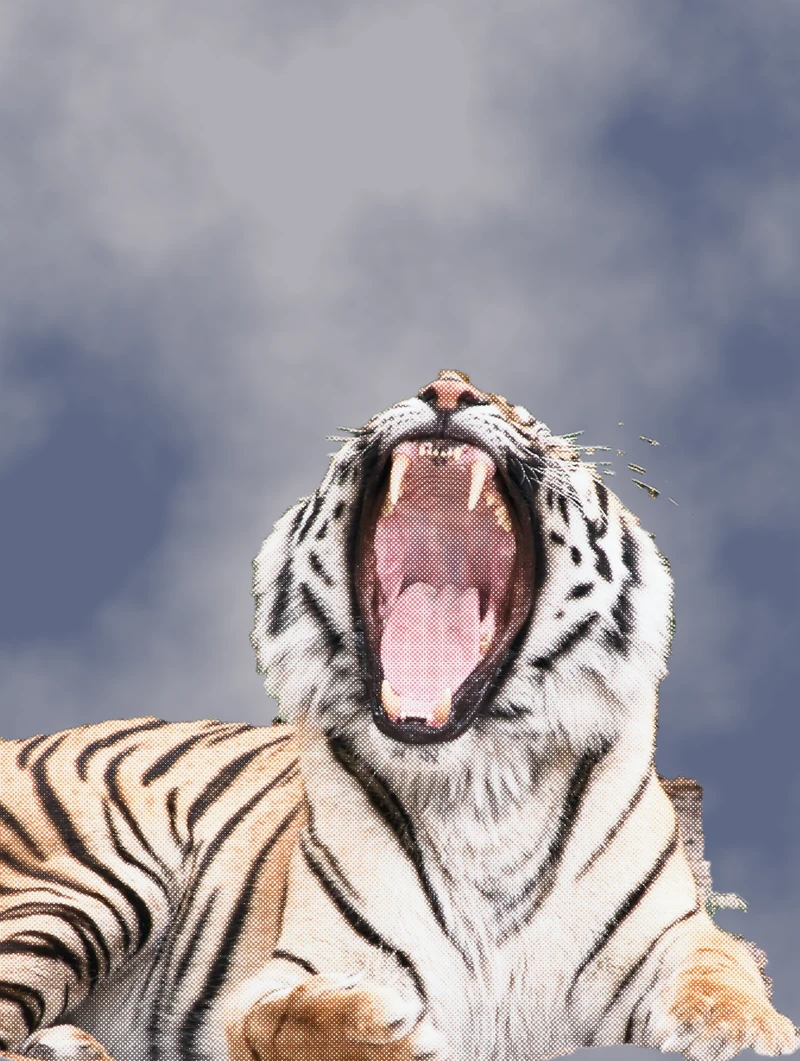
A photo of a tiger, and an exhibition poster at the end, without leaving Mote. The tiger keeps its photo under a sine screen; the background comes from nothing, clouds, contour lines and two riso passes; then the title, which the tiger bursts through.

Recipe
Tiger
Prisma · sine screen, colour dodge 80 %
Cut-out
lasso, by hand
Background
clouds · contour lines · two risographs
Inks
orange and yellow, night-blue title
How it was built
The photoA sine screenMelted into the furA background from nothingContour linesTwo riso passesThe inksA lightFauve
  1. State 01 / 09

    The photo

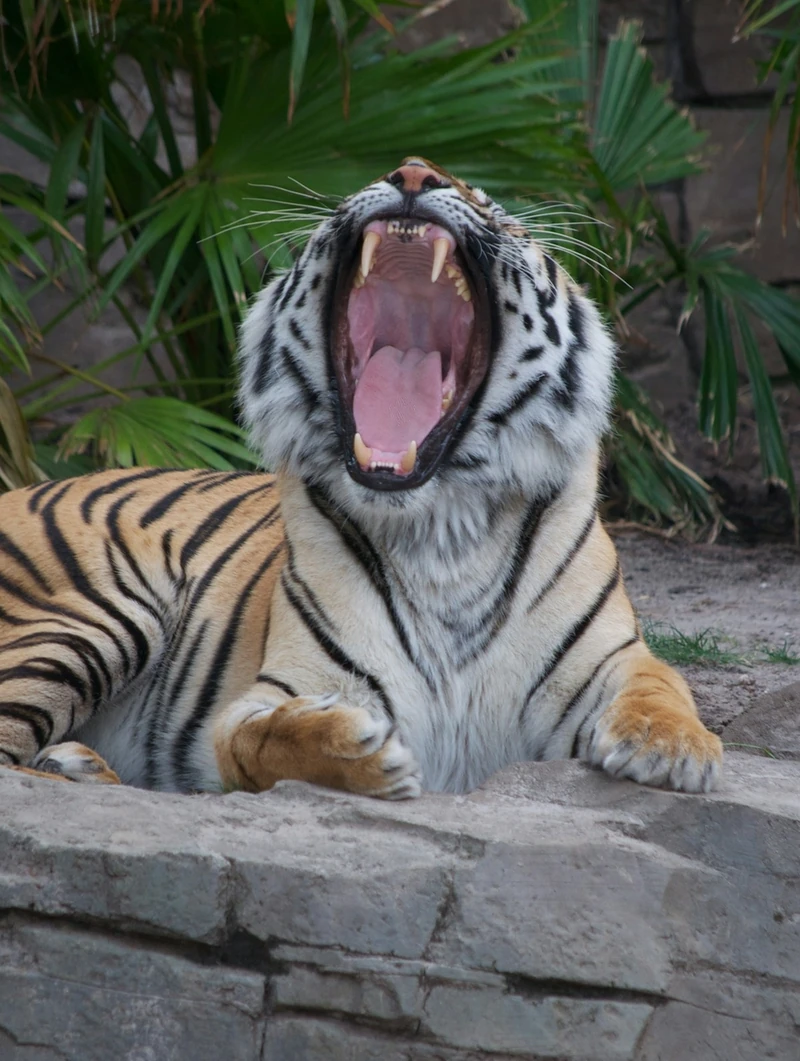
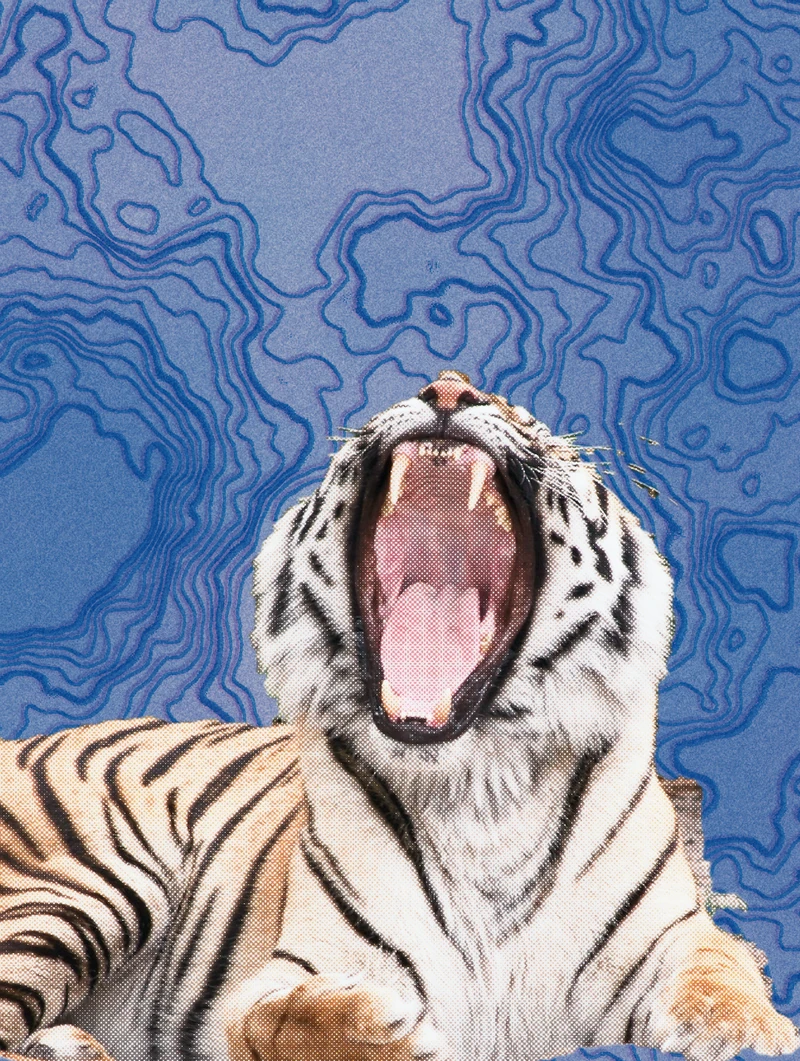
    A roaring tiger, lying on its rock among the palms. We are going to make a poster of it.

  2. State 02 / 09

    A sine screen

    Him first. A single Prisma effect: a sine screen, dots rippling across the whole picture.

  3. State 03 / 09

    Melted into the fur

    Size 2, angle 0, hardness 9.5, a brown ink in colour dodge at 80 %: the screen sinks into the fur, the tiger keeps its colours.

  4. State 04 / 09

    A background from nothing

    The tiger is cut out with the lasso, roughly, on its own layer. Underneath, a background from no photo at all: clouds.

  5. State 05 / 09

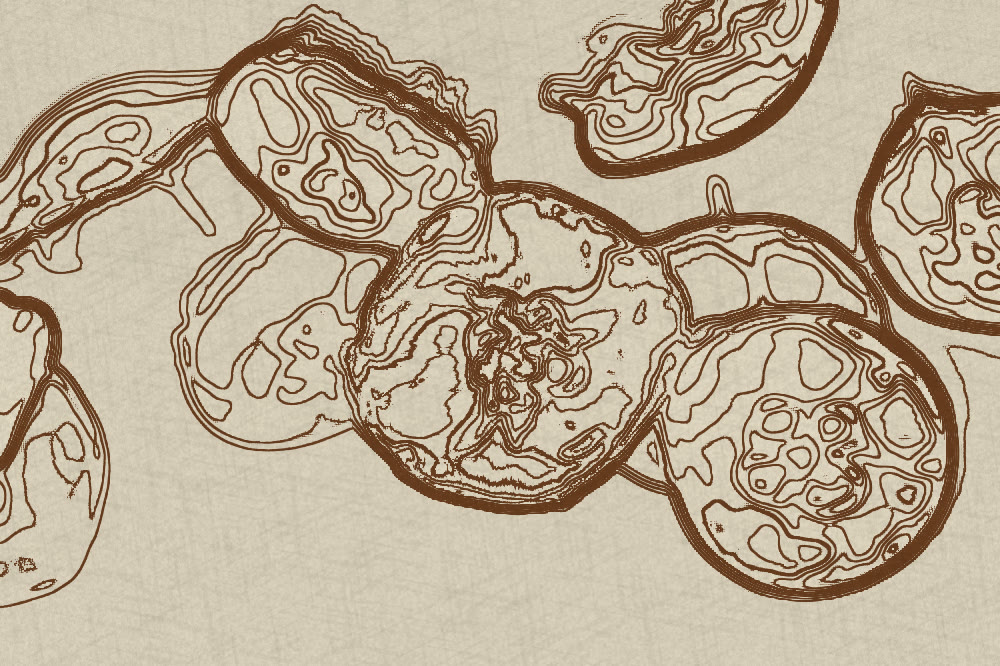
    Contour lines

    Contour lines in multiply, for detail: the clouds turn into a map.

  6. State 06 / 09

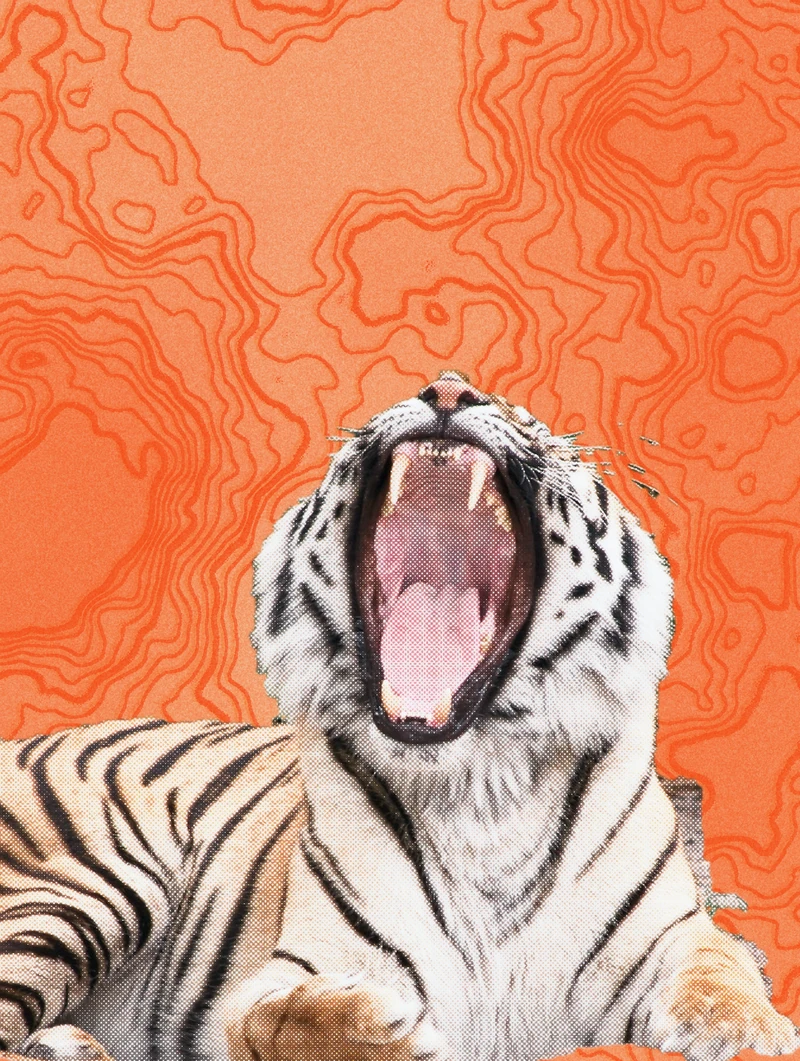
    Two riso passes

    A risograph, then the same one duplicated, barely offset: the grain and slight misregistration of a real print.

  7. State 07 / 09

    The inks

    Both risographs switch to orange and yellow on cream paper.

  8. State 08 / 09

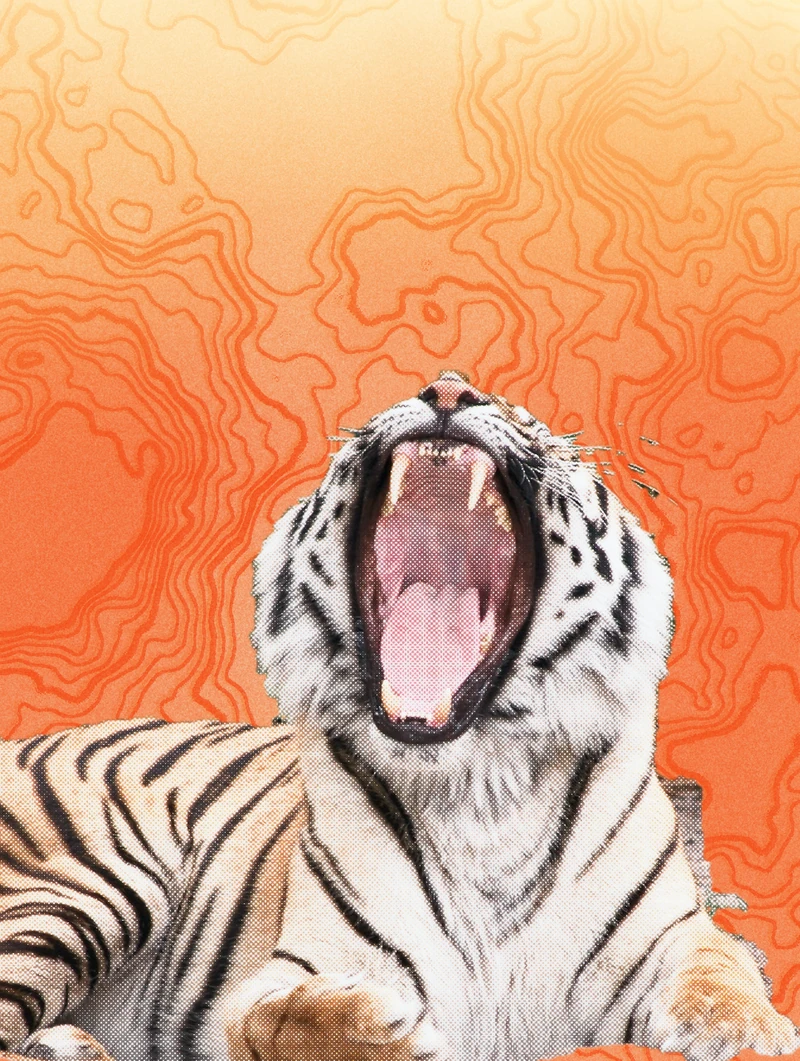
    A light

    A light leak brightens the top in a gradient, where the title will go.

  9. State 09 / 09

    Fauve

    The title, very large, slipped under the tiger, then the small print. A poster, without leaving Mote.

06 FilmOne photo, thirty styles — captured in the app, in a single take.

Ready to print.

07 Download
Version
—
System
Windows 10 / 11, 64-bit
File
—
Price
Free
Updates
offered at launch, never forced
Language
English or French
macOS
not yet
Download for Windows

On first launch, Windows may say “unknown publisher”: click “More info”, then “Run anyway”.

Your address is only used to write to you about Mote. Unsubscribe in one click. Privacy